


We value your privacy. Learn more.
Apple MDM
The MDM built for Apple first teams
Stop juggling separate tools for HR, IT, and security. Rippling connects Apple device management directly to your workforce platform — enrollment, access, offboarding, all automatic.
- Works with Apple Business Manager
- Mac, iPhone & iPad
- SOC 2 compliant
See Rippling IT in action

Automate the entire user lifecycle
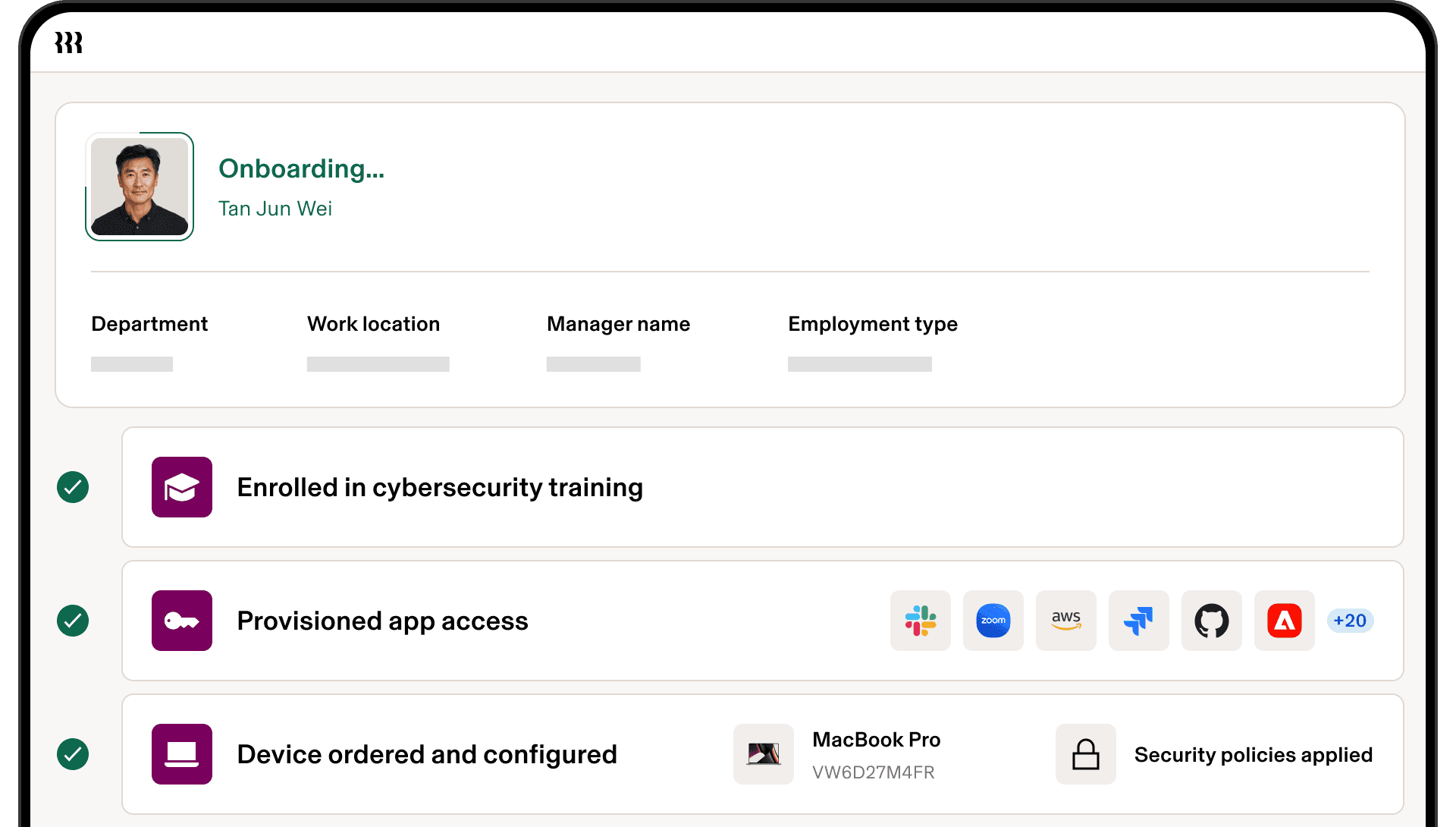
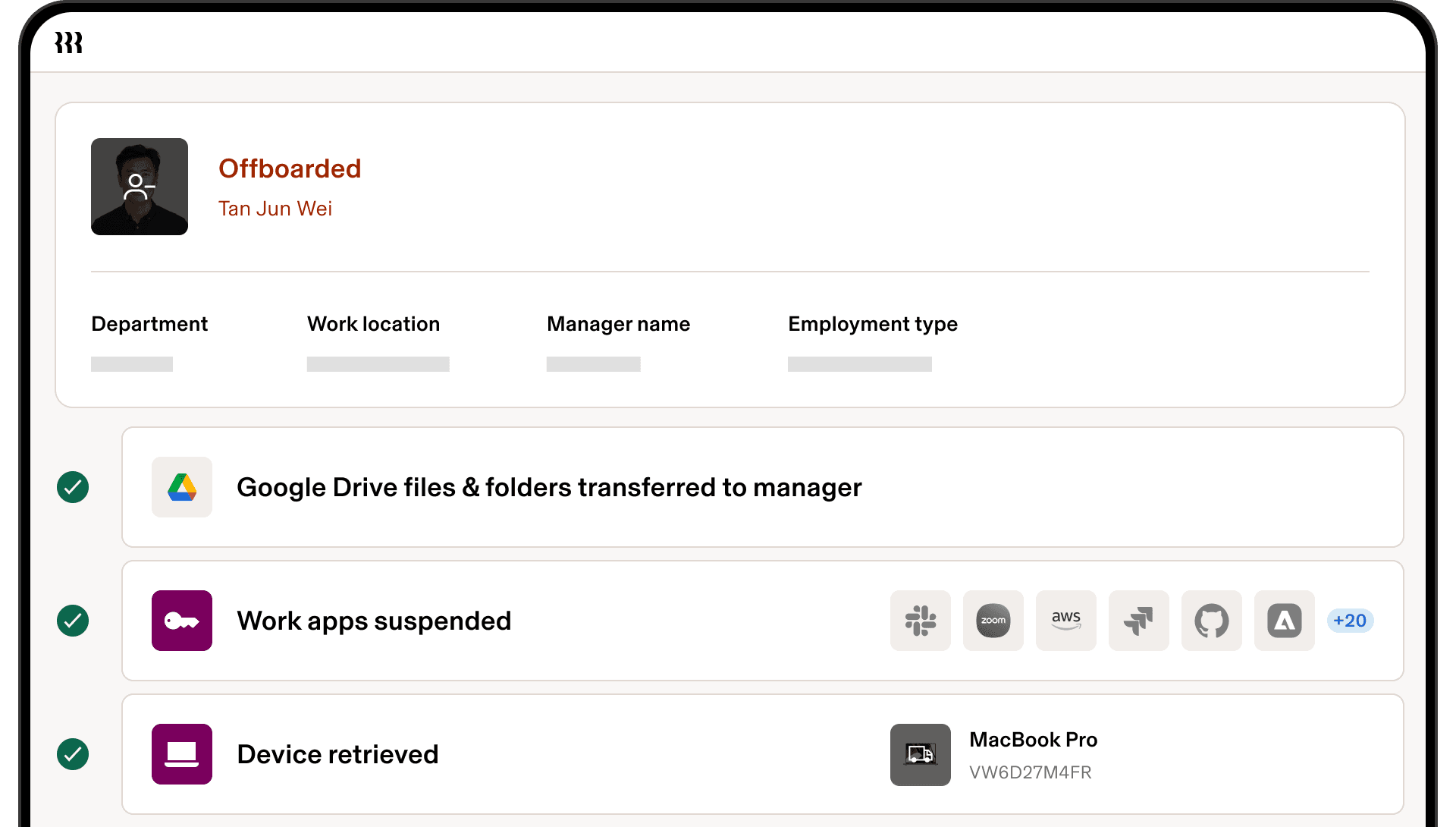
Maintain security from onboarding to offboarding, and every transition in between, with policy automations for provisioning, SSO, permissions, and devices.
Onboarding
Transitions

Offboarding
Why Rippling IT
One platform beats many disconnected tools
Capability | With a standalone MDM | With Rippling IT MDM |
|---|---|---|
Device lifecycle tied directly to employee record | | |
One dashboard for HR, payroll, apps, and devices | ||
Auto-triggered events based on employee actions | ||
Always-accurate inventory synced to HR data |
Advanced device management, built for modern IT
Patch management
Keep every Mac and Windows device up to date automatically. With Rippling, you can schedule OS and application patching, enforce update compliance, and reduce vulnerabilities without manual tracking.

Endpoint protection
Protect your business from threats by integrating device security directly into management. Enforce full-disk encryption, enable MFA, deploy antivirus or EDR, and monitor compliance across all endpoints without relying on separate tools.
Zero-touch deployment
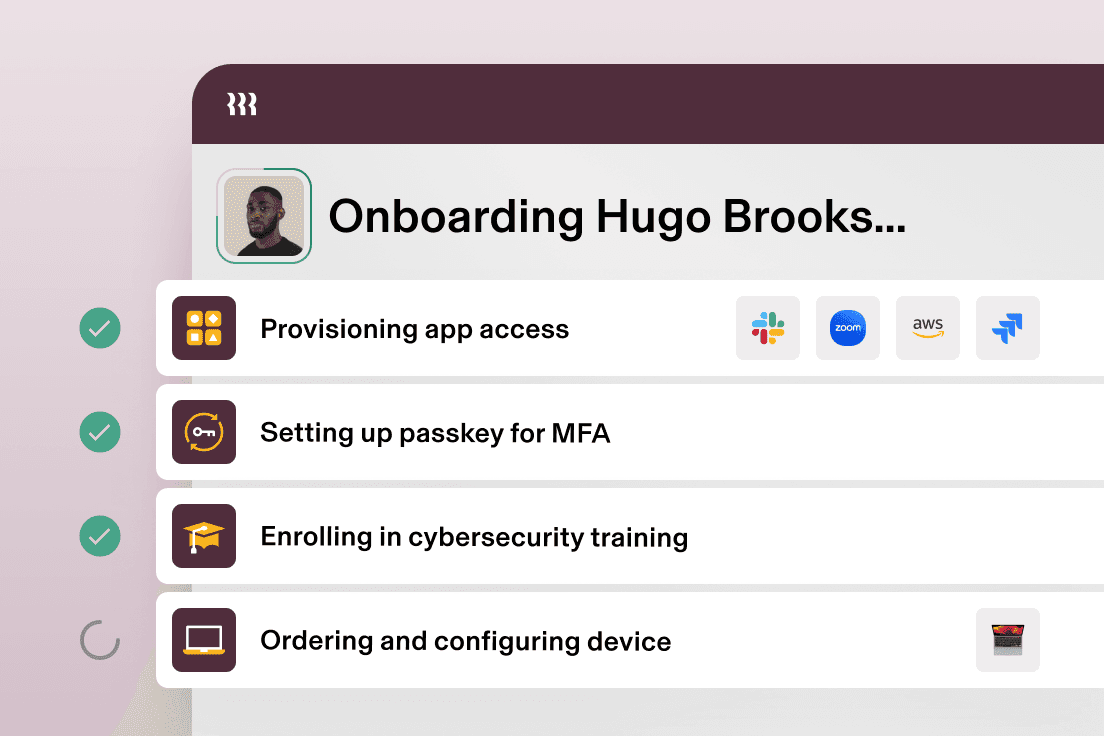
Ship new devices straight to employees with zero IT effort. Rippling automates setup so laptops and mobile devices arrive pre-configured with the right apps, settings, and security policies from day one.

Mobile app management
Control which apps can be installed, deployed, or removed across iOS, iPadOS, and Windows devices. Push software instantly, enforce app-level security policies, and ensure compliance across both corporate-owned and BYOD devices.

Cloud RADIUS
Secure network access with built-in Cloud RADIUS. Automate Wi-Fi and VPN credential provisioning tied to identity, ensuring employees get instant, password-less access while unauthorized users are blocked at the network level.
Remote management
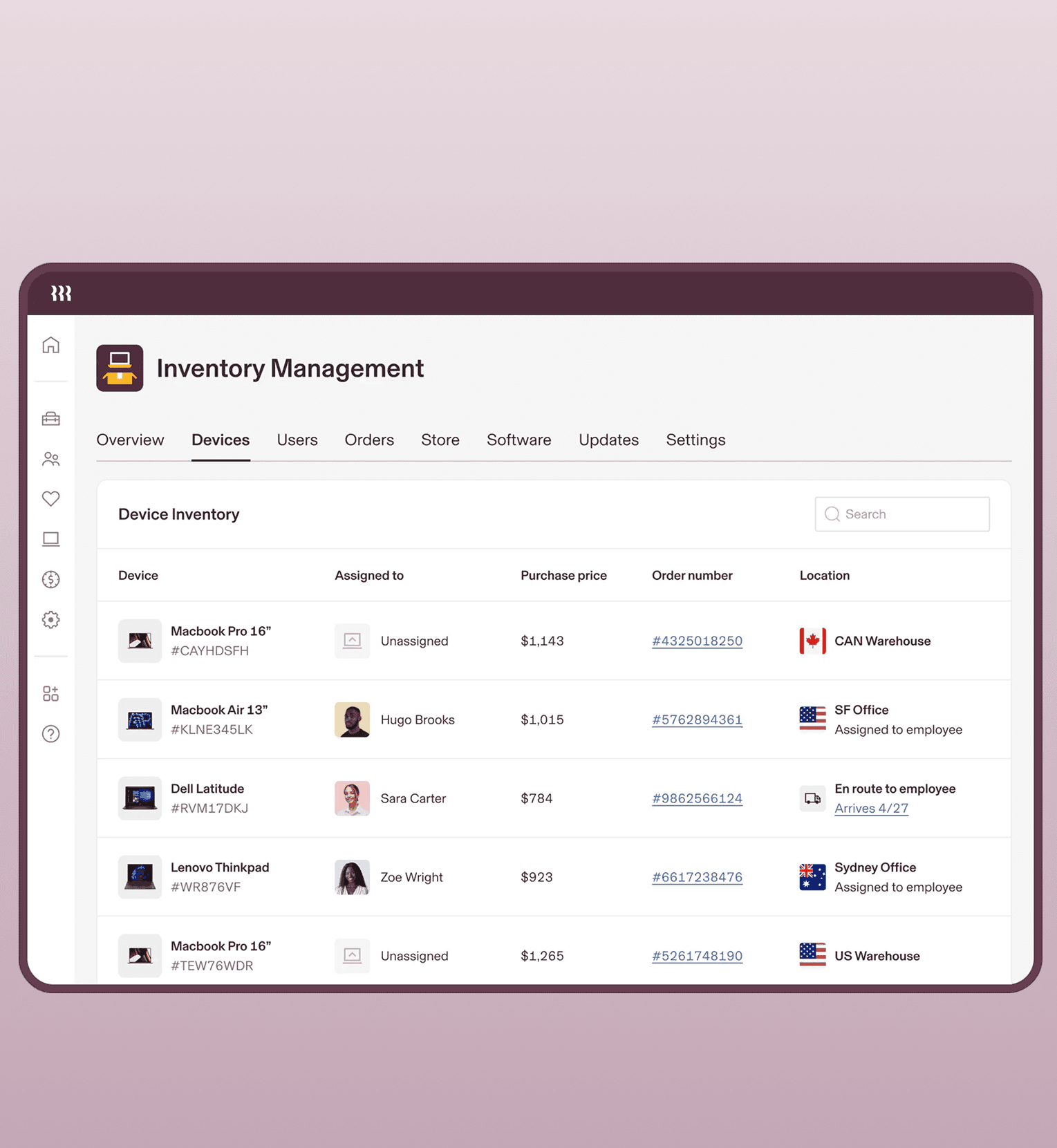
Manage devices anywhere in the world. Rippling gives IT the ability to remotely lock, wipe, or reset machines, deploy software, enforce policies, and even track shipments all from a single console.
See IT in Action. Book a demo.
"Rippling is like the Swiss army knife of HR and IT management."
See Rippling IT in action
We value your privacy. Learn more.