



















By clicking "See Rippling," you agree to the use of your data in accordance with Rippling's Privacy Notice, including for marketing purposes.
- Products
- Platform
Rippling AI
Unlock business-critical insights and delegate tedious tasks to AI built for HR, Payroll, IT, and Finance.
Learn more
Rippling Solutions
Get engineer-built custom apps in Rippling to automate any business process you have.
Learn more
- Solutions
- Global

Employer of Record
Hire globally without entities

Global Payroll
Pay employees anywhere

Global Contractors
Pay contractors anywhere

Contractor of Record
Mitigate contractor risk

Global HRIS
Run global HR in one place

Global HR Advisor
Get localized HR expertise

Global Benefits
Manage benefits anywhere

Global Spend
Save everywhere you operate
- Resources
Resources

Blog
Customer Stories
Customer Stories


Barry’s empowers their workforce with a scalable HR solution

Forterra automates busywork to drive impact

Chess.com creates a frictionless people process

Clay grew 5x by automating 80% of its onboarding tasks

Blank Street Coffee saves 40 hours by automating open enrollment

Rippling gave Andros automation superpowers
Webinars
Glossary

Events

Rippling U

Help Center

Compare


EN
Select language

Australia (EN)

Canada (EN)
Canada (FR)

France (FR)

Germany (DE)

Ireland (EN)

United Kingdom (EN)

United States (EN)
EN
Australia (EN)
Canada (EN)
Canada (FR)
France (FR)
Germany (DE)
Ireland (EN)
United Kingdom (EN)
United States (EN)
EN
Australia (EN)
Canada (EN)
Canada (FR)
France (FR)
Germany (DE)
Ireland (EN)
United Kingdom (EN)
United States (EN)
Performance Management software
Build high-performing teams without the busywork
Develop and retain high-performing teams with the only unified AI platform for review cycles, calibrations, compensation, and more.
4.8/5 stars on G2 for Performance Management
4.9/5 on Capterra for Performance Management
9.1/10 stars on TrustRadius for Performance Management
All the tools you need to grow talent
Performance review cycles
Streamline reviews by unifying HR and performance management
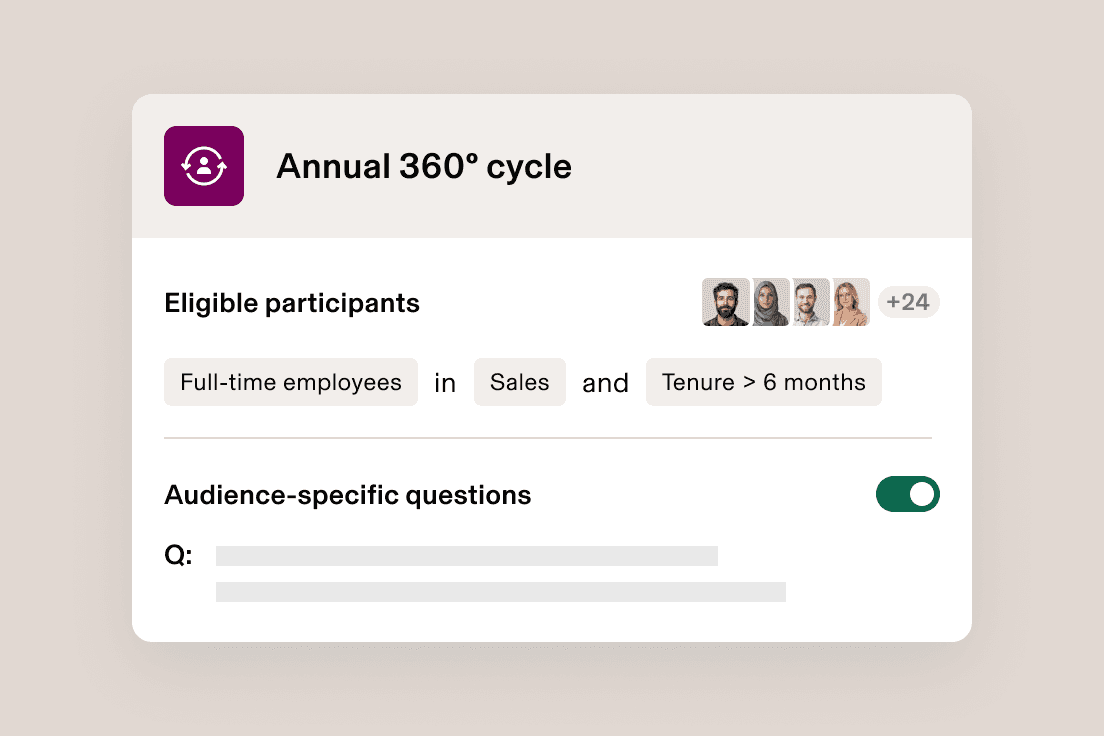
Kick off in minutes, not weeks
Easily launch reviews, tailor questions and trigger milestone check-ins using employee attributes that live in Rippling and stay updated in real time.
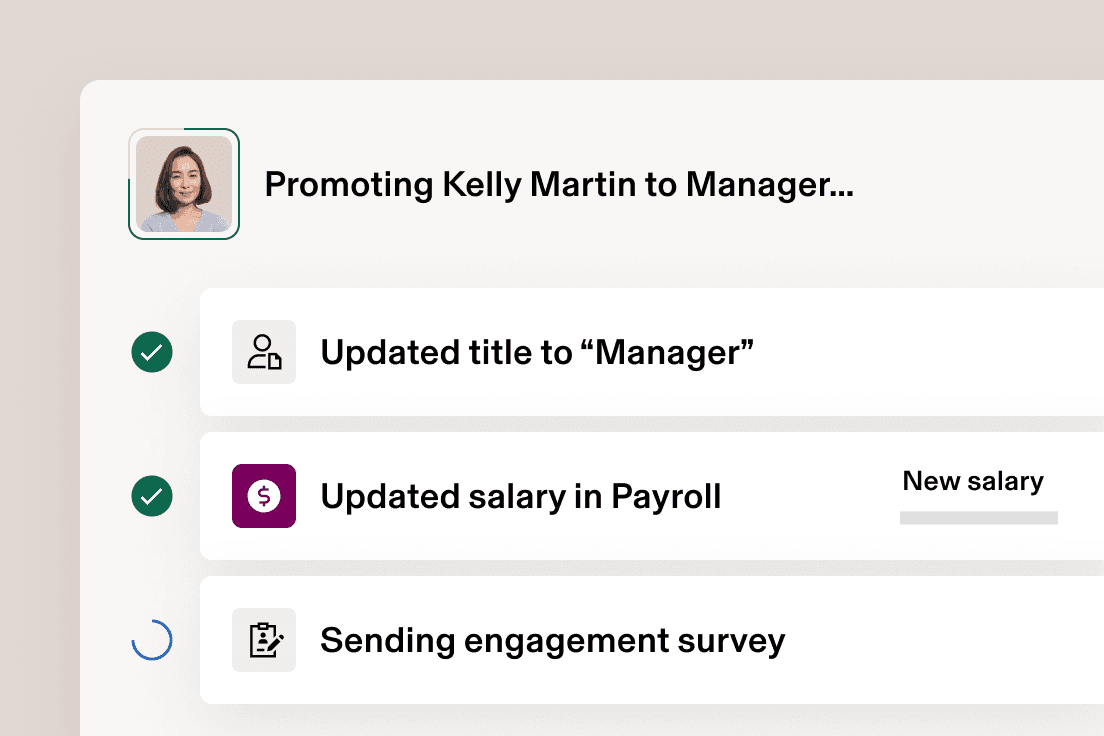
Close out cycles in just a few clicks
Rippling automatically updates profiles with new details like title, level and department, and syncs compensation changes with payroll as soon as cycles end.
Calibrations and compensation
Run calibrations and compensation without spreadsheets
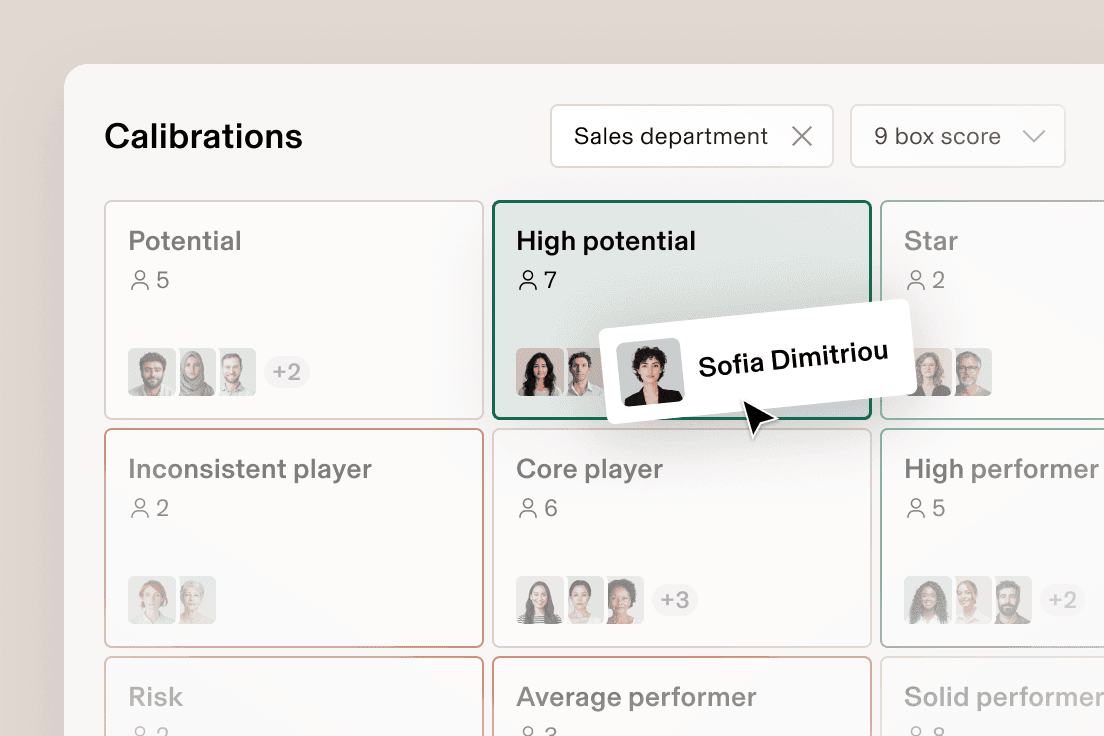
Easily calibrate directly from the review cycle
Calibrate ratings with drag-and-drop 9-box grids and customisable worksheets instead of manually creating spreadsheets or decks.
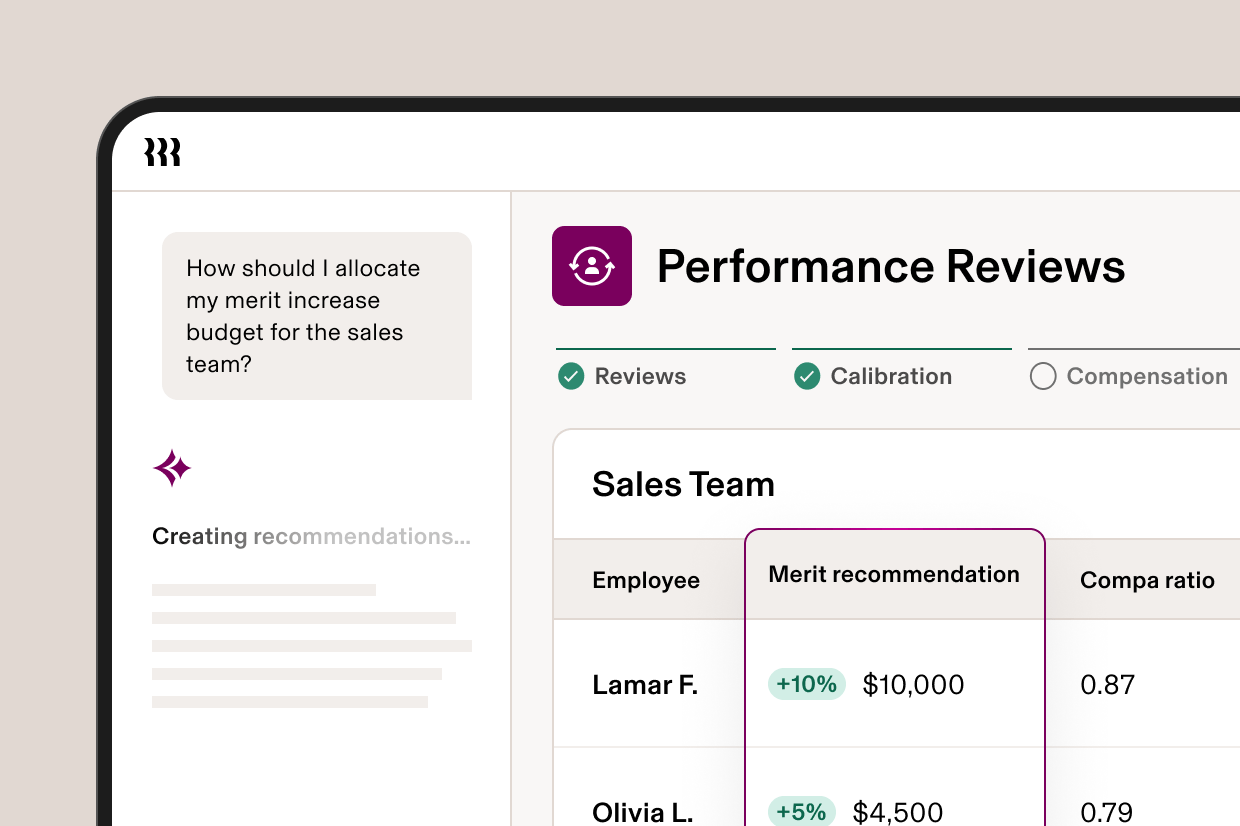
Take the guesswork out of compensation decisions
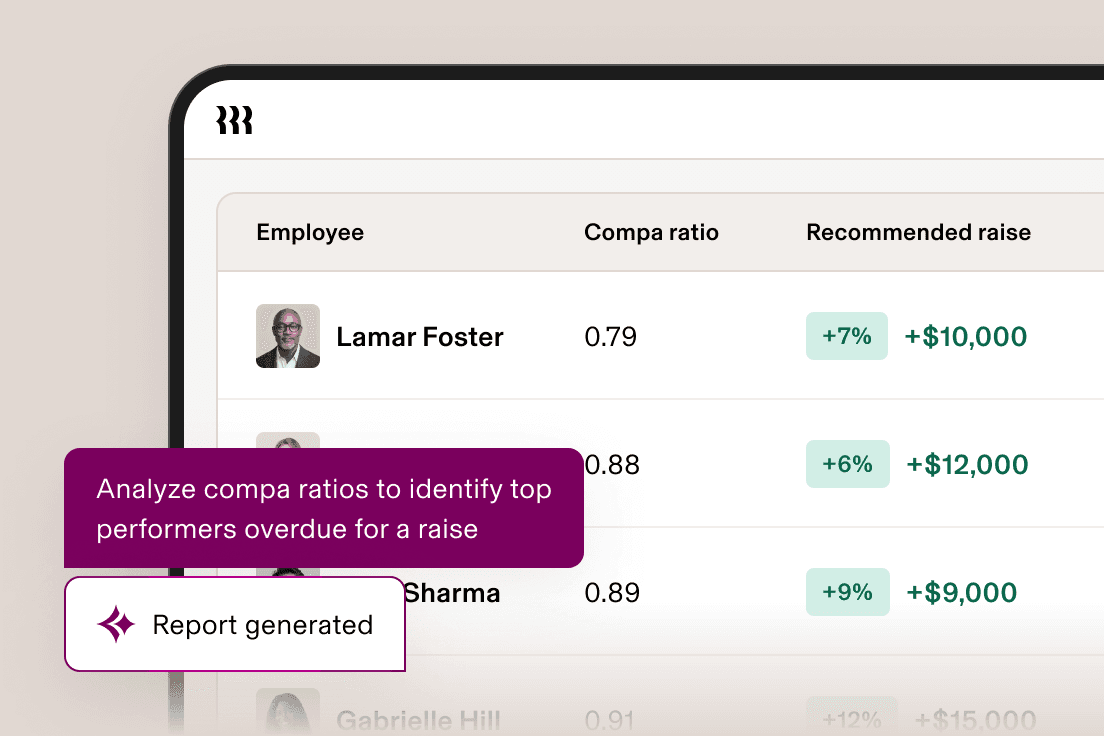
Rippling auto-populates compensation recommendations based on your policies and key context like compa ratio, calibration data and length of service.
Set employees up for success with one unified platform
Streamline 1:1s, capture feedback and track goals – all right in Rippling.
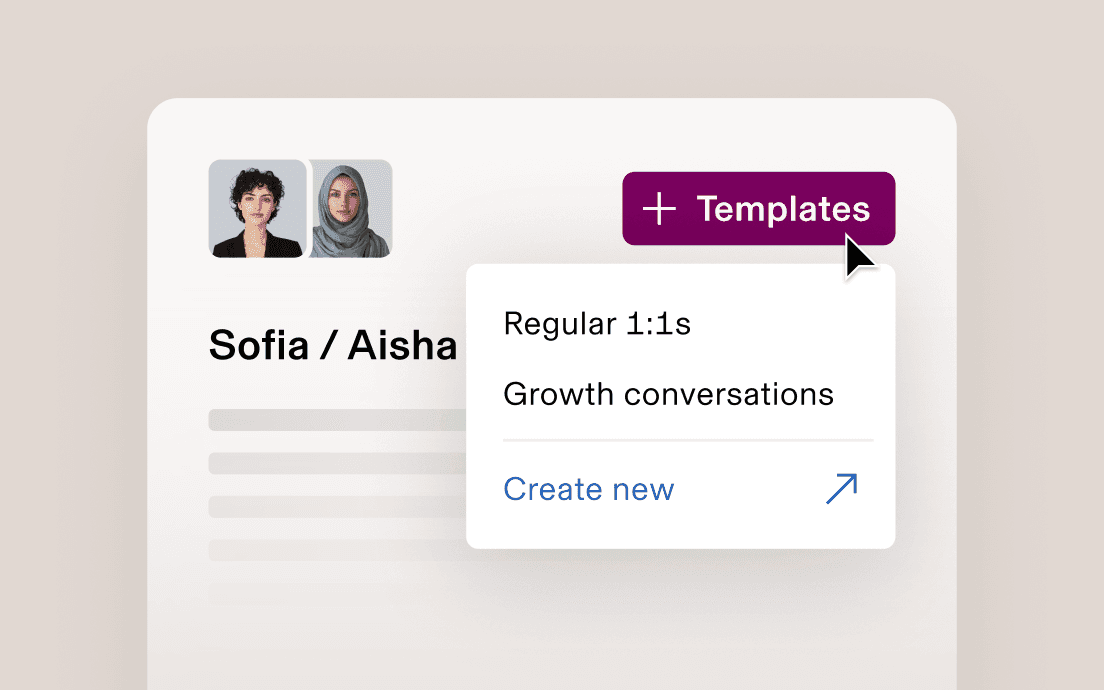
1:1s
Run more effective 1:1 meetings
Easily document discussions, track action items and build greater accountability between employees.
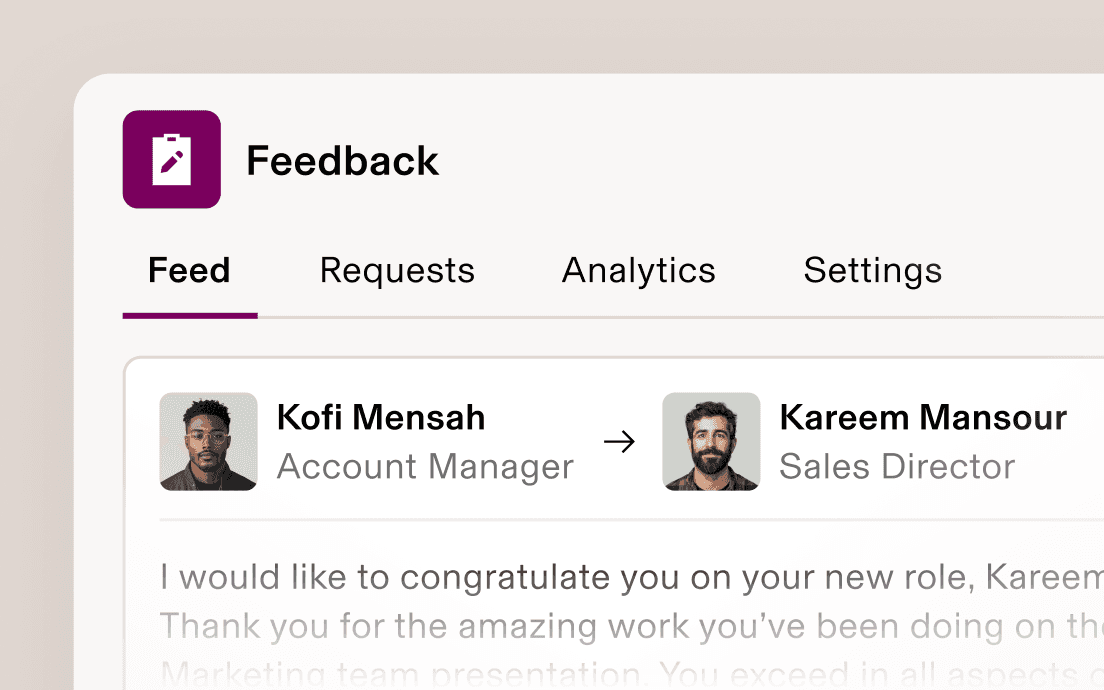
Feedback
Capture continuous feedback for better reviews
Give and request feedback within Rippling or Slack, then surface it when it comes time for reviews.
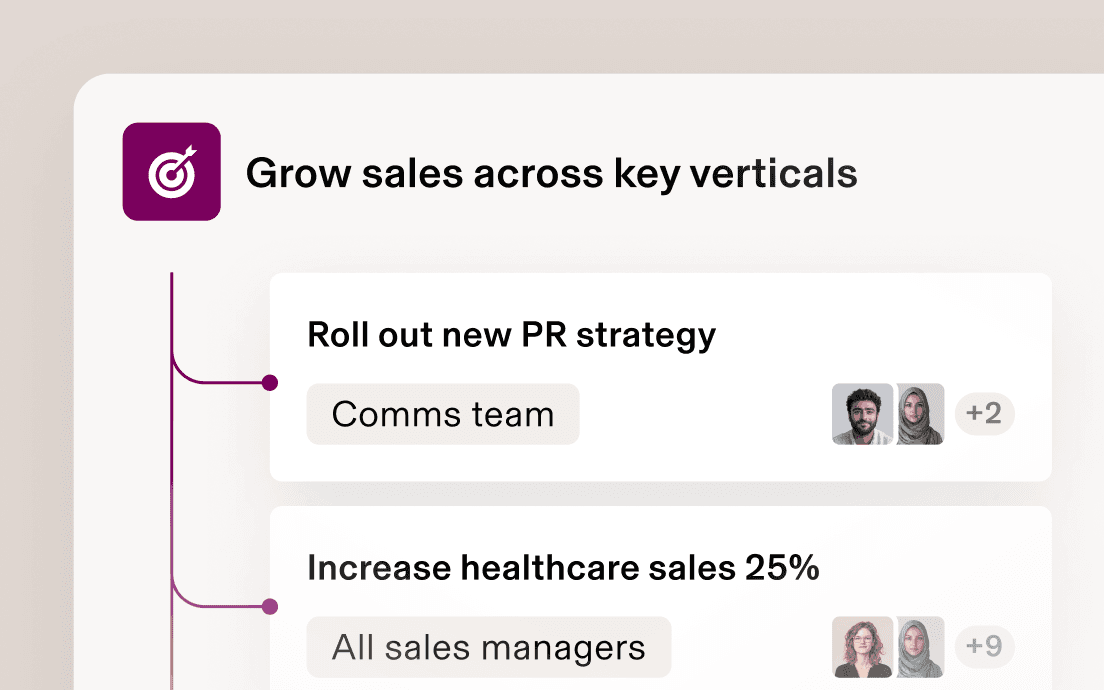
Goals
Tie employee goals to real business outcomes
Assign, track and share goals across your company – and surface progress in performance reviews.
Get instant answers to your toughest performance questions
Use Rippling AI to discover critical insights like pay disparities, benchmark manager effectiveness, track internal mobility trends across departments and more.
Calculate and analyse compa ratios across every role
Identify top-rated managers & copy their playbook
Track internal mobility with promotion trends
“In all my experience, performance management has never been as easy as it is with Rippling Performance Management. The tool that you have here and the customisation for it is out of this world. It’s beyond anything I’ve ever experienced.”
Laura Downey
HR Manager at LightForce Orthodontics
“As we build out job requisitions, interview strategies, onboarding plans and 30-60-90-day engagement surveys, the fact that all these pieces are housed within the Rippling system makes it so much easier to get employees to buy in.”
Taylor Baisey
Head of People and Talent at Forterra
“In all my time as an HR practitioner, I’ve never seen such a high uptick on performance reviews.”
Bradley Steinbach
People & Culture Manager at AssuranceLab
One unified platform from hire to high performer
Performance management resources

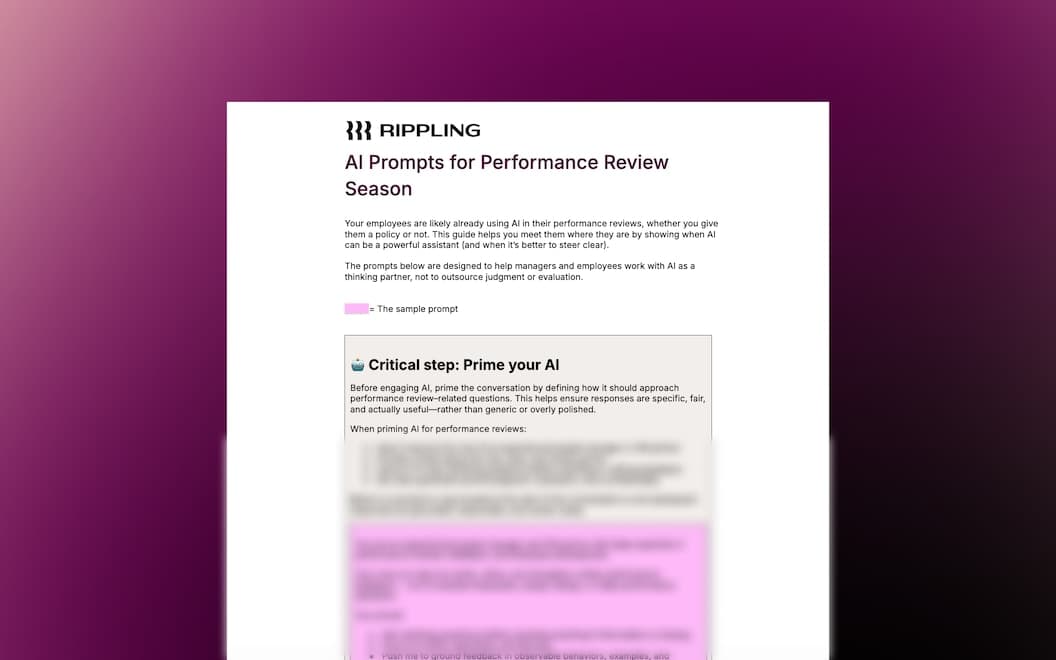
![[Blog – Hero Image] Employee Review](/_next/image?url=https%3A%2F%2Fimages.ctfassets.net%2Fk0itp0ir7ty4%2F5Ui1ctBYKCdTuWx2nQKunq%2Fb85213df45d694938a4ee83d8af53568%2Femployee_review_-_Spot.svg&w=2880&q=75)

Develop better teams with Rippling Performance Management
FAQs
How does performance management software work?
Performance management software helps companies track, evaluate and improve employee performance with tools like reviews, feedback and goal tracking.
It works by centralising and automating key performance management processes, including:
- Running structured performance review cycles
- Collecting continuous and 360-degree feedback
- Tracking employee goals and OKRs
- Providing real-time performance analytics
- Documenting 1:1 meetings, coaching and action items
Rippling takes this further by combining performance management, HRIS and payroll in a single platform. This means that performance insights are always up to date, tied to real business outcomes and instantly actionable without switching systems.
What features should performance management software have?
Performance management software should include tools for feedback, reviews, goal tracking and analytics. Key features include
- Continuous feedback and coaching
- 360-degree performance feedback
- Performance evaluations and appraisals
- Calibration tools such as 9-box grids
- OKRs and goal management
- Performance analytics and reporting
- 1:1 meeting notes and tracking
- Employee recognition and appreciation
Rippling offers all these features in one platform, reducing manual work and keeping performance data consistent.
What is the difference between performance evaluations and performance appraisals?
Performance appraisals are formal reviews that happen at set times, like annually or quarterly, to assess past performance. Performance evaluations are broader and include ongoing feedback, goal tracking and regular check-ins throughout the year. Rippling combines both approaches, allowing companies to run structured review cycles while also tracking performance continuously in one system.
How does 360 performance feedback improve employee performance?
360 performance feedback improves performance by gathering input from multiple sources such as managers, peers and direct reports rather than relying on a single reviewer. This creates a more complete and balanced view of employee performance and helps identify strengths and areas for improvement. With Rippling, you can easily capture a holistic view of performance by combining performance data with employee data and additional context like 1:1s notes and goals.
How can performance management software improve employee engagement?
Performance management software improves employee engagement by providing regular feedback, clear goals and recognition for achievements.
Key drivers of engagement include:
- Continuous feedback and coaching
- Transparent goal tracking
- Employee recognition and appreciation
Rippling supports engagement by combining performance management with employee data and workflows, making it easy to recognise achievements, track progress and keep employees aligned with company goals.
How does performance management software help companies make better decisions?
Performance management software helps companies make better decisions by providing clear, data-driven insights into employee performance, goal progress and engagement. Managers can use performance analytics to identify top performers, spot gaps and make informed decisions about promotions, compensation and development. Rippling enhances this by combining performance data with HR, payroll and employee records in one system. This gives leaders a more complete and accurate view of their workforce, so decisions are based on real-time data, not guesswork.
How is Rippling different from other performance management software?
Rippling is different because it is built on a unified employee data platform, not a standalone performance tool.
Most performance management software:
- Operates separately from HR and payroll systems
- Requires manual data syncing
- Relies on outdated or inconsistent employee data
Rippling eliminates these issues by natively connecting performance management with HR, payroll and other business systems in one platform.
Key differences include:
- A single source of truth for employee data
- Real-time syncing across performance, HR and payroll
- Automated workflows based on employee events
- Performance reviews tied directly to compensation and business outcomes
Unlike point solutions, Rippling allows companies to run performance reviews, manage compensation and analyse workforce data in one place, reducing complexity and improving decision-making.