

























Workforce management software enables Canadian businesses to schedule staff, track hours, manage attendance, and stay compliant with labour rules. Most platforms also support team members through mobile clock-ins, leave requests, and reporting.
The 22 best workforce management software options in Canada
![[Blog - Hero Image] Automation Laptop](/_next/image?url=https%3A%2F%2Fimages.ctfassets.net%2Fk0itp0ir7ty4%2F4IFuamJNogIac56PkCYV3R%2F1c357e1b0408b19716487c21152decbd%2Fautomation_laptop_-_Spot.jpg&w=2880&q=75)
In this article
Managing schedules, tracking hours, approving time off, and keeping labour costs under control can stretch even the most organized Canadian management teams. Between provincial labour rules, multi-location staffing, and expectations for better employee experiences, workforce management (WFM) has become core to efficient, modern operations.
The best WFM platforms help bring together the complexity of workforce management into one place, where management teams can significantly reduce their administrative time spent on scheduling shifts, tracking time and attendance, labour forecasting, and compliance.
Efficient WFMs mean managers can now focus on supporting rather than just administering their teams.
To find the best workforce management software for Canadian businesses, I reviewed 22 leading platforms and scored them across key areas. Each platform was rated using a weighted scoring system, and Rippling was ranked as the best workforce management software in Canada.
A note on transparency: Our product is included in this list. To remain neutral, I used the same scoring criteria for every software, which is based on public information. You can see all 22 platforms and their scores in our full research spreadsheet.
Platform | Weighted Score | Best for | Choose this if |
|---|---|---|---|
1. Rippling | 4.70 | Mid-enterprise and unified workforce operations | You want HR, IT, payroll, and scheduling in one system |
2. Dayforce | 4.55 | Enterprise compliance | You manage complex, multi‑province teams |
3. WorkForce Software (now part of ADP) | 4.55 | Large shift‑based operations | You need deep WFM controls and forecasting |
4. UKG | 4.50 | Multi‑location enterprises | You need 24/7 support and robust labour tools |
5. Workday | 4.25 | Advanced analytics | You want deep workforce insights and modelling |
4.20 | Global enterprises | You need built‑in compliance and SAP integration | |
7. ADP | 4.05 | Organizations wanting stability | You want mature tools and strong support |
3.80 | Custom integration environments | You rely on ERP connectivity | |
9. TimeTrex | 3.30 | Cost‑conscious teams | You want open‑source flexibility and hands‑on customization |
10. Humanforce | 3.25 | Shift‑heavy teams | You operate in hospitality, retail, or healthcare |
11. Employment Hero | 3.25 | Smaller teams seeking HR+WFM | You want employee experience tools built in |
12. Roubler | 3.25 | End‑to‑end workforce automation | You want roster‑to‑pay workflows |
13. Deputy | 3.25 | Fast‑growing shift businesses | You want easy scheduling and mobile tools |
14. Payworks | 3.25 | Canadian businesses | You want locally supported scheduling and payroll workflows |
15. HiBob | 3.00 | People‑centric companies | You want HR and engagement features alongside scheduling |
16. Connecteam | 3.00 | Deskless teams | You want mobile‑first scheduling and communication tools |
17. BambooHR | 3.00 | HR‑first organizations | You want simple HR with optional scheduling capabilities |
18. Synerion | 3.00 | Canadian enterprises | You want customizable time and attendance tools |
19. Agendrix | 3.00 | Small businesses | You want simple scheduling and time tracking with strong local support |
2.95 | Operations‑driven teams | You want labour forecasting and compliance tools | |
21. When I Work | 2.45 | Small, shift‑based teams | You want simple scheduling without complexity |
22. intelliHR (now Humanforce) | 2.20 | HR analytics | You want performance and people insights alongside basic scheduling |
1. Rippling
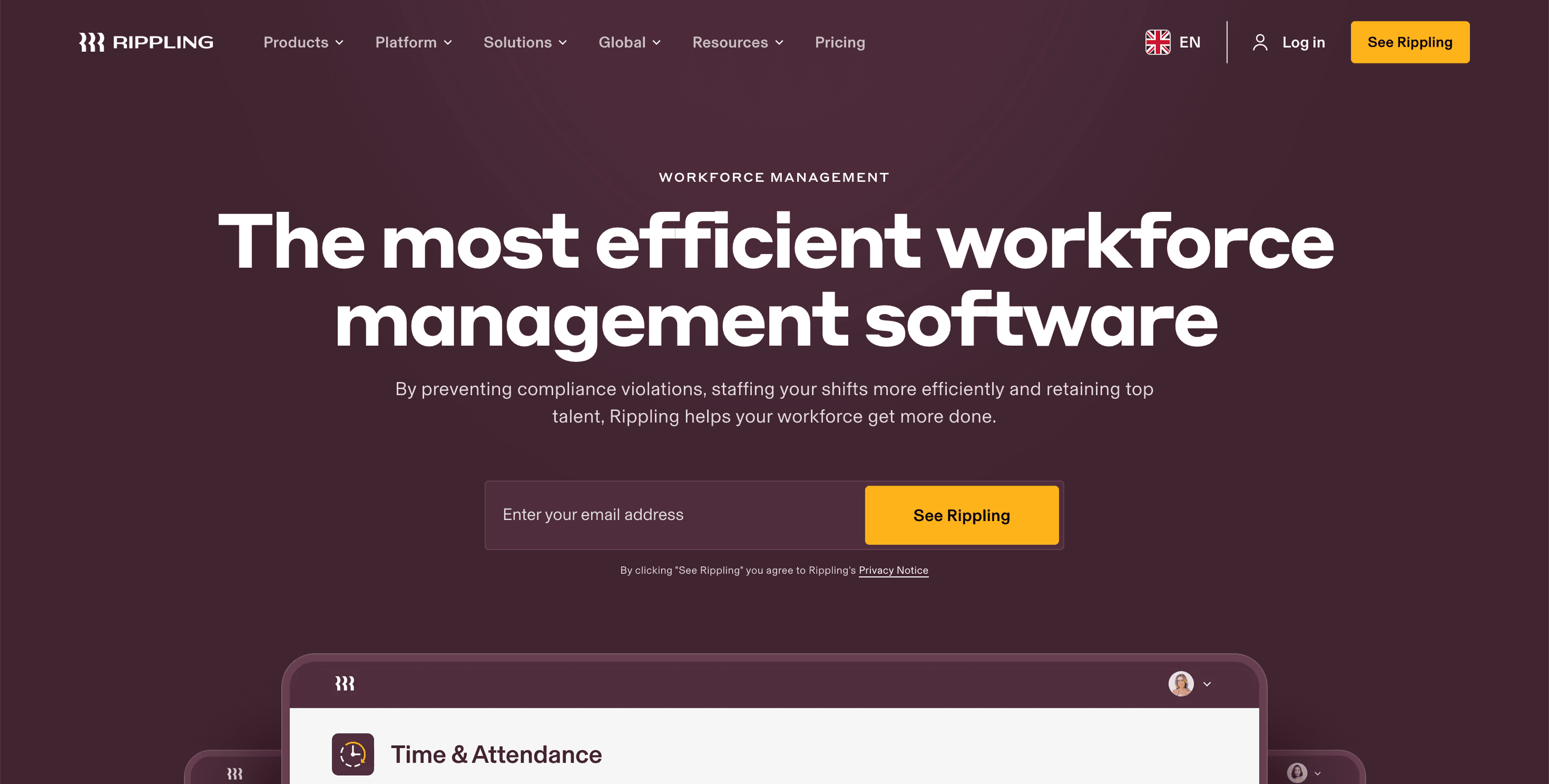
Source: Rippling
Rippling heads the Canadian workforce management rankings. While most WFM platforms tend to focus solely on rostering, Rippling leads with a broader offering. It integrates scheduling, time tracking, HR, payroll, and IT permissions into a single system.
In addition, Rippling extends its offering into broader people operations, aligning workforce data, workforce analytics, and IT access into a single workflow. This helps dramatically reduce duplicate entries, improve accuracy, and create a much clearer strategic view of labour management across different teams.
Its automation is a boon for Canadian organizations managing complex rules based on overtime, public holidays, and multi-province compliance. When an employee changes roles or locations, the system automatically updates scheduling rules, time-and-attendance settings, and pay classifications.
Rippling also includes strong workforce planning tools, enabling management teams to receive clear insights about their labour costs and productivity trends.
Why do companies choose Rippling?
WFM, HR, payroll, and IT work well together in one connected system
Changes are updated in real-time across schedules, pay, and permissions
The automation takes care of the heavy lifting to help reduce manual errors
“Overall, my experience with Rippling has been excellent. It’s a powerful all-in-one platform that has simplified how we handle onboarding, offboarding, payroll, and device management. The automation and integration between modules save a lot of time and reduce human error, making day-to-day operations much smoother.” – Capterra review
User-flagged challenges
Some advanced modules may require separate add-ons, which may add to the costs of the platform
Support is mainly ticket-based, which may start to feel slow for urgent cases
Is Rippling right for your business?
Rippling suits businesses that want a highly rated, modern system to handle scheduling, payroll, and HR together. It’s a strong fit if you want to reduce admin work, keep every employee record consistent, and have full visibility from onboarding to payroll.
2. Dayforce
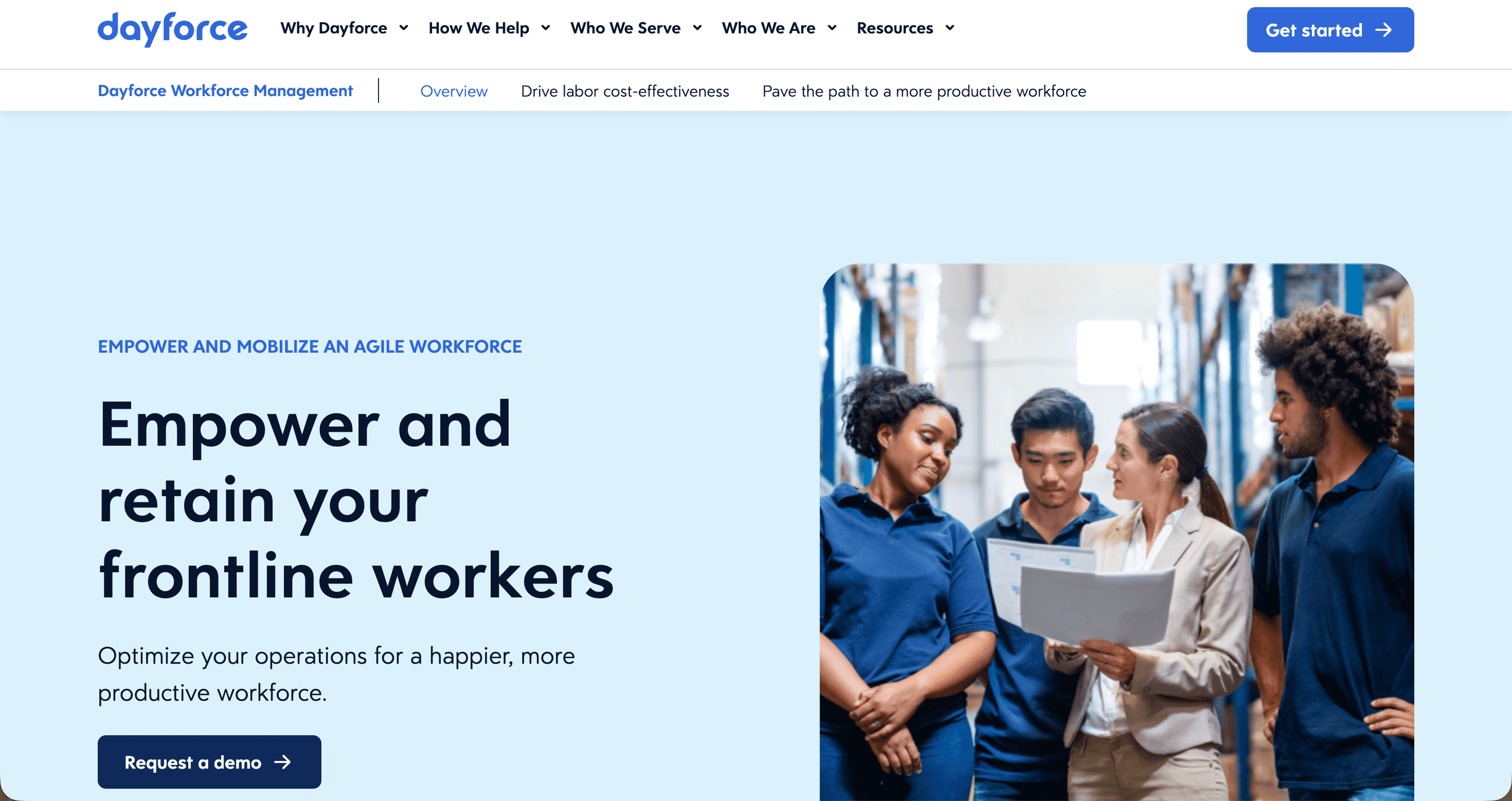
Source: Dayforce
Dayforce is built for complexity.
Many Canadian organizations have complex needs: strong scheduling, labour rules enforcement, and payroll accuracy across multiple provinces. The platform’s biggest differentiator is its ability to deliver pay calculations in real‑time.
While most WFM systems calculate pay once timesheets are approved, Dayforce updates pay continuously as the schedules change. This helps ensure organizations avoid unexpected labour costs, overtime errors, and, perhaps more importantly, compliance breaches.
Dayforce is often used by employers with unionised workforces, strict pay rules, or for multi-province operations, where labour standards may differ. Its single data engine seamlessly connects schedules, employee profiles, HR records, time tracking, and payroll, all drawing from a single source of truth.
Management teams can test different scenarios to understand the cost impacts of shift changes before approving them. Team members can also directly access schedules, request leave, and check their personal leave balances from a clean mobile experience.
Why do companies choose Dayforce?
Real-time pay and labour costing
Strong compliance for large, multi‑province employers
Deep analytics to assist with the strategic planning needed for workforce management
“Great program for a large company, focused on easy accessible programs and employee self serve functions! My group feels empowered and capable, and know that I am there to support them in case they need it!” – Capterra review
User-flagged challenges
The setup can sometimes be lengthy and technical
For smaller teams or new users, the interface can feel a little heavy
Is Dayforce right for your business?
Dayforce is best for larger businesses that need a reliable, all-in-one system for HR. It’s a good fit for teams working remotely or managing complex awards.
3. WorkForce Software
Source: Workforce
WorkForce Software, now part of the ADP group, is designed for enterprises with large frontline or shift‑based teams. The platform excels in environments where it is essential to forecast labour demand, manage attendance exceptions, and control labour costs. Canadian companies operating in manufacturing, logistics, and healthcare particularly welcome their advanced workforce orchestration tools.
WorkForce is often viewed positively for its demand forecasting engine. Using historical data, the engine helps management teams to predict staffing levels based on seasonality and operational patterns. Management teams can plan and test different staffing scenarios to assess the impact on potential labour costs before making formal updates.
WorkForce Software also includes detailed time tracking, rules‑driven compliance, and absence management tools suitable for organizations with thousands of employees. The platform also integrates with most major HRIS and payroll systems.
Why do companies choose Workforce?
Advanced workforce forecasting
Robust compliance capabilities for larger, more complex enterprises
24/7 support and strong implementation ecosystem
User-flagged challenges
Implementation can require significant planning
Works best for large, complex organizations, perhaps making it too complex for SMBs
(No reviews currently available)
4. UKG
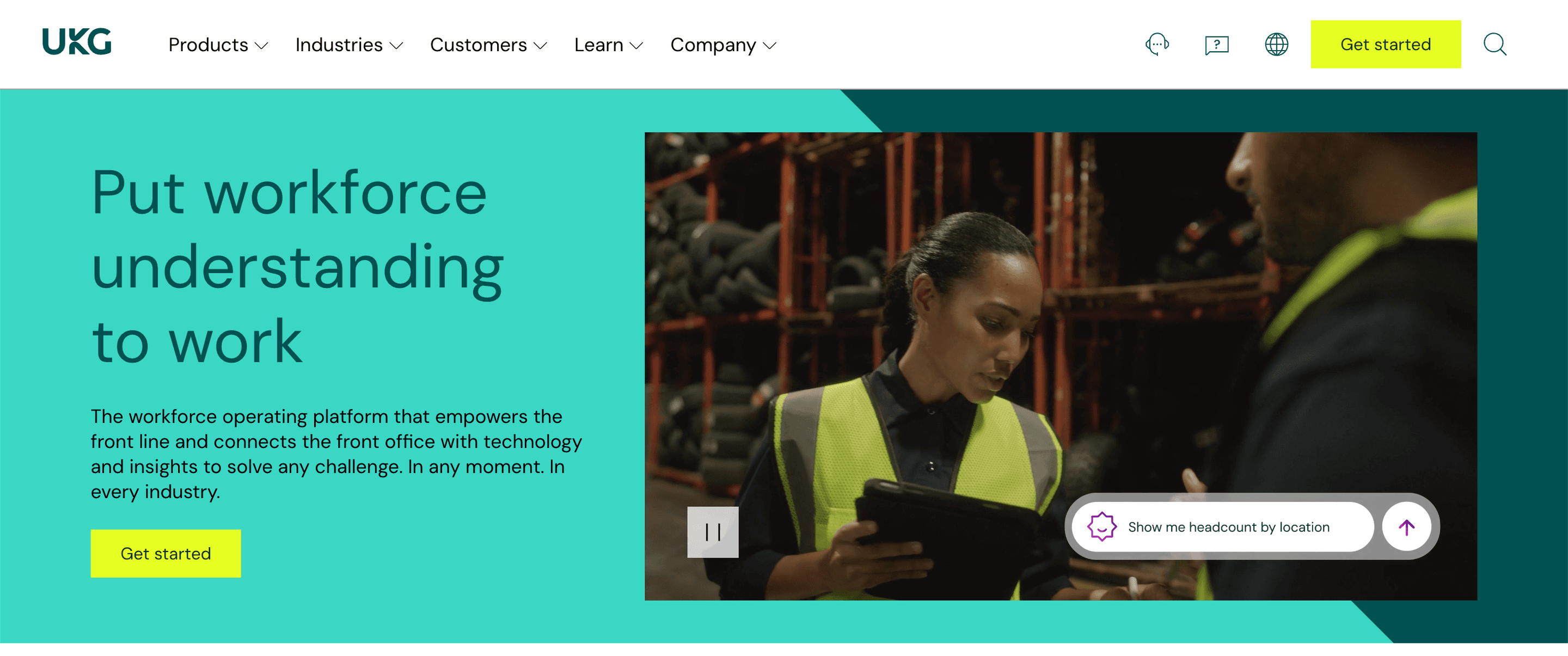
Source: UKG
UKG is one of the most recognised workforce management platforms globally. In Canada, these tools are widely used in Canadian retail, healthcare, hospitality, and logistics. UKG’s forecasting and scheduling tools help managers plan labour requirements based on real‑time demand signals, reducing overtime and improving staffing accuracy.
Its compliance engine supports Canada’s complex labour rules, including break requirements, overtime thresholds, provincial holiday calculations, and multi‑location hour tracking. UKG also offers strong employee self‑service options and mobile tools.
Why do companies choose UKG?
AI‑supported forecasting and labour optimization
Particularly suitable for large, multi-site operations
24/7 support and strong enterprise reliability
“We have been a UKG client for 6 years and overall very satisfied overall with the product. The system has really helped us scale as an organisation and provides us a one-stop shop and single source of truth for all our employee information.” – Capterra review
User-flagged challenges
Higher‑tier pricing compared to other mid‑market tools
Some parts of the interface feel somewhat dated compared to modern user-experience standards
5. Workday
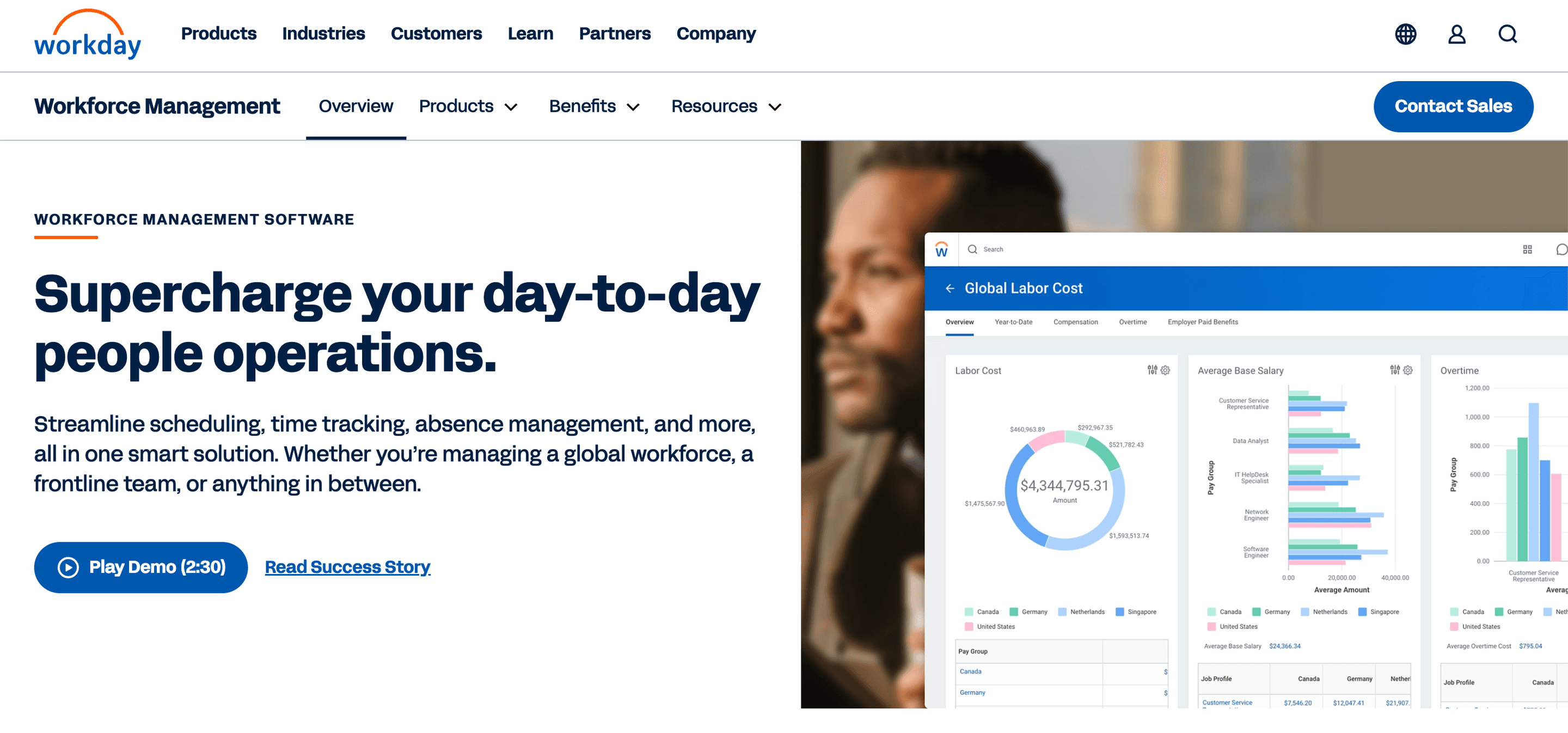
Source: Workday
Workday stands out for its analytics engine, which gives management teams real‑time insights into workforce spending, productivity, scheduling patterns, and absenteeism. Its Prism Analytics module combines WFM data with financial, HR, and operational metrics to help Canadian organizations make more effective strategic staffing decisions.
Workday is commonly used by mid‑to‑large enterprises that require deep reporting, scenario modelling and planning, and workflow automation. Its Human Capital Management (HCM) suite enables workforce planning to efficiently connect with recruitment, performance, compensation, and budgeting.
Why do companies choose Workday?
Exceptional analytics and dashboards
Strong enterprise HR integration
Supports multi‑province compliance and the complexity of global operations
“I like all the features available for the Workday Payroll & Workforce Management program. It's user-friendly for all of our employees using it to date.” – Capterra review
User-flagged challenges
Expensive and resource‑intensive to implement
Requires experienced administrators for ongoing management
6. SAP SuccessFactors
Source: SAP
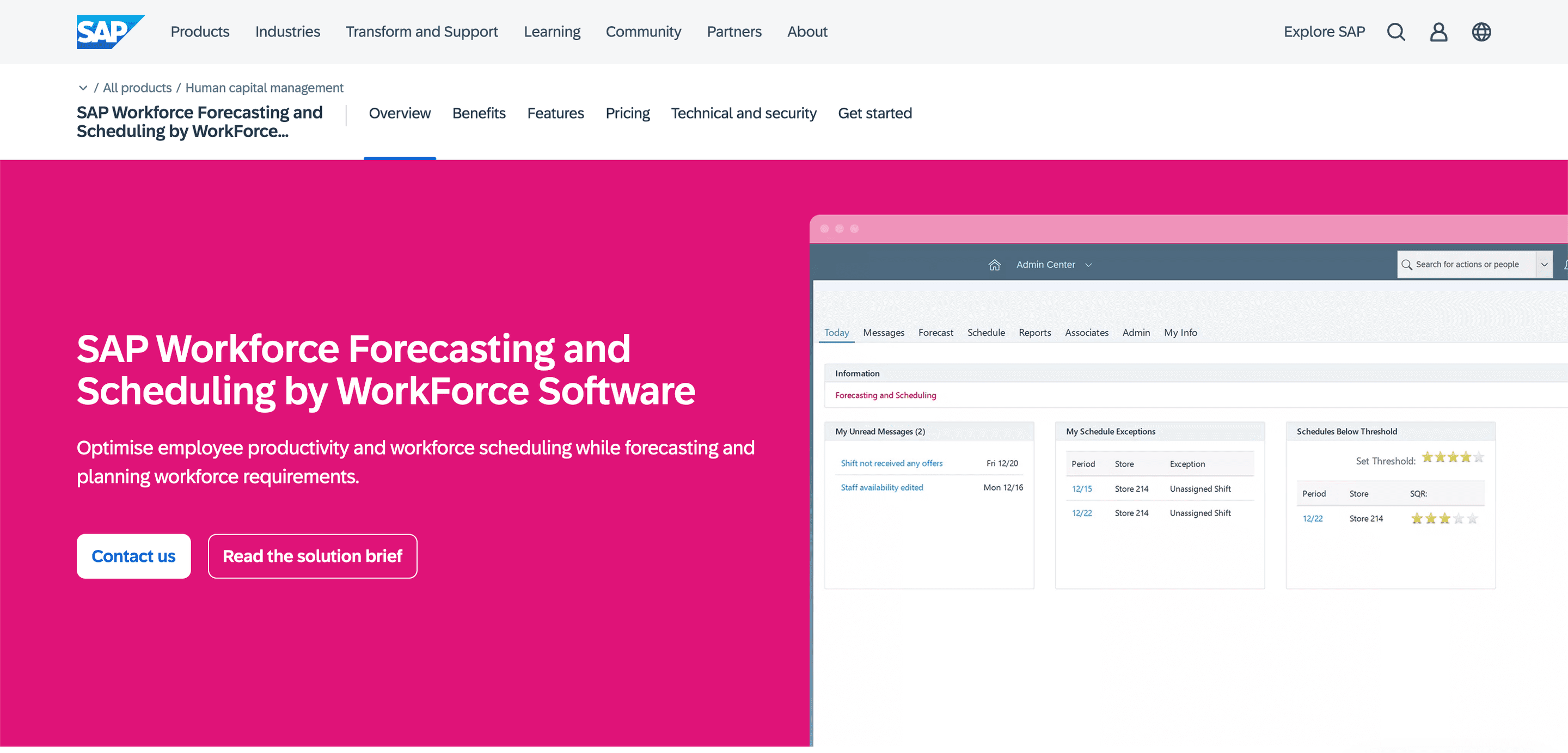
SAP SuccessFactors is already part of an established global brand. It is widely used by multinational organizations operating in Canada, offering strong localization and compliance capabilities, along with tight integration across SAP’s HR and finance ecosystem. This makes it ideal for companies requiring a unified global solution.
SuccessFactors includes workforce management modules for scheduling, time tracking, and absence management. It also provides predictive tools for labour planning and workforce optimization.
Why do companies choose SAP?
Strong global compliance support
Native integration with SAP systems
Scalable for large enterprise environments
“Worked efficiently for time tracking, project management updates, logistics chain management, submitting time off requests and time cards.” – Capterra review
User-flagged challenges
Complex, often lengthy implementation
Interface can feel outdated compared to its modern cloud-native competitors
7. ADP Workforce Now

Source: ADP Workforce Now
ADP is one of the most established workforce management platforms globally. Its WFM capabilities integrate tightly with payroll, HR, and compliance tools, appealing to Canadian organizations seeking a mature and stable solution.
ADP offers scheduling, time tracking, absence management, and strong reporting features. Its compliance engine helps organizations easily navigate provincial labour rules, including break standards, overtime, and the multi‑location tracking of hours.
Why do companies choose ADP Workforce Now?
Mature, stable platform used widely across Canada
Multiple support channels, including phone, chat, and 24/7 assistance
Integrates seamlessly with payroll and HR systems
“I've used ADP at a few different jobs now, and each of them has had its own way of using ADP. I love how it centralises everything "HR" related in one place.” – Capterra review
User-flagged challenges
The interface feels a little more traditional compared to the newer cloud-based tools on the market
Additional modules are available but may result in additional costs
8. The Access Group
Source: Access Group
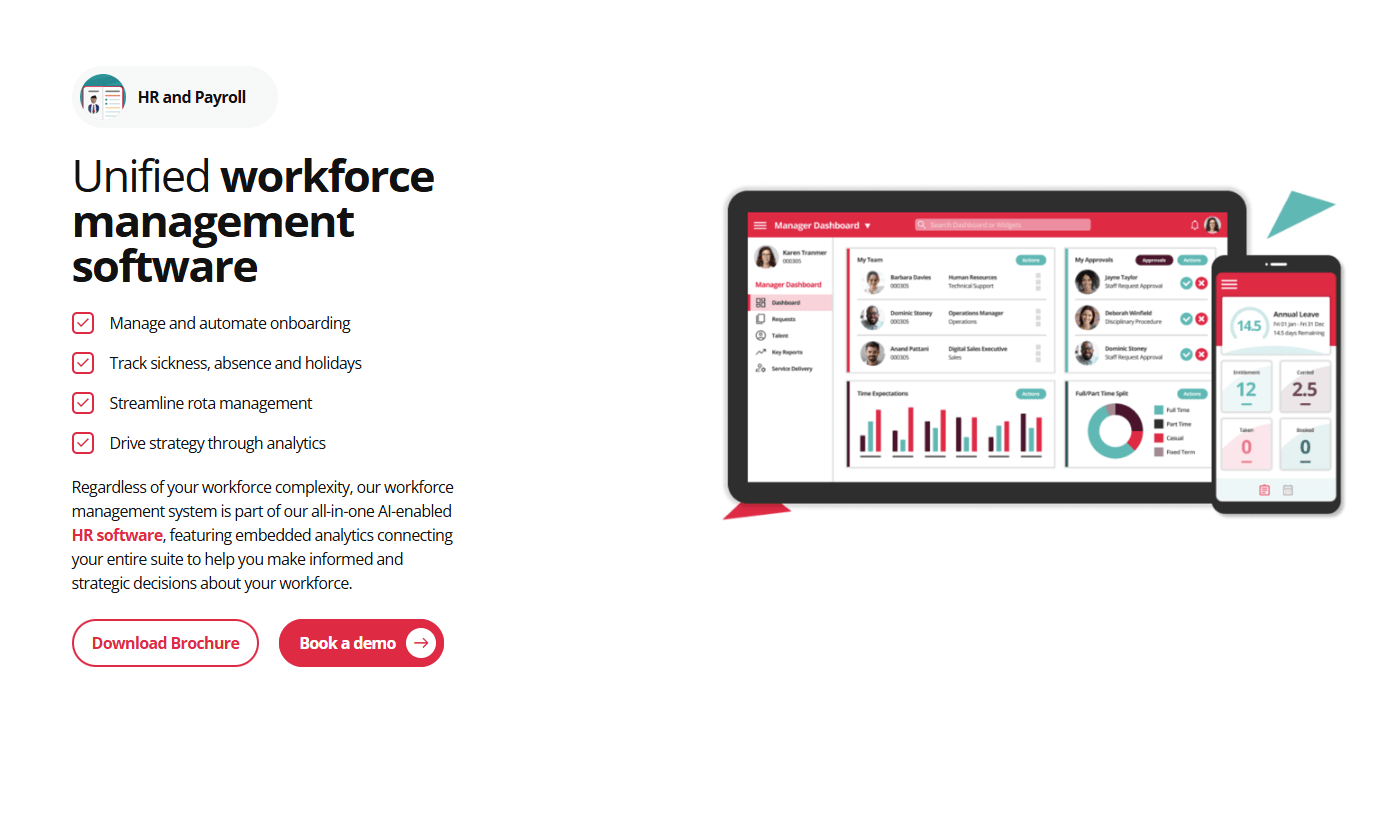
The Access Group’s workforce management platform is well‑suited for organizations that rely heavily on ERP systems and need customized workflows. Its tools support complex scheduling, multi‑entity structures, and detailed costing.
Canadian companies that already use ERP systems (such as SAP, Oracle, or Microsoft Dynamics) often consider Access because of its flexible API options and customizable dashboards.
Why do companies choose the Access Group?
Strong API and ERP integrations
Customizable analytics and reporting
Good fit for complex organizations with multiple entities or cost centres
“Good HR system for all things. Good that it combines all payslips, holiday, sickness, overtime, documents etc.” – Capterra review (UK)
User-flagged challenges
Requires technical setup and ongoing administration
Pricing transparency is limited
9. TimeTrex
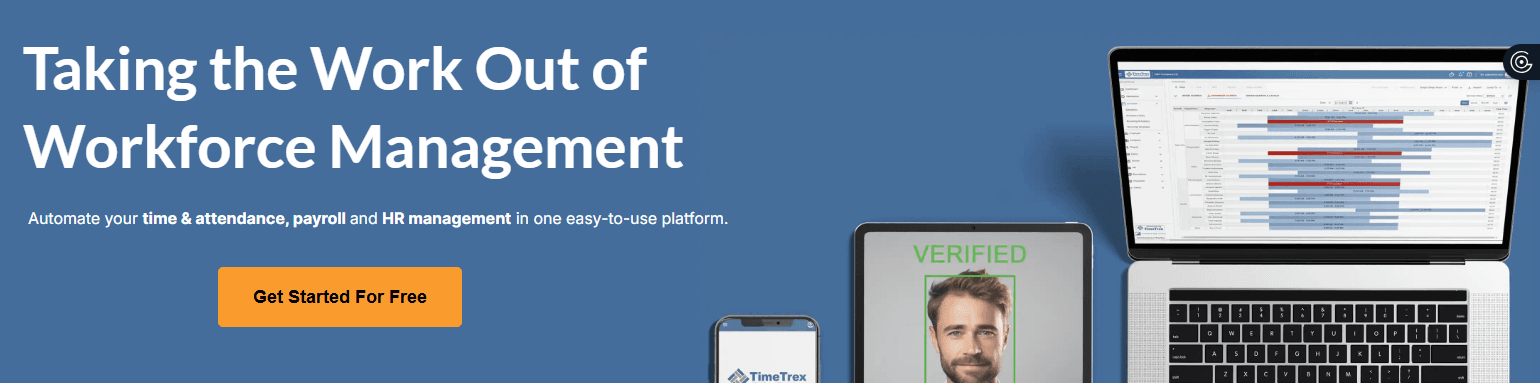
TimeTrex is a flexible workforce management platform that remains popular with smaller Canadian organizations and those wanting low-cost or open-source options. It supports many of the major requirements of many WFM platforms, including time tracking, scheduling, attendance, leave management, and payroll integrations.
It also offers multiple options for deployment: cloud-hosted, on-premise, and even open-source community editions. This gives flexibility to many companies that may need more control over their setup.
Why do companies choose TimeTrex?
Very cost-effective compared to competing tools
Open-source flexibility for organizations that want to implement their own customisation
“Overall, I highly recommend TimeTrex for tracking employee time, payroll, and job tracking details.” – Capterra review
User-flagged challenges
The user interface can feel a little dated
Advanced features require some technical skill
10. Humanforce

Source: Humanforce
Humanforce is widely used across sectors in Canada, where staffing needs can change hour by hour (hospitality, retail, and healthcare organizations, for example).
Its WFM platform provides management teams with real-time visibility into who is available, who is approaching overtime, and how labour decisions might affect daily costs. This makes it particularly powerful for multi-location businesses or teams with high scheduling variability.
The system includes robust rostering tools, live attendance dashboards, and automated award or rule interpretation for businesses operating across multiple provinces. Its mobile app allows employees to clock in, request leave, check their rosters, or swap shifts with manager approval. Humanforce also supports biometric clocking-in environments where accurate time capture is essential.
Humanforce’s costing tools help managers understand how schedule adjustments (such as filling a shift, approving overtime, or responding to last‑minute changes) will affect overall labour spending before they finalize a roster. For businesses that operate on tight margins, this granular level of visibility can make a significant difference.
Why do companies choose Humanforce?
Designed specifically for shift-driven operations
Real-time labour costing to help improve decision-making
Strong mobile experience for frontline employees
“Overall easy to use. Also like the analytics feature.” – Capterra review
User-flagged challenges
Performance can be slow when handling very large rosters
Support quality can vary by region
11. Employment Hero
Source: Employment Hero
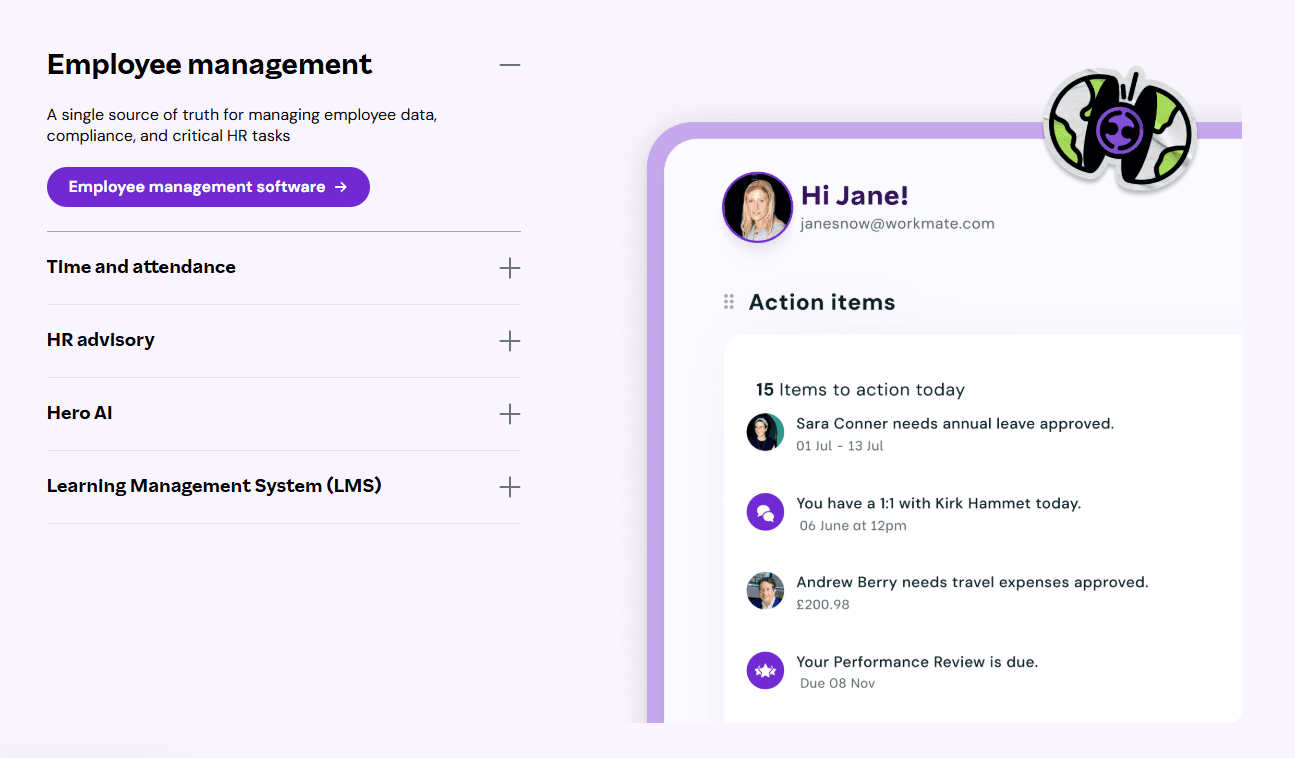
Employment Hero blends workforce management with HR tools, making it a good choice for Canadian small and mid-sized organizations that want scheduling, onboarding, and employee experience features in one place. The platform enables management teams to build rosters, track attendance, manage leave, and automate approvals, while employees can access everything through a modern self-service portal.
One of Employment Hero’s strengths is its emphasis on employee engagement. Beyond scheduling and attendance, it includes recognition tools, surveys, policy acknowledgements, and a document management system. For growing teams, this can help streamline internal communication and help to enhance an organisation’s culture.
Its WFM tools integrate well with HR and payroll, allowing Canadian businesses to align schedules with entitlements, overtime, and time-off balances. Managers can also build and reuse roster templates, send notifications instantly, and track who has acknowledged or accepted shifts.
Why do companies choose Employment Hero?
Combines HR, onboarding, and WFM in one platform
Strong mobile app and employee self‑service
Good fit for expanding Canadian SMBs
“I’ve been using Employment Hero since 2016, right from their very beginning, and it’s been amazing to see how much they’ve improved over the years.” – Capterra review
User-flagged challenges
Setup can take a little time, especially if you require the migration of historical data
Support wait times may be slower during peak periods
12. Roubler
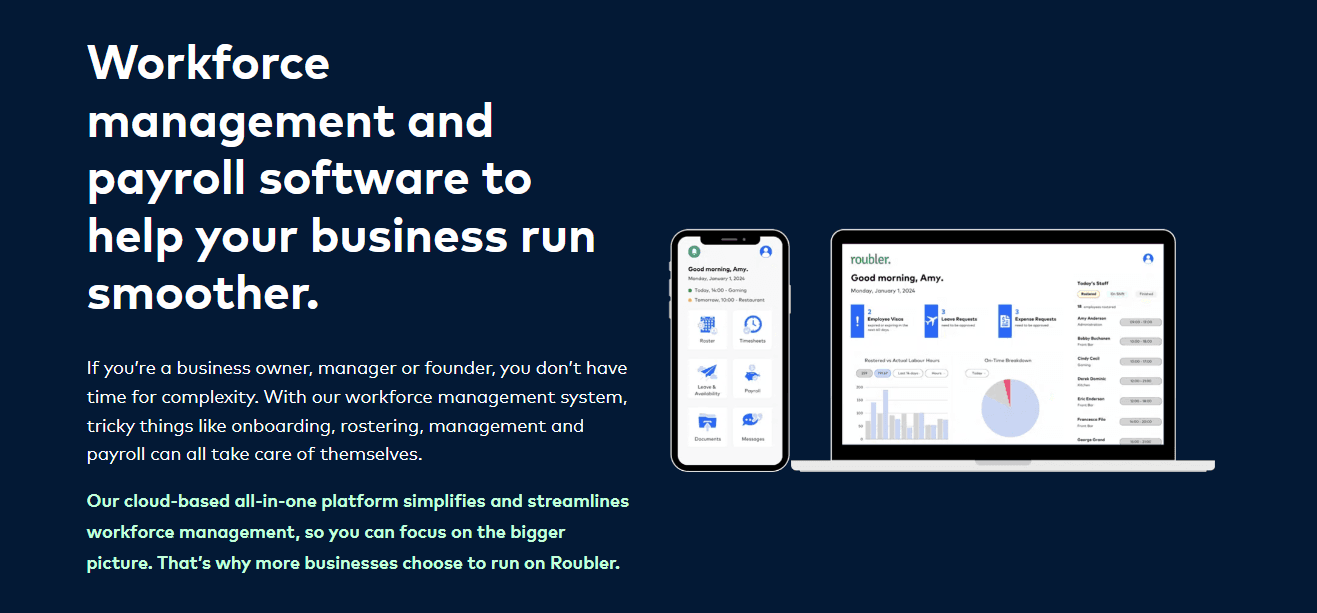
Source: Roubler
Roubler focuses on eliminating manual work by integrating scheduling, time tracking, compliance, and payroll into a single automated workflow. Its Canadian customers often use it to manage hourly staff across retail, hospitality, and services where labour forecasting and compliance checks play a significant role.
Roubler’s AI-powered rostering tools help managers predict staffing needs based on anticipated demand, historical patterns, and labour budgets. As managers make ongoing adjustments, the system highlights compliance risks or potential cost overruns before the roster is published. Once a shift is approved, the hours flow directly into payroll through its KeyPay-powered engine.
From an employee perspective, teams can clock in from kiosks, mobile devices, or tablets, and the platform includes tools to manage leave, shift swaps, and availability. For multi-site businesses, Roubler provides consolidated insights and real-time alerts.
Why do companies choose Roubler?
Automated rostering with timesheet and payroll workflows
AI-supported labour forecasting to optimize cost control
Strong compliance prompts across shifts and pay
“Overall really good, saved heaps of money by replacing a few different systems to using just one. I no longer need to do payroll as they manage that all for me. Roubler manages the entire roster-to-pay workflow for us.” – Capterra review (Australian review)
User-flagged challenges
Mobile app performance can vary
Pricing details are not publicly transparent
What to look for in workforce management software
Choosing WFM software can sometimes feel challenging, especially when almost every provider claims to simplify scheduling or reduce admin.
Canadian businesses benefit most when they can choose a platform that supports the operational realities of running complex businesses where differing standards can co-exist in different locations.
Here are seven key factors that can help you make an informed choice.
1. Scheduling depth and control
Look for tools that offer your teams flexible rostering, templates, open shifts, multi‑location planning, and real‑time visibility. Strong scheduling capability can help to reduce errors, prevent burnout, and improve fairness across organizations.
2. Accurate time and attendance tracking
For teams with hourly staff, accuracy is everything to help ensure transparency and trust. Options like biometric clocks, GPS‑verified mobile clock‑ins, and automated overtime rules can all help to ensure hours are captured correctly and consistently.
3. Compliance with Canadian labour standards
With each province having its own rules on operational matters, it is important that your WFM platform can comfortably handle areas such as breaks, overtime, minimum rest periods, and public holidays. Software that applies these rules automatically helps to avoid costly errors, especially when staff work across multiple locations.
4. Integrations across your workflow
WFM platforms should ideally integrate cleanly with other software systems you run, such as payroll, HRIS, point-of-sale systems, and finance tools. The more connected your systems are, the less manual entry and unnecessary reconciliation your teams will face.
5. Labour forecasting and cost visibility
Many Canadian businesses operate on thin margins, where inaccuracies can easily reverse profitable contracts. Forecasting tools help management teams to optimize staffing levels to demand, to stay within budgets, and to avoid unexpected overtime.
6. Mobile usability for frontline teams
Most of your team members will interact with these WFM tools through their phones. As a result, mobile apps should be simple, fast, and intuitive for checking schedules, swapping shifts, and submitting change requests.
7. Ease of use and adoption
If a platform takes days of training just to build a roster, your teams simply won’t use it. Choose a system that your management teams and staff can pick up quickly and confidently.
Key workforce management compliance changes in Canada
Workforce management in Canada continues to evolve, especially as federal and provincial governments update labour standards, pay requirements, and workplace rights. These changes can directly affect how organizations schedule staff, track hours, and manage their compliance obligations.
One of the most significant updates is the federal ban on replacement workers, which came into effect on 20 June 2025. Federally regulated employers are no longer able to bring in outside or temporary staff to perform the duties of striking or locked-out employees. For workforce planners, this means businesses need clearer processes for contingency planning for staffing, communication, and labour forecasting during labour disruptions.
In addition, the federal minimum wage increased to $17.75 per hour on 1 April 2025. The rate is now tied to inflation and needs to be reviewed annually. While minimum wage laws vary by province, federally regulated employers must ensure their scheduling and payroll systems reflect these new inflation-based reviews and make any subsequent adjustments as they are needed.
Ontario’s Working for Workers Seven Act (2025) also introduced several updates that may affect employers across the province. These include expanded worker protections, pay transparency requirements, and more explicit and carefully defined rules around job postings. For organizations using WFM software, these rules highlight the importance of accurate record-keeping, consistent scheduling practices, and audit-ready data.
For Canadian organizations operating across multiple provinces, choosing WFM software that applies the correct labour rules automatically can help reduce risk and ensure ongoing compliance.
Keeping your workforce connected and compliant
Workforce management touches every part of the employee journey, from the moment they clock in to how teams communicate, how teams track tasks, and aligning staffing to demand.
The best WFM software enhances labour management, improves time-and-attendance accuracy, and supports overall workforce planning. It can also reduce compliance risk, improve scheduling fairness, and enhance the employee experience.
The ripple effects can also be significant. Better forecasting can reduce overspending, stronger compliance reduces risk, and better communication tools help improve staff satisfaction.
Rippling topped this list for its unified approach to HR, IT, payroll, and scheduling, giving Canadian businesses a cleaner way to run workforce operations, while improving clarity and trust across teams.
FAQs
What is workforce management software?
Which workforce management software is best?
Rippling ranked highest overall in this analysis for its unified approach and automation. Other strong performers include Dayforce, WorkForce Software, UKG, and Workday.
How much does workforce management software cost?
Pricing varies widely and most do not directly disclose their pricing. Some charge per user per month, while others price based on modules or company size. Most enterprise systems will usually require a custom quote.
Do these tools support multi-province compliance?
Most of the better quality WFM platforms automatically apply provincial rules, including overtime thresholds, break requirements, and public holiday calculations.
Can small businesses use workforce management software?
Yes, they can. Tools like Agendrix, When I Work, and Connecteam are specifically designed for smaller teams and are easier to implement.
Disclaimer
Rippling and its affiliates do not provide tax, accounting, or legal advice. This material has been prepared for informational purposes only, and is not intended to provide or be relied on for tax, accounting, or legal advice. You should consult your own tax, accounting, and legal advisors before engaging in any related activities or transactions.

Author

Vanessa Kahkesh
Content Marketing Manager, HR
Vanessa Kahkesh is a content marketer for HR passionate about shaping conversations at the intersection of people, strategy, and workplace culture. At Rippling, she leads the creation of HR-focused content. Vanessa honed her marketing, storytelling, and growth skills through roles in product marketing, community-building, and startup ventures. She worked on the product marketing team at Replit and was the founder of STUDENTpreneurs, a global community platform for student founders. Her multidisciplinary experience — combining narrative, brand, and operations — gives her a unique lens into HR content: she effectively bridges the technical side of HR with the human stories behind them.
See Rippling in action
Increase savings, automate busy work, and make better decisions by managing HR, IT, and Finance in one place.