



















Other workflow tools have a narrow list of triggers. Rippling lets you use any attribute or field to build your own.
- Products
- Platform
Rippling AI
Unlock business-critical insights and delegate tedious tasks to AI built for HR, Payroll, IT, and Finance.
Learn more
Rippling Solutions
Get engineer-built custom apps in Rippling to automate any business process you have.
Learn more
- Solutions
- Global

Employer of Record
Hire globally without entities

Global Payroll
Pay employees anywhere

Global Contractors
Pay contractors anywhere

Contractor of Record
Mitigate contractor risk

Global HRIS
Run global HR in one place

Global HR Advisor
Get localized HR expertise

Global Benefits
Manage benefits anywhere

Global Spend
Save everywhere you operate
- Resources
Resources

Blog
Customer Stories
Customer Stories


Barry’s empowers their workforce with a scalable HR solution

Forterra automates busywork to drive impact

Chess.com creates a frictionless people process

Clay grew 5x by automating 80% of its onboarding tasks

Blank Street Coffee saves 40 hours by automating open enrollment

Rippling gave Andros automation superpowers
Webinars
Glossary

Events

Rippling U

Help Center

Compare


EN
Select language
United States (EN)


Australia (EN)

Canada (EN)
Canada (FR)

France (FR)

Germany (DE)

Ireland (EN)

United Kingdom (EN)
EN
United States (EN)
Australia (EN)
Canada (EN)
Canada (FR)
France (FR)
Germany (DE)
Ireland (EN)
United Kingdom (EN)
EN
United States (EN)
Australia (EN)
Canada (EN)
Canada (FR)
France (FR)
Germany (DE)
Ireland (EN)
United Kingdom (EN)
Workflows
Automate manual IT with custom workflows
Easily stay on top of security with custom workflows for everything from simple tasks to advanced processes.
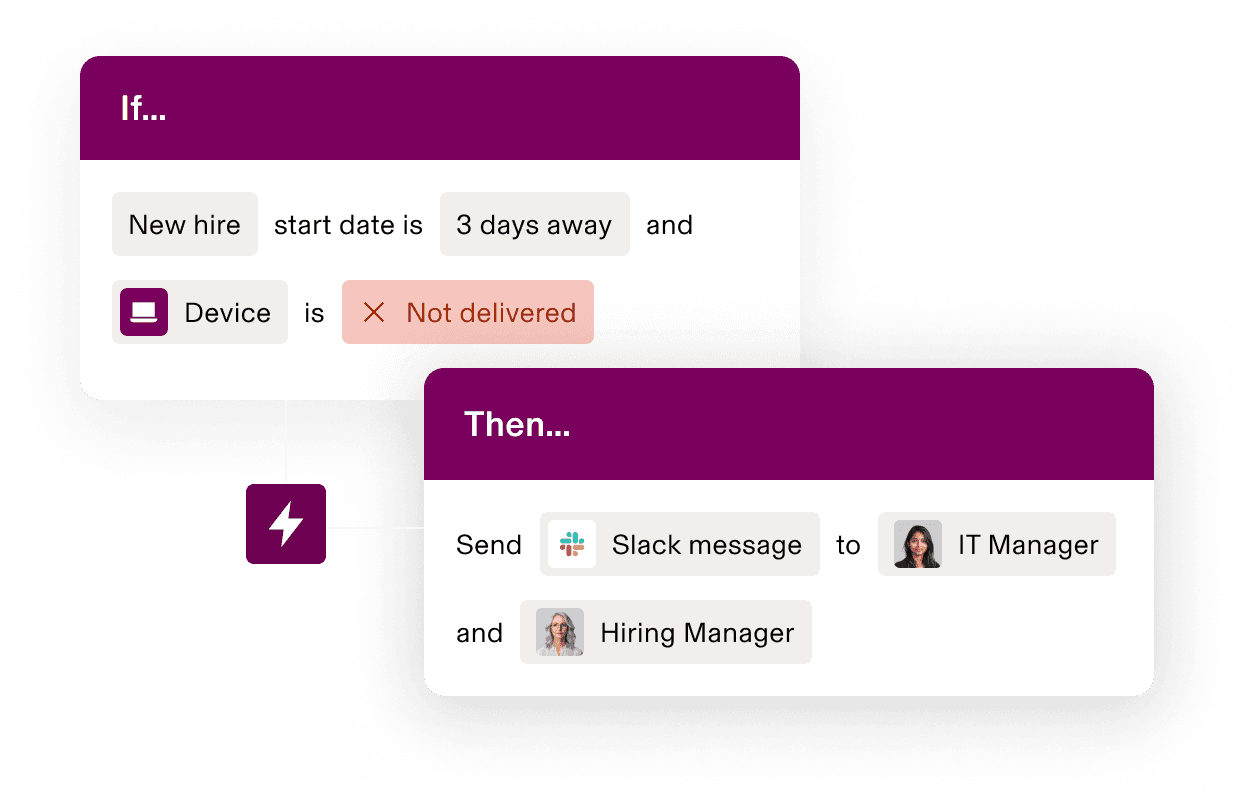
Workflow studio
More custom triggers. More advanced actions.
Any data in Rippling or connected third-party apps can trigger workflows, like security course completions, detected endpoint threats, or support tickets. Pick a trigger and pair to any action.
Build a hyper-custom trigger
Automate across all your apps
Automate actions in any part of Rippling, like Payroll and Recruiting, as well as connected third-party apps, like Slack and Zendesk.
Lifecycle management
Automate admin across the user and device lifecycle
Trigger onboarding, transitions, and offboarding actions based on user attributes like start and end date, work location, and role.
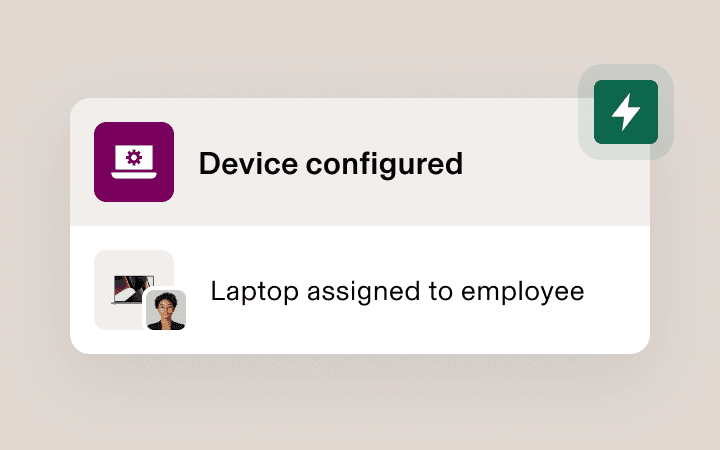
Zero-touch enrollment
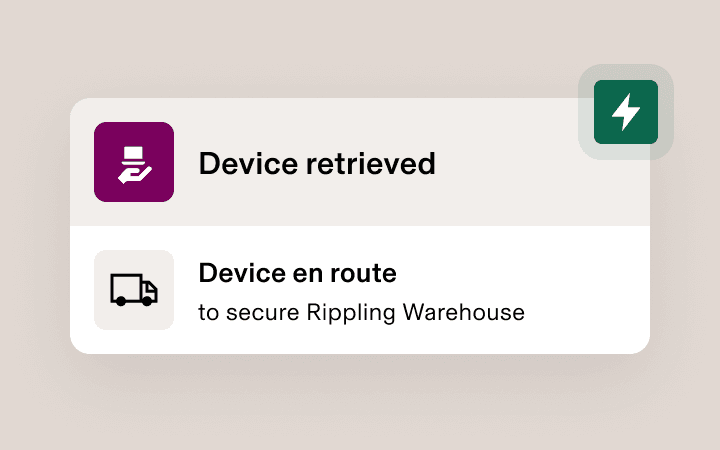
Device logistics
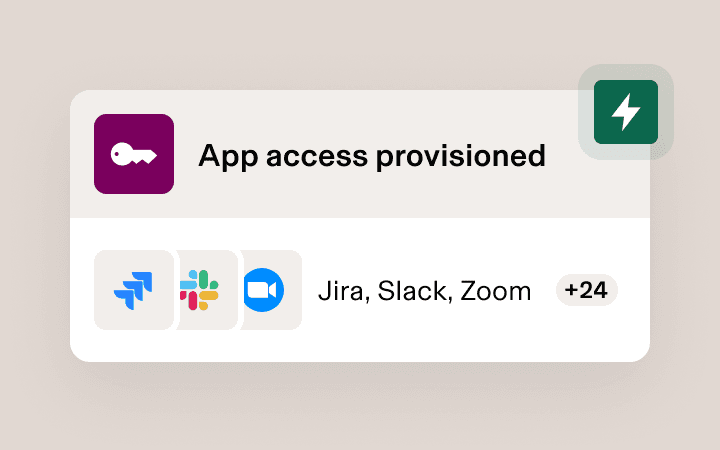
App and system access
Advanced workflows
Improve efficiency across IT
Automate complex, multi-step workflows for any use case you can imagine, from shipping and configuring devices to staying on top of security threats.

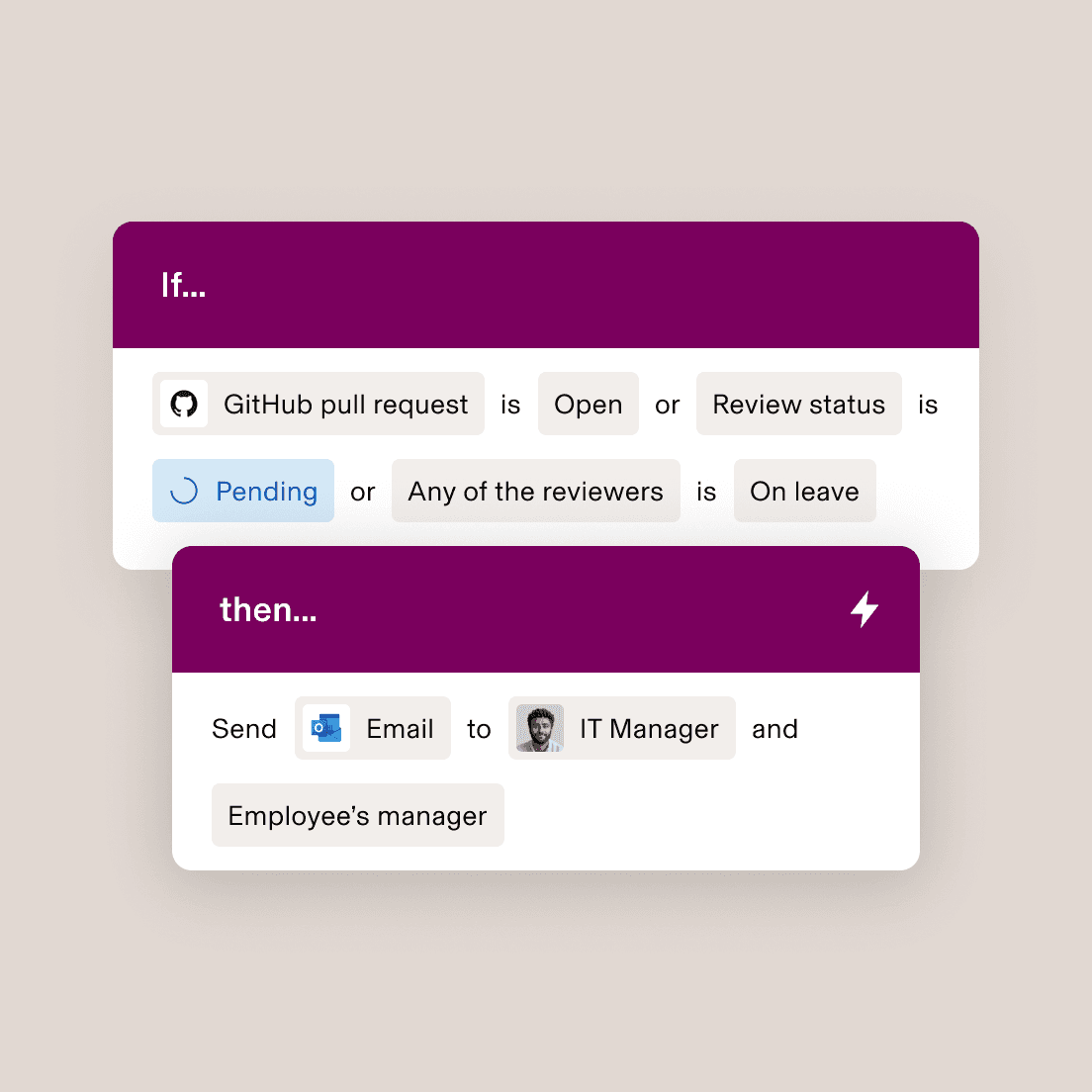
Manage pull requests
Ensure Github PRs aren’t waiting to be reviewed by an employee on leave.
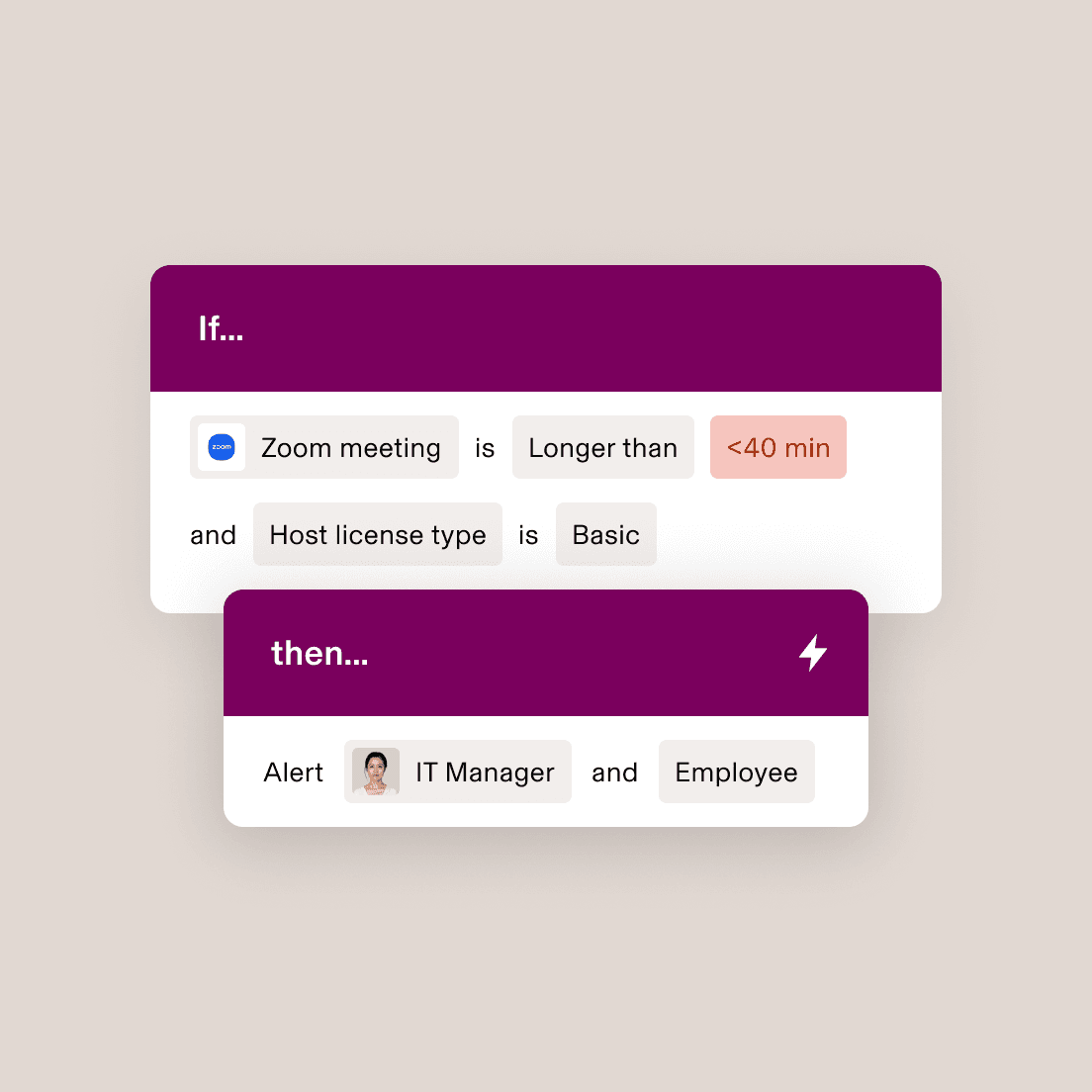
Distribute licenses effectively
Provide managers with the right licenses for their meetings.
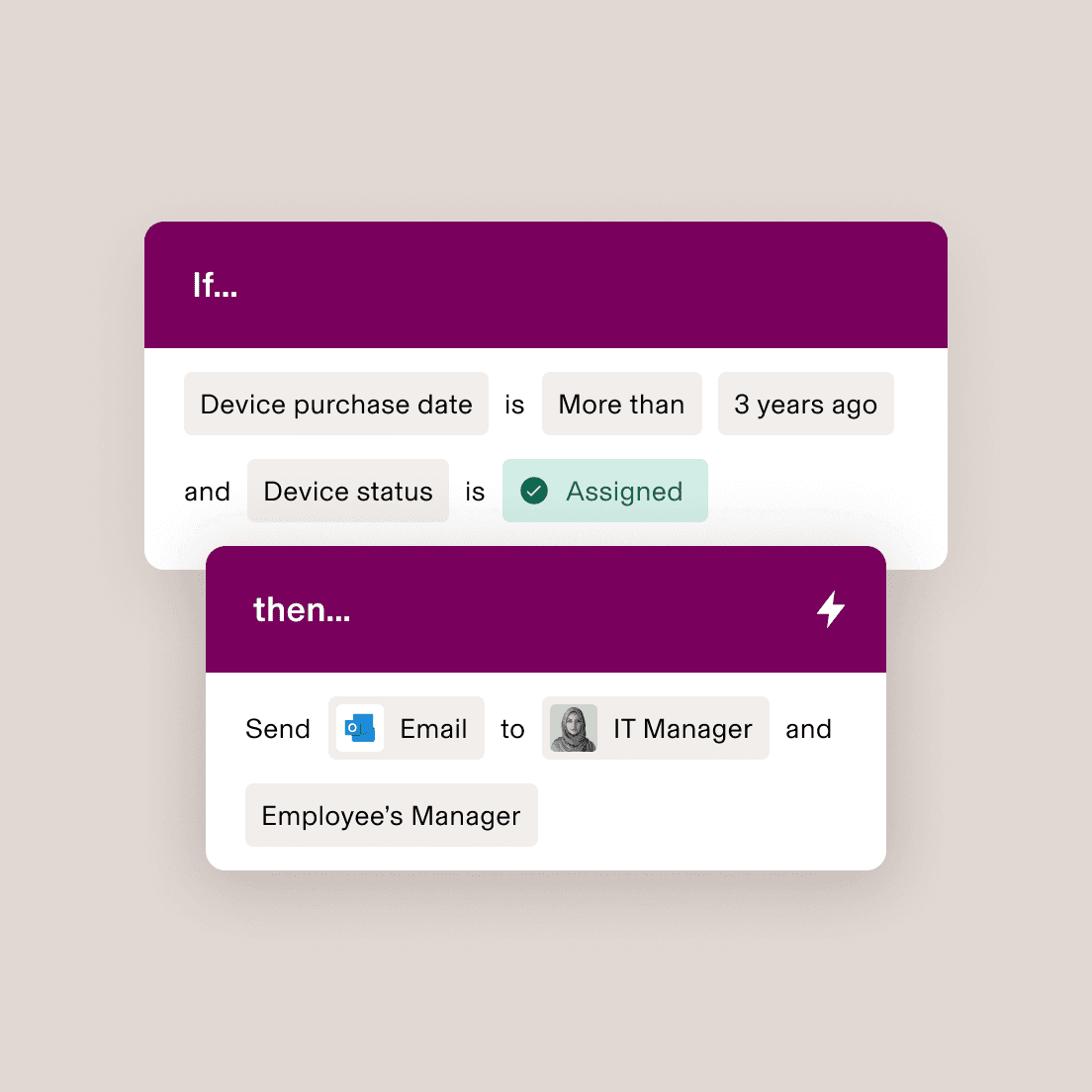
Swap out old devices
Alert employees when they’re eligible for a device upgrade.
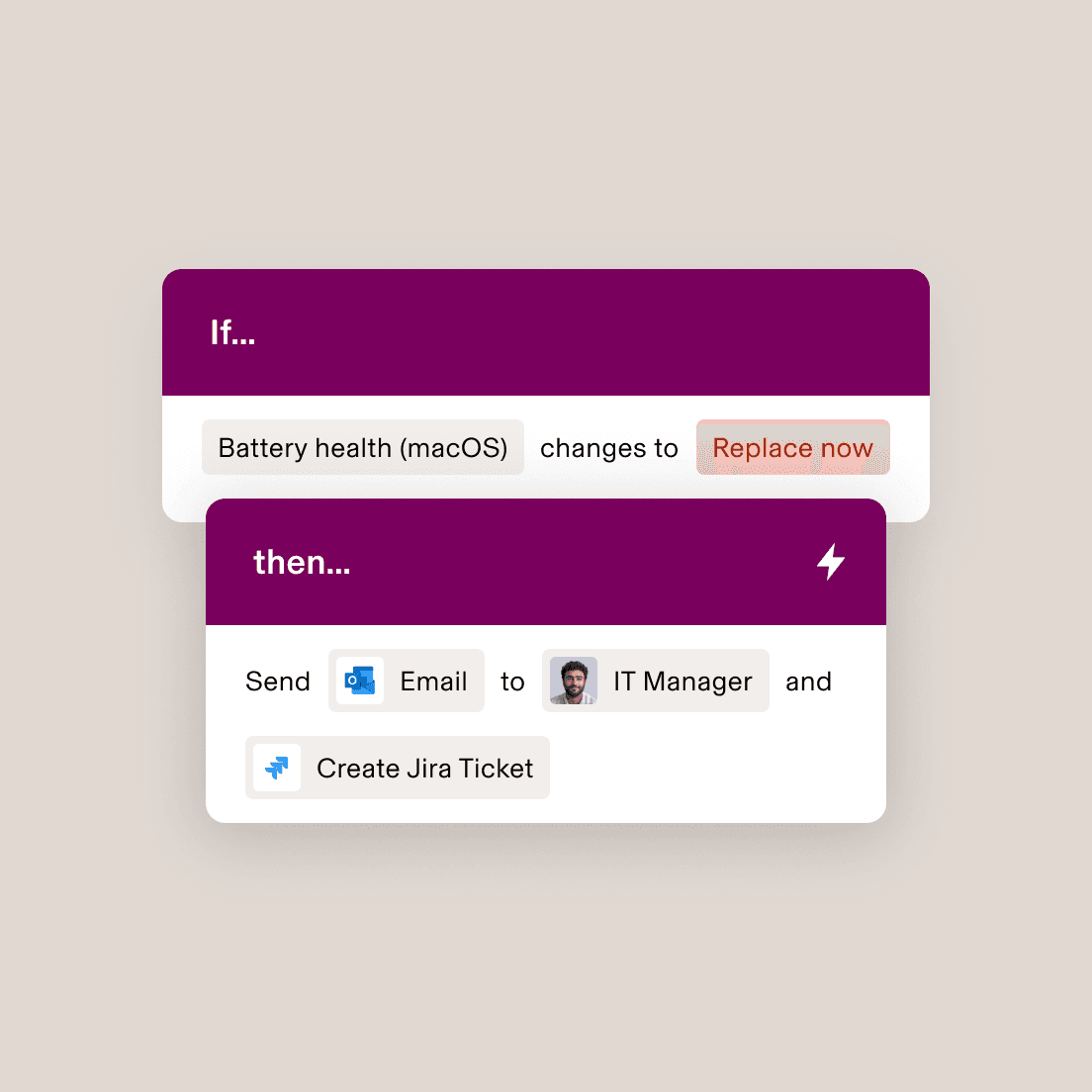
Ensure device performance
Get ahead of support tickets for performance issues.
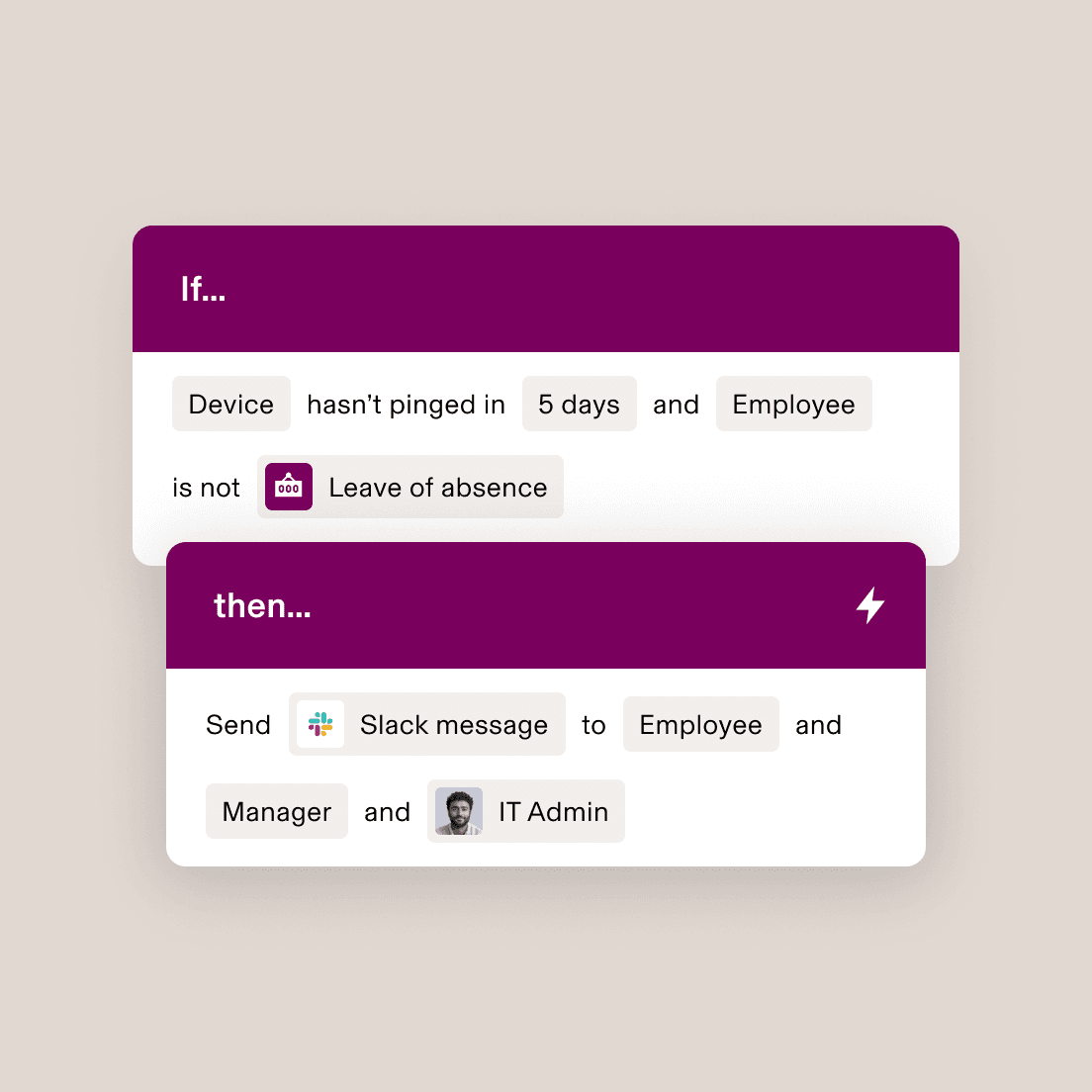
Monitor device connectivity
Identify when devices aren't being used by employees.
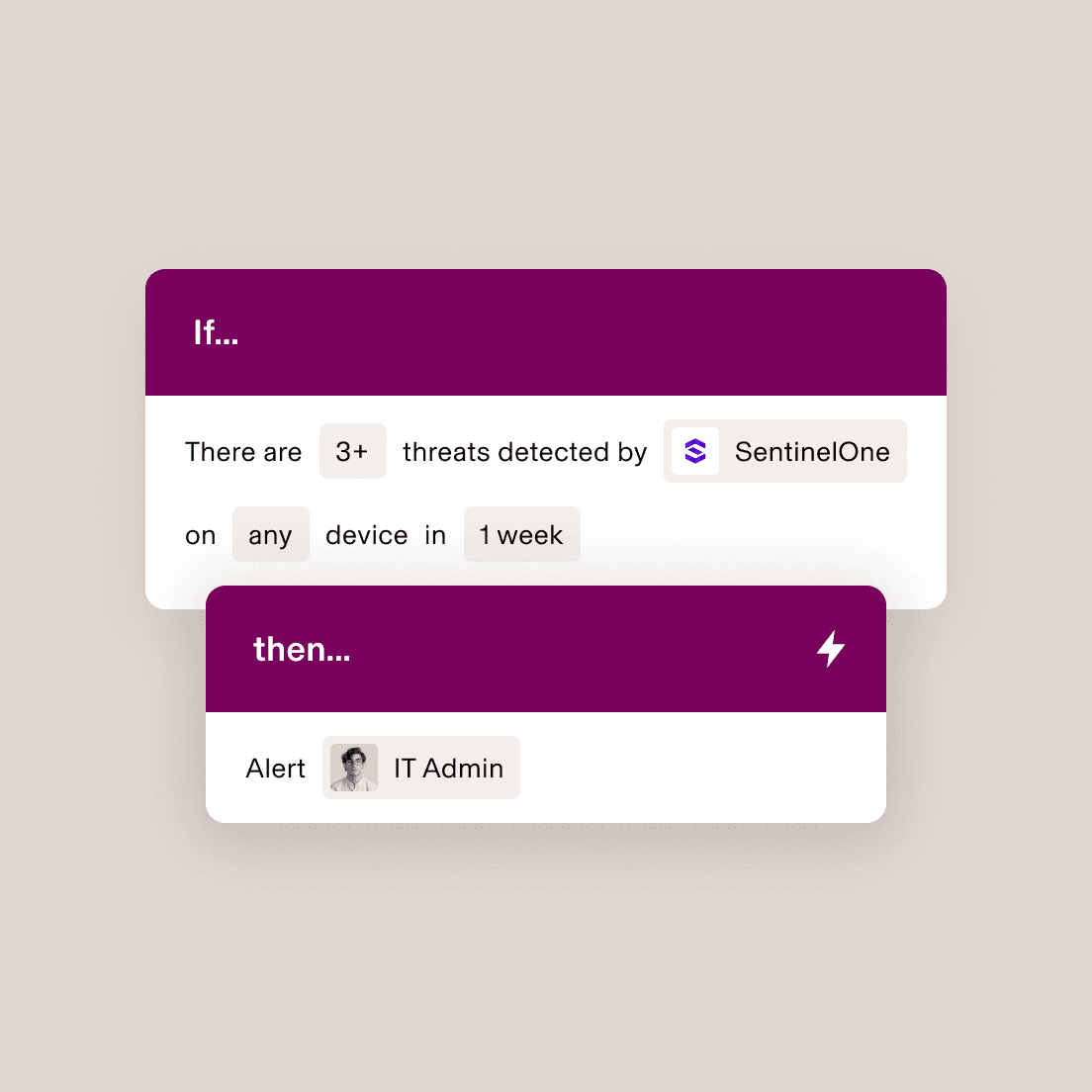
Detect suspicious activity
Catch security threats before they become an issue.
Recipes
Learn moreGet more out of Rippling faster
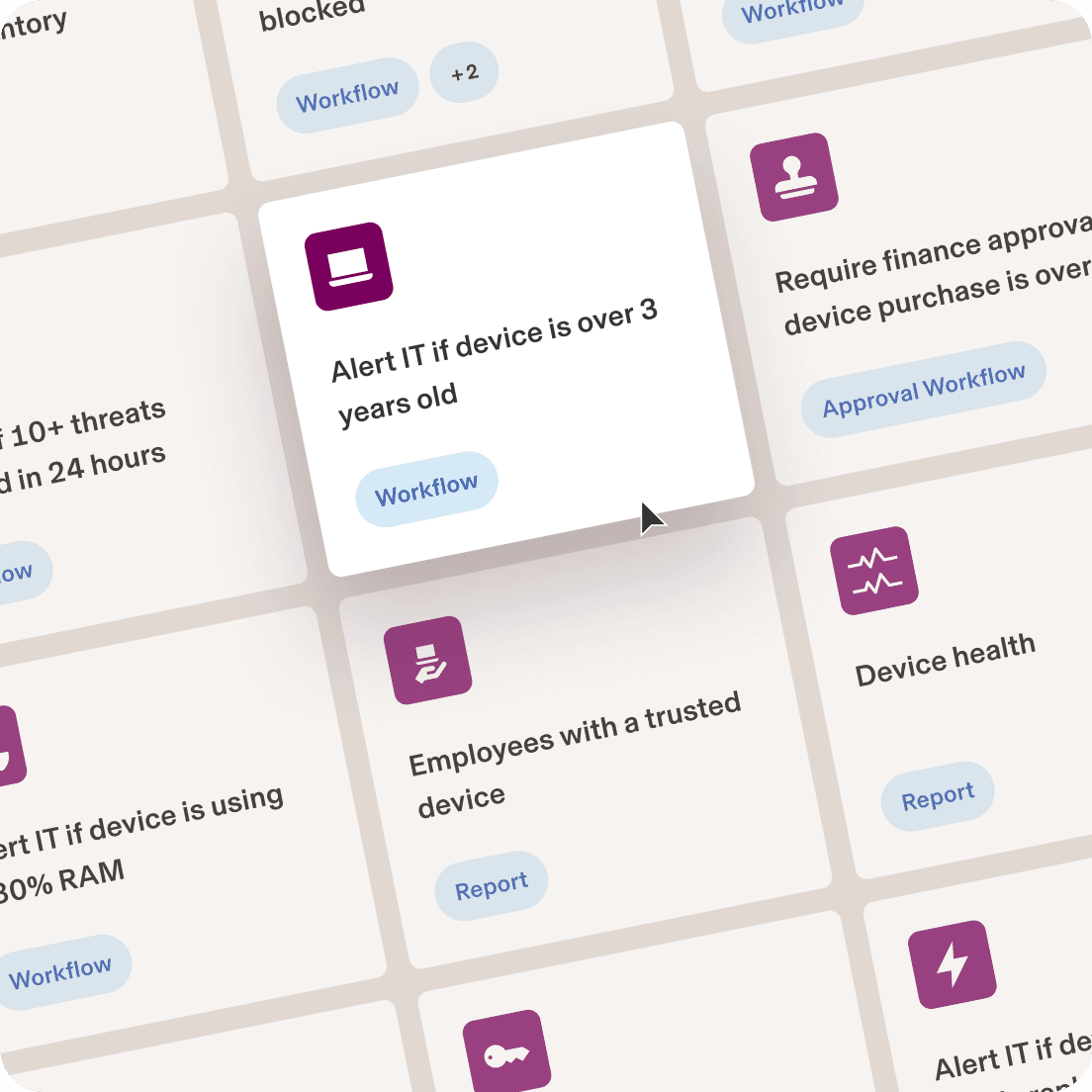
Build exactly what you need from Rippling with Recipes—pre-built templates for workflows, reports, and more to solve common security and compliance challenges.








Built different
Learn more about the Rippling platformThe most efficient way to run IT
Take the effort out of IT with custom workflows, dynamic permissions and policies, and rich reports for users and devices.


FAQs
What is workflow automation?
Rippling’s workflow automation allows companies to automate frequent, repetitive, custom back-office business processes such as HR, IT, finance, and accounting. It involves three main components: a trigger that initiates the automation, actions that are executed by the workflow, and sometimes logic to define complex workflows.
Why is workflow automation important?
Workflow automation is important because it allows companies to automate frequent, repetitive, and essential back-office tasks, freeing employees to focus on more value-adding initiatives. Workflow automation can trigger actions based on specific conditions, enabling efficient management of IT processes like device software updates and application access.
What is the best workflow automation software?
Rippling is considered one of the best workflow automation software solutions due to its robust and flexible platform that integrates multiple systems into a single source of truth, allowing for seamless automation across various business applications. It offers a user-friendly interface with pre-configured workflows and the ability to create custom workflows, which can automate complex processes with minimal setup. Additionally, Rippling's workflows are highly customizable, allowing users to define their own trigger conditions and actions, providing more power and flexibility compared to other systems.