


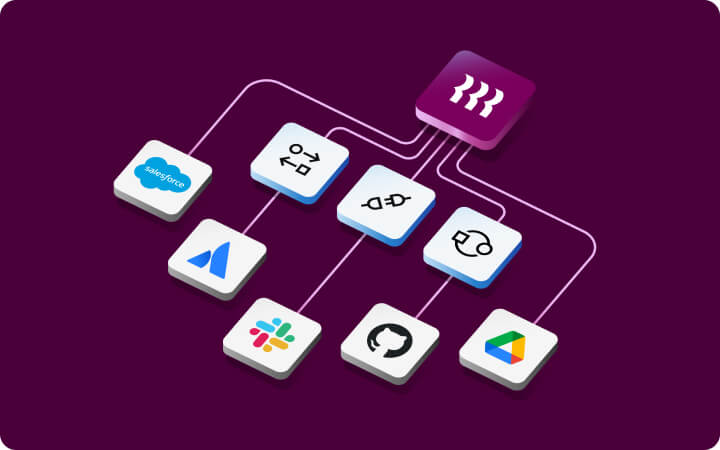






















An IT management platform centralizes control over devices, user identities, application access, and security policies across your organization. IT teams use it to automate onboarding and offboarding, enforce security standards, manage device fleets, and stay audit-ready without the manual scramble.
Benefits of an IT Management Platform for Startups
In this article
Key Takeaways
An IT management platform replaces disconnected point solutions with a single system for managing devices, identities, app access, and security, all driven by one employee data model.
Automated onboarding and offboarding eliminate manual provisioning errors and close security gaps that manual processes leave open, especially as headcount grows beyond a handful of employees.
Startups approaching SOC 2 audits benefit from built-in compliance reporting, since policy enforcement logs are generated automatically throughout the year rather than rebuilt under deadline pressure.
Consolidating IT tools early prevents the "patchwork problem," where separate MDM, IAM, and app provisioning systems require constant manual reconciliation and create data fragmentation.
Lean IT teams can scale operations without proportionally adding headcount by automating repetitive tasks like device enrollment, permission updates, and access revocation through workflow triggers.
Benefits of an IT Management Platform for Startups
When it comes to IT at startups and small businesses, it’s pretty common to see one person wearing many hats. They’re usually the one granting access, tracking devices, managing security, and keeping compliance in check all at once.
For a team of 2 to 5 people, that can be manageable. But as headcount grows and requests start piling up, things start slipping. Not because the person isn’t good. Because the volume eventually beats any individual.
The week before a SOC 2 audit is usually when it becomes undeniable. You’re pulling access logs from three different tools, chasing down device enrollment status, and trying to remember if you actually revoked that contractor’s access back in March. The answer is probably no.
This is exactly where an IT management platform makes the difference. Instead of one person juggling everything manually, the platform automates the repetitive work, handles scale, and lets a lean team stay in control of their environment without burning out doing it.
In this guide, we’ll cover what these platforms do, why they matter for startup IT teams, and what to look for when you’re evaluating your options.
What is an IT management platform?
An IT management platform is a centralized system for managing the devices, applications, and user identities across your organization.
The idea is simple: instead of juggling separate tools for mobile device management (MDM), single sign-on (SSO), app provisioning, offboarding, etc. that do not talk to each other, you get one place to control all of it. More importantly, you get one data model underneath all of it—a single source of truth about who works at your company, what role they’re in, and what they should have access to.
Most platforms connect to a single source of employee data, using it to drive automation. When someone joins your company, the platform knows their role and department and uses that context to:
set up the right security policies
enroll and configure their device
grant access to the tools they need from day one
apply the right access permissions
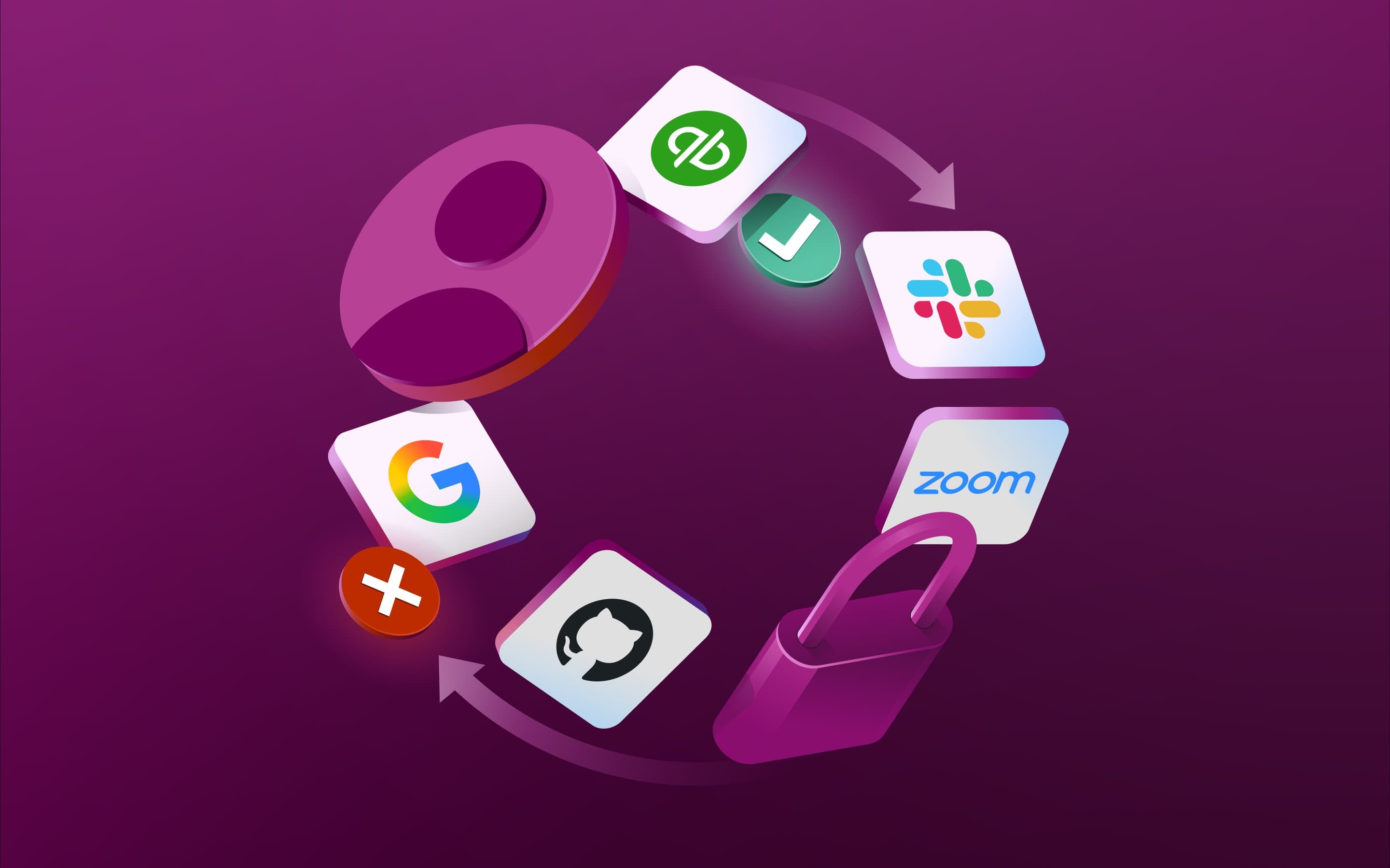
When someone leaves, the same logic runs in reverse. Automatically, without a checklist, and without depending on someone remembering to do it at the right time.
Without that, you’re doing all of this manually. And manual processes don’t fail loudly. They fail quietly, leaving access gaps and compliance exposure that tend to surface at exactly the wrong moment.
Key features to look for in an IT management platform for startups
A modern IT management platform covers the full range of what startup IT actually involves, from the moment a device ships to a new hire to the moment a departing employee’s access is fully revoked. These are the core capabilities worth understanding before you evaluate anything.
Identity and access management
Identity and access management (IAM) governs who can access which systems and under what conditions. This includes SSO which lets employees access all their connected tools through one set of credentials, multi-factor authentication (MFA) which adds a verification layer before access is granted, and automated user provisioning which ensures that when someone joins, changes roles, or leaves, their access reflects that change automatically.
Without IAM, permissions accumulate. Old accounts stay open. Nobody has a clear picture of who can actually get into what. That’s fine for five people. At fifty, it’s a real problem.
Device management
Device management gives IT teams control over every endpoint in your organization without being physically present. This means enrolling devices, pushing OS updates, enforcing disk encryption, and being able to remotely wipe or lock a machine the moment it goes missing. For startups with distributed or remote-first teams, it’s not optional. A device without management is a device you don’t actually control.
App access and provisioning
Application provisioning is closely tied to IAM but focuses on the specific software licenses and permissions employees need to do their jobs day to day. A proper IT management platform lets you define access rules by role or department so that when someone joins, they have everything they need from the start. When they leave, those same rules run in reverse and revoke access cleanly across every connected app. No ticket required, no step missed because someone had a busy week.
Security and compliance
Security and compliance features typically include policy enforcement, audit logging, and compliance reporting. For startups approaching their first SOC 2 audit or fielding enterprise security questionnaires, having this built into the IT platform is a big deal. The evidence you need gets generated as a byproduct of normal operations throughout the year. When the audit arrives, you’re pointing auditors to logs that already exist—not rebuilding a paper trail under deadline pressure.
Workflow automation
Workflow automation is where IT platforms go from reactive to proactive. Instead of waiting for a ticket, the platform executes predefined actions based on events in the employee record. A new hire triggers device provisioning, a role change triggers permission updates, while a departure triggers offboarding across every connected system at once. For lean IT teams, this is where the real time savings come from.
Reporting and inventory
A good IT management platform gives you a real-time view of your device fleet, software inventory, user access states, and compliance posture all from one place. That visibility matters for day-to-day operations and becomes critical during incident response. When something goes wrong, you want to answer “who has access to what” in seconds, not by cross-referencing three different tools.
Top benefits of using an IT management platform for startups
Beyond the features, here’s what actually changes when the right solution is in place.
Automated employee onboarding and offboarding
Manual onboarding is one of the biggest time drains in startup IT. Provisioning a single new hire across a typical SaaS stack can take hours when done by hand. Incomplete offboarding is worse—it’s a security risk that usually isn’t discovered until something goes wrong. An IT management platform automates both processes end to end. No step gets missed. No access lingers after someone walks out the door.
Centralized IT operations
When device management, identity, app access, and security controls all run on one data model, the overhead of managing them separately disappears. No jumping between tools to see if what one platform shows matches what another reflects. No manual reconciliation. No guessing.
Stronger security posture
Security isn’t a project you complete. It’s an ongoing state. Every new device is a potential attack surface, and every unrevoked account is an open door. From the moment a device is enrolled to the moment access is revoked, an IT management platform keeps devices encrypted, patched, and compliant while continuously monitoring for anything that drifts outside policy. That coverage runs whether or not someone on the IT team is paying close attention that day.
Simplified compliance and audit readiness
For startups selling to enterprise customers, SOC 2 is increasingly a commercial prerequisite. The controls it requires are exactly what a good IT management platform enforces by default. So instead of building compliance evidence from scratch at audit time, IT teams can point auditors to logs and policy records generated automatically throughout the year. It doesn’t eliminate the audit. It just means you’re not starting from zero when it arrives.
Better visibility into devices and applications
One of the most common problems in startup IT is fragmentation. It’s common to find devices tracked in one system, apps managed in another, and access permissions documented elsewhere. It works until it doesn’t. An IT management platform replaces that fragmentation with a unified view of your entire environment. The information you need is in one place and actually current.
Scalability as your team grows
Startups rarely grow their IT headcount at the same rate as the rest of the company. The only way to maintain operational standards without adding staff is to automate the repetitive work and save IT capacity for decisions that actually require human judgment. That’s what a platform makes possible. The work that used to take hours happens automatically, and the person running IT gets to spend their time on things that actually need them.
One solution to secure your entire fleet
IT management platform vs. traditional IT approaches
Before committing to a platform, it helps to understand how it compares to the other approaches startups commonly use. Each has real trade-offs depending on your stage.
Most startups don’t start with a platform. They start with whatever was cheapest or fastest to set up, and they add tools as problems appear. That’s not a bad instinct early on. The issue is that those tools rarely share a data model, so over time you end up with a patchwork that requires a lot of manual effort to keep coherent.
The “we’ll consolidate later” decision is one most IT teams make and most eventually regret.
Approach | How it works | Best for | Key limitations |
|---|---|---|---|
IT management platform | Unified system managing identity, devices, apps, and security from one data source | Growing startups and scaling teams that need unified control without proportionally growing the IT headcount | Requires upfront configuration; more than a basic point solution |
Multiple point solutions | Separate tools for MDM, IAM, app access, and inventory, stitched together | Teams with specific, narrow needs and low headcount | No shared data model, manual reconciliation, gaps at scale |
Managed IT services | Outsourced IT support and management through a third-party provider | Very early-stage companies with no internal IT capacity | Higher ongoing cost, slower response times, less customization |
In-house IT team | Dedicated internal staff handling all IT functions manually | Large organizations with complex, non-standard environments | Expensive to staff, not practical for most bootstrapped startups |
The question isn’t really whether you need an IT management platform. It’s how long you can afford to go without one. The access gaps, security risks, and operational overhead of managing IT manually don’t stay manageable as headcount grows. They compound. Getting the right platform in place early is one of the higher-return decisions a startup IT team can make—and one that pays back in time, security, and credibility for as long as the company scales.
How Rippling IT powers modern startup IT management
Rippling IT is a unified IT management platform covering identity and access management, device management, and inventory management across your organization. You can run it as a standalone product or as part of Rippling’s all-in-one platform alongside HR and Spend. Either way, it connects to your existing directory or HRIS so that every action the platform takes is grounded in accurate, real-time employee data.
Here’s what that looks like in practice:
Device management: Rippling IT supports Mac, Windows, Linux, iOS, and Android from a single console. You can enforce disk encryption, push OS and app updates, deploy configuration profiles, and remotely lock or wipe devices from anywhere. Zero-touch enrollment means new devices ship directly to employees and self-configure on first boot with the right settings and apps based on their role.
Identity and access: Rippling IT connects access permissions directly to the employee record, so what someone can access reflects who they are in the organization. SSO gives employees one login across all their apps, MFA policies can be scoped globally or by application, and when someone changes roles or leaves, access updates or revokes automatically with no ticket and no handoff to miss.
Workflow automation: Rippling’s Workflow Studio lets IT teams build custom automations triggered by any change in employee or device data. When a new hire is added, device provisioning starts and app access gets activated. When someone moves teams, their permissions update. When they leave, offboarding runs across every connected system at once.
Security and compliance: Rippling IT enforces security policies automatically based on user and device attributes. MFA requirements, encryption enforcement, device compliance checks, and access controls all apply by rule. The platform holds SOC 2 Type II, ISO 27001, and CSA STAR Level 2 certifications, which means enterprise-grade security infrastructure is available from day one.
Inventory and visibility: Rippling IT maintains a live inventory of devices, applications, and their relationships to employees, so at any point you can see which devices are enrolled, what software is installed, whether policies are being enforced, and who has access to what. When an incident happens, you don’t want to be piecing together access history across three different tools while the clock is running.
For IT managers running a growing headcount with limited support staff, the goal isn’t just efficiency. It’s confidence that the environment is actually under control—that nothing is slipping through while you’re focused on something else.
Frequently asked questions
What is an IT management platform used for?
Do startups need an IT management platform?
Most startups need one earlier than they think. Once you have more than a handful of employees—especially if they’re remote or using company-owned devices—manual processes start creating security gaps and operational overhead. An IT management platform addresses both before they become expensive problems.
What is the difference between MDM and an IT management platform?
MDM handles devices specifically. An IT management platform is broader—covering MDM alongside identity and access management, application provisioning, workflow automation, and compliance tooling, all connected to your employee data. Device management is one layer. The platform is what ties all the layers together.
What should IT managers look for when evaluating IT management platforms?
Look at automation depth for onboarding and offboarding, integration with your HR system or employee directory, MDM coverage across your device types, IAM capabilities, and compliance reporting. Also worth asking: how does it hold up as headcount doubles? The platforms that answer those questions well tend to make IT easier and the whole company more resilient.
Can startups manage IT without a dedicated IT team?
Yes, and many do. An IT management platform is designed to make lean teams capable of running a robust IT function without dedicated headcount. Automation handles the repetitive volume, so a founder, ops hire, or part-time IT person can manage the function effectively alongside other responsibilities. That said, having someone who actually owns IT—even part of their time—matters. The platform handles the execution. Someone still needs to think about the structure.
Can Rippling IT be used as a standalone product?
Yes, Rippling IT works as a standalone IT management solution covering IAM, device management, and inventory management. It connects to your existing HRIS or directory to sync employee data, so it works alongside your current HR setup. It can also be used as part of Rippling’s all-in-one platform if you want HR, IT, and Spend in one place.

Schedule a demo with Rippling IT today
Disclaimer
Rippling and its affiliates do not provide tax, accounting, or legal advice. This material has been prepared for informational purposes only, and is not intended to provide or be relied on for tax, accounting, or legal advice. You should consult your own tax, accounting, and legal advisors before engaging in any related activities or transactions.
Author

Michael Hendricks
Head of IT Content
Michael Hendricks is an award-winning writer and editor with over a decade of experience shaping compelling narratives across newsrooms, non-profits, and digital media organizations. With a background that bridges journalism and strategic communications, he brings a keen editorial eye and a sharp understanding of how to translate complex information into stories that connect. Michael currently leads content for Rippling IT, where he manages editorial strategy and content. Previously, he’s worked with outlets such as CNN and Search Party, where he produced and edited stories ranging from geopolitics and public policy to global markets and the business of sports with nuance and care.
See Rippling in action
Increase savings, automate busy work, and make better decisions by managing HR, IT, and Finance in one place.