


















It's a little bit of a superpower for finance teams now — having the ability to generate these scripts on the fly for the things we do.
Sowmya Ranganathan
Former Controller at OpenAI
Unlock business-critical insights and delegate tedious tasks to AI built for HR, Payroll, IT, and Finance.
Learn more
Get engineer-built custom apps in Rippling to automate any business process you have.
Learn more

Employer of Record
Hire globally without entities

Global Payroll
Pay employees anywhere

Global Contractors
Pay contractors anywhere

Contractor of Record
Mitigate contractor risk

Global HRIS
Run global HR in one place

Global HR Advisor
Get localized HR expertise

Global Benefits
Manage benefits anywhere

Global Spend
Save everywhere you operate

Customer Stories


Barry’s empowers their workforce with a scalable HR solution

Forterra automates busywork to drive impact

Chess.com creates a frictionless people process

Clay grew 5x by automating 80% of its onboarding tasks

Blank Street Coffee saves 40 hours by automating open enrollment

Rippling gave Andros automation superpowers


EN
United States (EN)


Australia (EN)

Canada (EN)
Canada (FR)

France (FR)

Germany (DE)

Ireland (EN)

United Kingdom (EN)
EN
United States (EN)
Australia (EN)
Canada (EN)
Canada (FR)
France (FR)
Germany (DE)
Ireland (EN)
United Kingdom (EN)
EN
United States (EN)
Australia (EN)
Canada (EN)
Canada (FR)
France (FR)
Germany (DE)
Ireland (EN)
United Kingdom (EN)
Watch OpenAI's former controller live-demo how to use Excel's new agent mode and ChatGPT to automate your most repetitive finance workflows—no coding experience required.
Most finance teams still run their gnarliest workflows in Excel — revenue recognition schedules, deferred revenue waterfalls, month-over-month flux, T&E review. Hours of repeating work, every month. AI can take a big chunk of it off your plate, if you know which tools to reach for and how to prompt them.
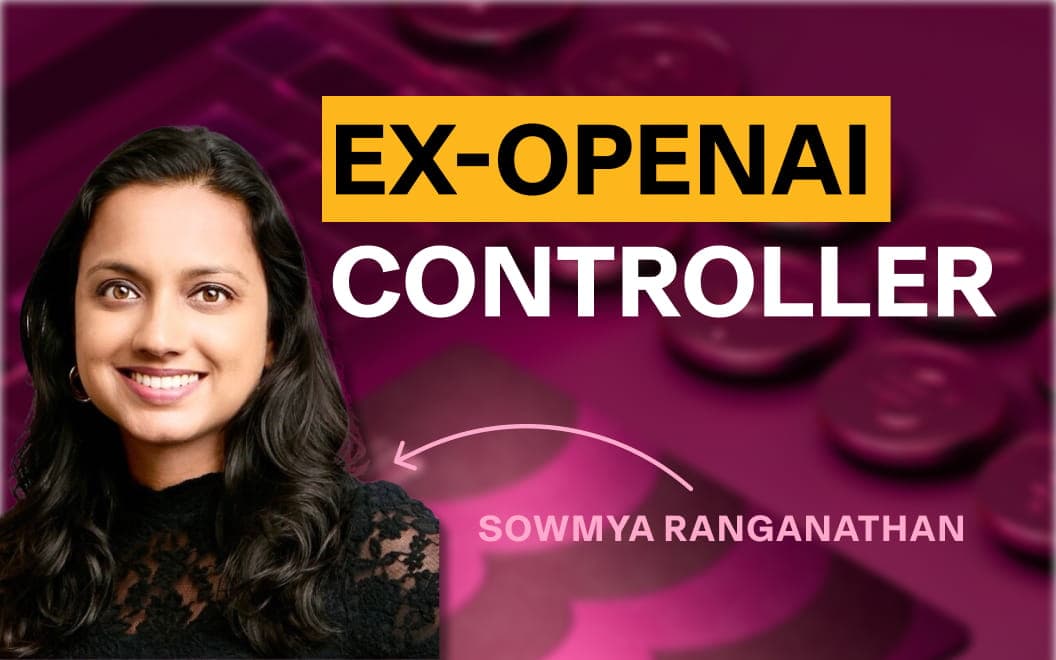
In this on-demand session, Sowmya Ranganathan — founder of Lumera and former controller at OpenAI and Rippling — runs a series of live demos: Excel Labs' brand-new agent mode making changes directly inside your spreadsheet, and ChatGPT writing Python scripts that turn half-day monthly processes into one-click runs.
It's a little bit of a superpower for finance teams now — having the ability to generate these scripts on the fly for the things we do.
Sowmya Ranganathan
Former Controller at OpenAI
Whether you've never written a line of Python or you're already mid-experiment, this session gives you the exact prompts and patterns to start automating the work you do every month.

How an AI unicorn runs Finance without a budget
Learn how Clay's Head of Finance runs one of the fastest growing AI startups without traditional budgets

AI in finance: what's working, what isn't, and where it's heading
Watch finance leaders from Higgsfield, Arta, and Rippling break down how they're actually using AI today—the wins, the frustrations, and what they're building toward.
How to build a full AI-first finance tech stack
Watch Sowmya Ranganathan, OpenAI's former controller and founder of Lumera, lay out the exact finance tech stack she'd build today—with AI at every layer, from ERP to agentic automation.
Data security when using AI in finance
Watch OpenAI's former controller Sowmya Ranganathan and Rippling's privacy counsel Pinar Ozer break down exactly what data is safe to share with AI tools—and how to build guardrails your whole finance team can follow.
See how Rippling can help you manage all of your employee data and operations in one place, no matter your business's size.