


















By clicking "See Rippling," you agree to the use of your data in accordance with Rippling's Privacy Notice, including for marketing purposes.
- Products
- Platform
Rippling AI
Unlock business-critical insights and delegate tedious tasks to AI built for HR, Payroll, IT, and Finance.
Learn more
Rippling Solutions
Get engineer-built custom apps in Rippling to automate any business process you have.
Learn more
- Solutions
- Global

Employer of Record
Hire globally without entities

Global Payroll
Pay employees anywhere

Global Contractors
Pay contractors anywhere

Contractor of Record
Mitigate contractor risk

Global HRIS
Run global HR in one place

Global HR Adviser
Get localised HR expertise

Global Benefits
Manage benefits anywhere

Global Spend
Save everywhere you operate
- Resources
Resources

Blog
Customer Stories
Customer Stories


Barry’s empowers their workforce with a scalable HR solution

Forterra automates busywork to drive impact

Chess.com creates a frictionless people process

Clay grew 5x by automating 80% of its onboarding tasks

Blank Street Coffee saves 40 hours by automating open enrolment

Rippling gave Andros automation superpowers
Webinars
Glossary

Events

Rippling University

Help Centre

Compare


EN
Select language
Australia (EN)


Canada (EN)
Canada (FR)

France (FR)

Germany (DE)

Ireland (EN)

United Kingdom (EN)

United States (EN)
EN
Australia (EN)
Canada (EN)
Canada (FR)
France (FR)
Germany (DE)
Ireland (EN)
United Kingdom (EN)
United States (EN)
EN
Australia (EN)
Canada (EN)
Canada (FR)
France (FR)
Germany (DE)
Ireland (EN)
United Kingdom (EN)
United States (EN)
Analytics
Workforce analytics that accelerate business impact
With Rippling, your data is accessible, organised and secure. Make informed decisions with intuitive tools that transform trusted data into business insight.
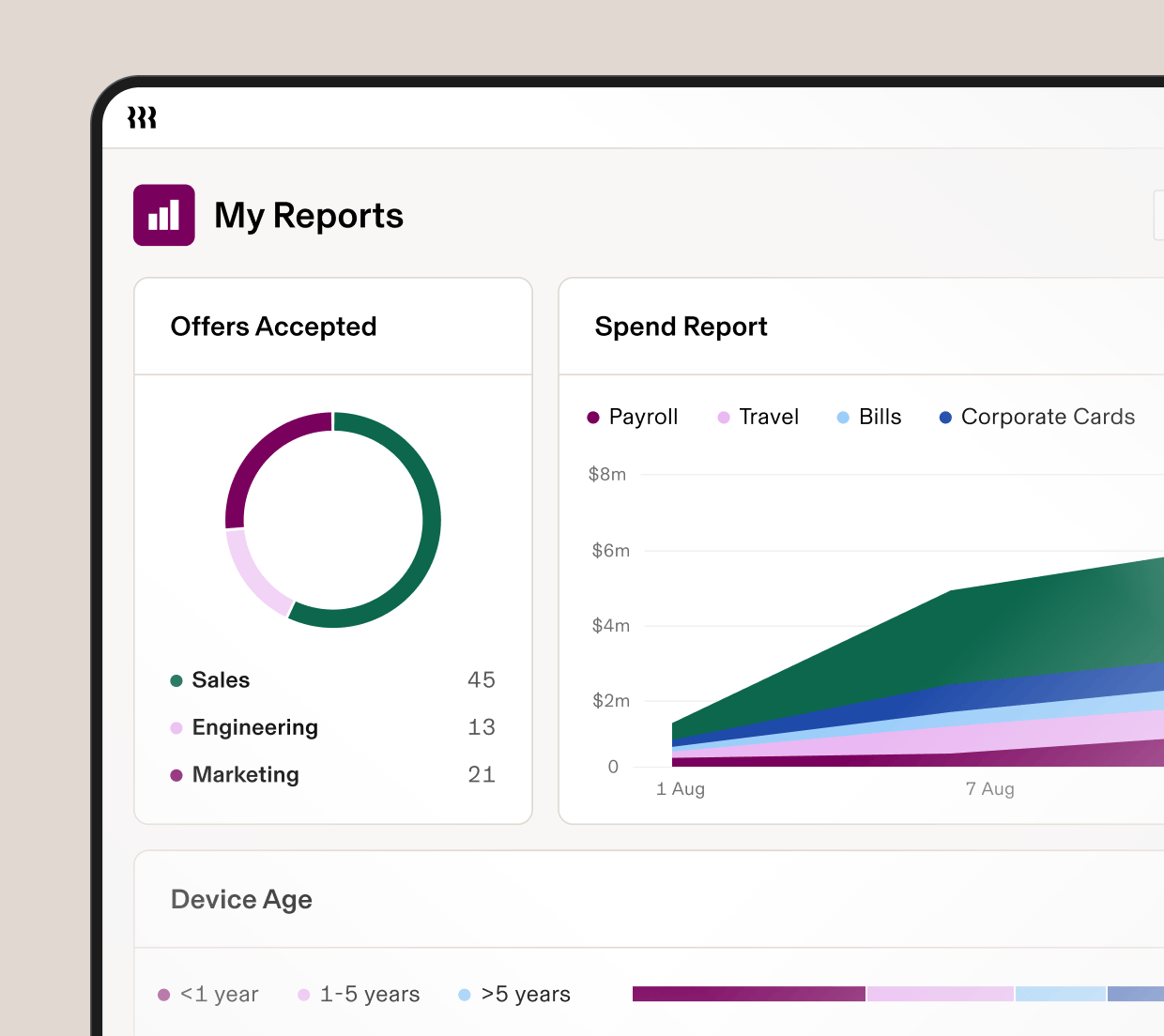
Centralised data
The source of truth for all your business data
With Rippling, it's easy to access, connect and visualise your data. Any user can point and click their way to reports with actionable insights that fuel better business decisions.
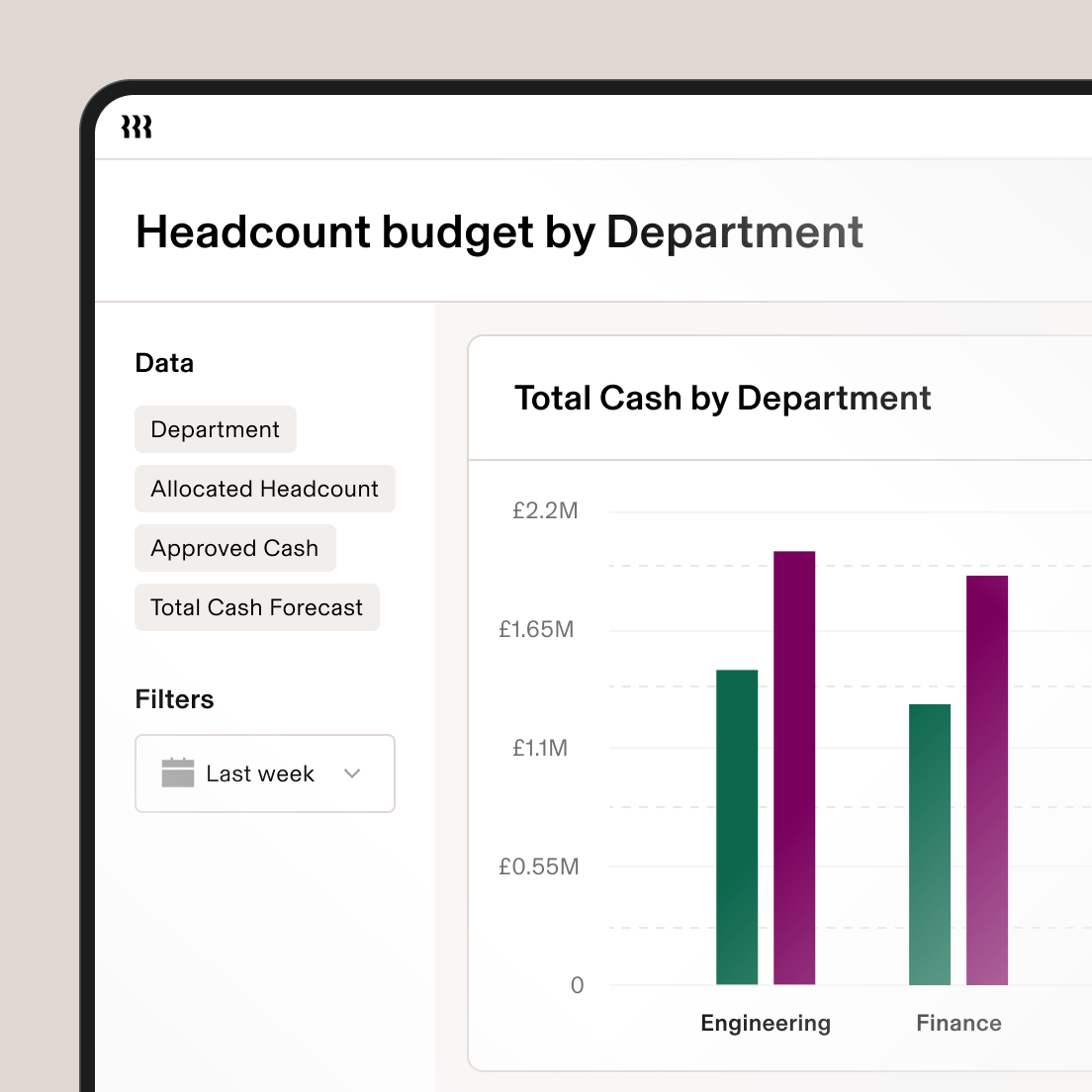
Access well-organised data
In Rippling, your data is centralised and easy to find so you always have real-time access to the data you need.
Connect any data
Rippling’s data architecture connects any data from across HR, IT, and Finance without manual exports or messy spreadsheet joins.

Visualise your data
Level up your insights with dynamic visuals. No separate business intelligence licences required.

Permissions
Empower leaders without sacrificing security
With Rippling, you can easily set up role-based permissions to ensure that every employee is automatically assigned the appropriate level of access.

Set role-based permissions
An employee’s access is tied to their role so if their role changes, their access will too. This ensures they have what they need while keeping data secure.

Specify access to reports
Rippling allows for flexible access so users can share reports with role-based permissions or choose to give viewers unrestricted access.
Reporting
Get more from your data with intuitive tools
Rippling's point-and-click interface empowers you to create insightful reports from data across your entire organisation.
Dynamic visuals
Choose from an array of visual display options like bubble charts, line graphs, scatter plots and more.
Pivot tables
Summarise and analyse large amounts of data into an interactive table to better conduct analysis.
Formula fields
Automatically calculate a value based on other fields, records or formulas to get more out of your data.









Built different
Learn more about the Rippling PlatformAnalyse, automate, and orchestrate anything
Most all-in-one software consists of acquired systems. These modules are disconnected, so your business data is too. Rippling takes a platform approach, building products on a single source of truth for all the business data related to employees. This rich, flexible data source unlocks a powerful set of capabilities.


Get a demo—live or on demand
See how Rippling can help you manage all of your employee data and operations in one place and easily grow your business from 2 to 2,000+ employees.
FAQs
How does Rippling support Workforce Management?
While most Human Capital Management (HCM) or Identity and Access Management (IAM) software products can enable basic reporting on HR or IT metrics, Rippling’s reporting tools enable analysis across everything you need for Workforce Management (WFM). Rippling helps you to manage the productivity and efficiency of your workforce by seamlessly bringing together data from HR, IT, Finance and Operations.
What types of analysis are available out of the box?
Rippling has hundreds of pre-configured reporting recipes designed to get you started including People Analytics and Workforce Analytics on full time or hourly workers. Rippling also has recipes for reports on devices, access, spend, compensation, time off, and more, all available for customisation.
How is data shared securely within Rippling?
Admins within Rippling create permissions profiles to determine which employees or groups of employees can have access to data. When a report is shared, only data approved for the permissions profile will be visible. Because Rippling allows for flexible access, a user can also choose to share with unrestricted access for specific reports. Permissions profiles are dynamic based on a user's role, and will update if their role changes.
Who can conduct analysis?
Rippling does not charge for viewer or editor licences; any Rippling user can run reports and analyses through the lens of their permissions profile.