





Easily prove SOC 2 compliance in seconds. Take advantage of Rippling templates, or build your own custom reports combining any device or user attribute you want.
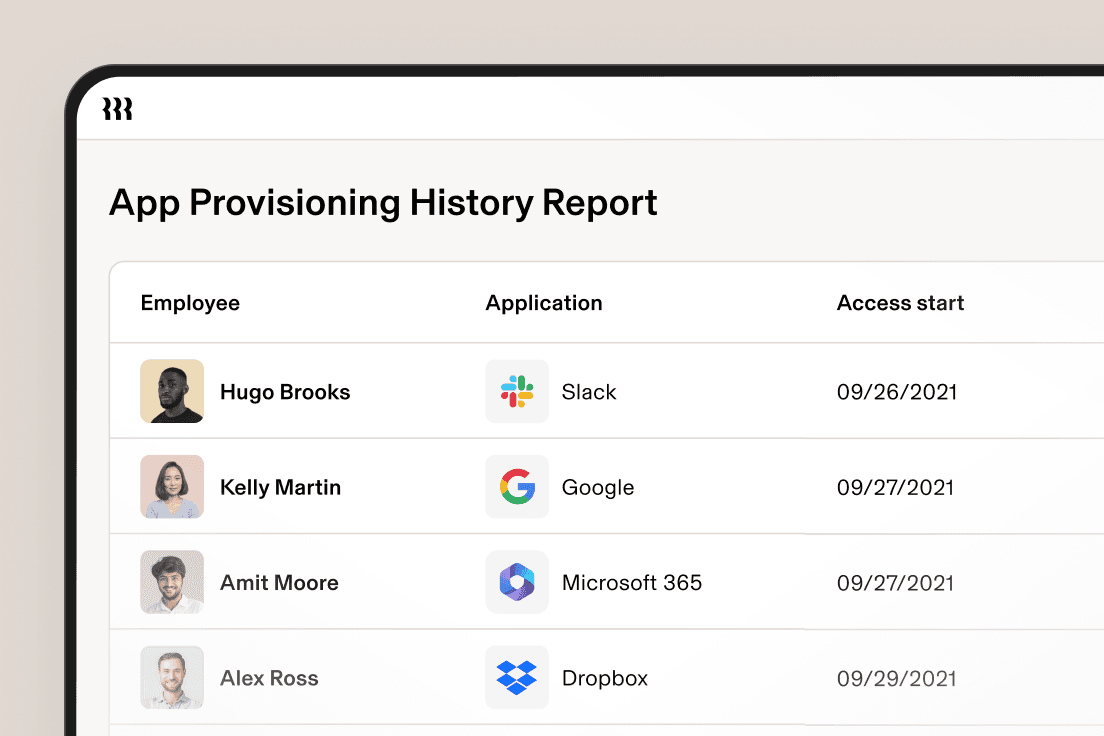
Unlock business-critical insights and delegate tedious tasks to AI built for HR, Payroll, IT, and Finance.
Learn more
Get engineer-built custom apps in Rippling to automate any business process you have.
Learn more

Employer of Record
Hire globally without entities

Global Payroll
Pay employees anywhere

Global Contractors
Pay contractors anywhere

Contractor of Record
Mitigate contractor risk

Global HRIS
Run global HR in one place

Global HR Adviser
Get localised HR expertise

Global Benefits
Manage benefits anywhere

Global Spend
Save everywhere you operate

Customer Stories


Barry’s empowers their workforce with a scalable HR solution

Forterra automates busywork to drive impact

Chess.com creates a frictionless people process

Clay grew 5x by automating 80% of its onboarding tasks

Blank Street Coffee saves 40 hours by automating open enrolment

Rippling gave Andros automation superpowers


EN
Australia (EN)


Canada (EN)
Canada (FR)

France (FR)

Germany (DE)

Ireland (EN)

United Kingdom (EN)

United States (EN)
EN
Australia (EN)
Canada (EN)
Canada (FR)
France (FR)
Germany (DE)
Ireland (EN)
United Kingdom (EN)
United States (EN)
EN
Australia (EN)
Canada (EN)
Canada (FR)
France (FR)
Germany (DE)
Ireland (EN)
United Kingdom (EN)
United States (EN)
Get the full picture of your devices and users, stay on top of security requirements and prove SOC 2 compliance — all from one command centre.
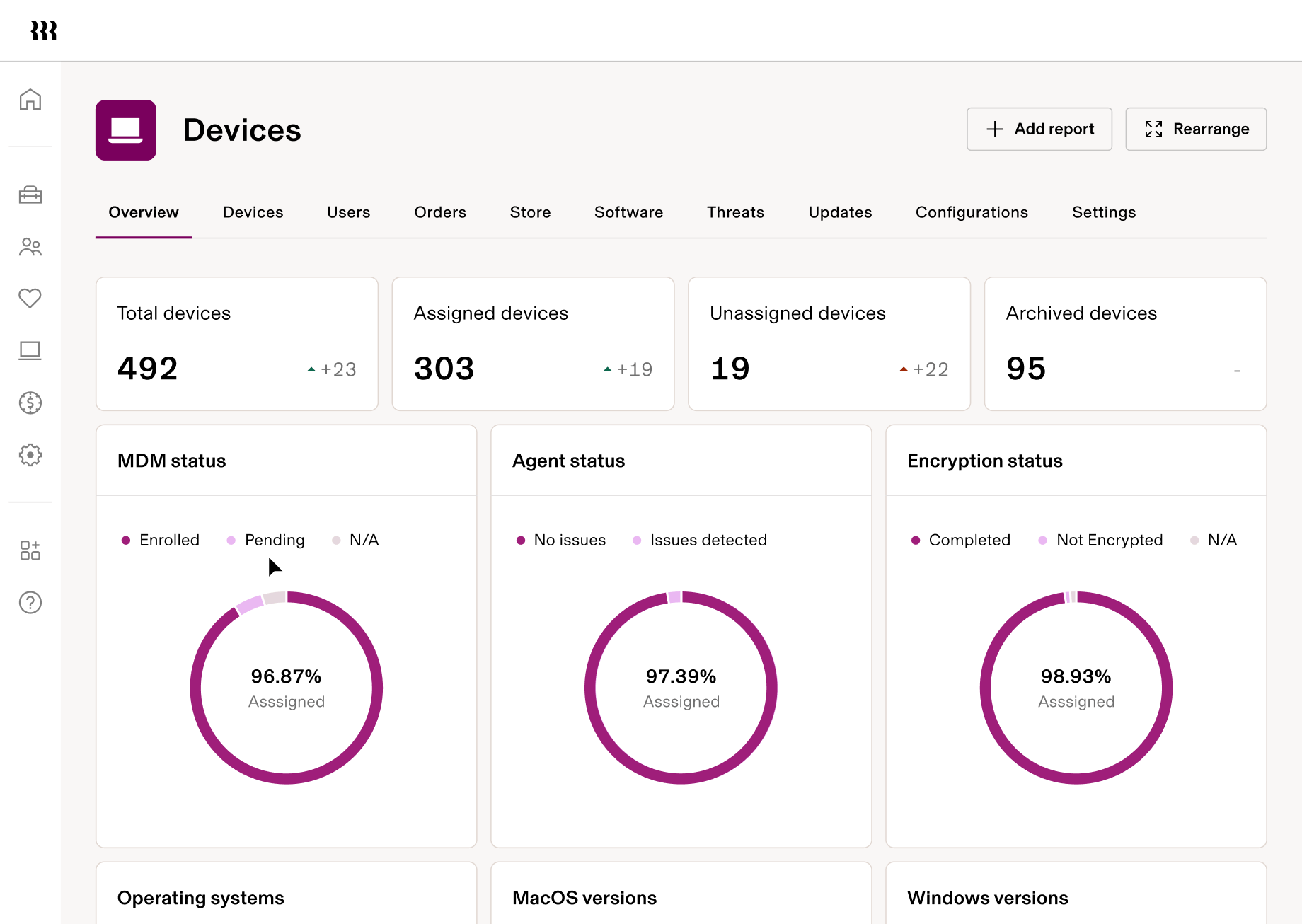
Quickly check the status of your security posture, users and devices — all from one place. No more hopping between systems to piece together reports or audits.
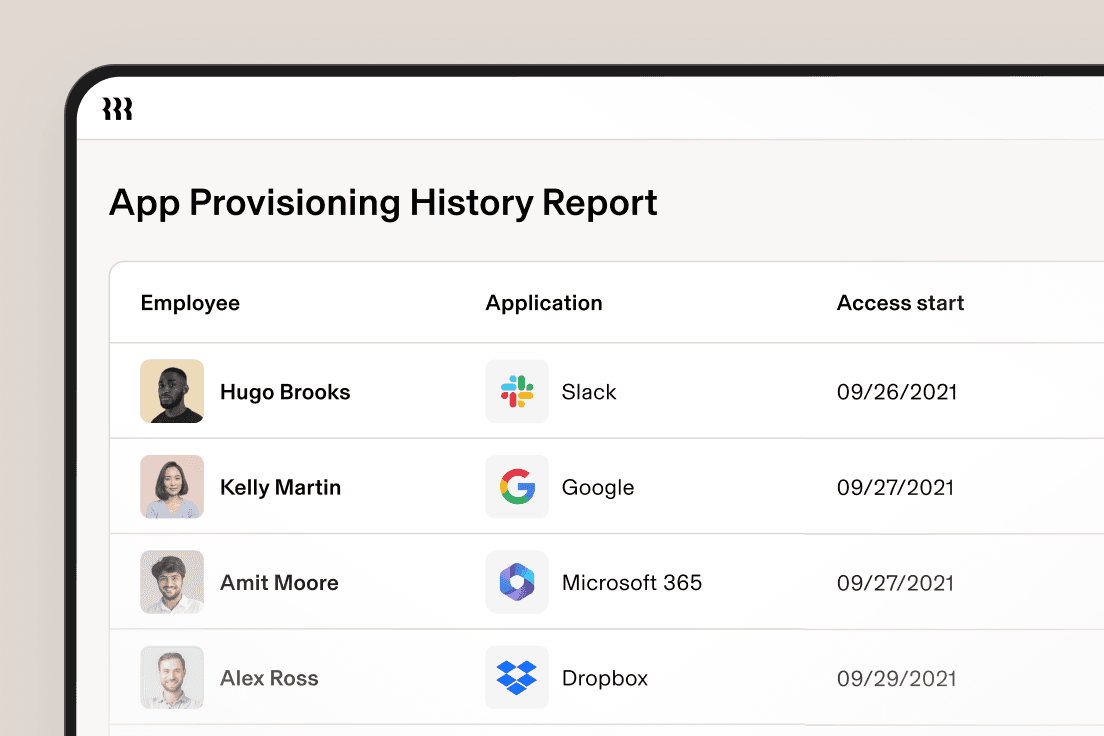
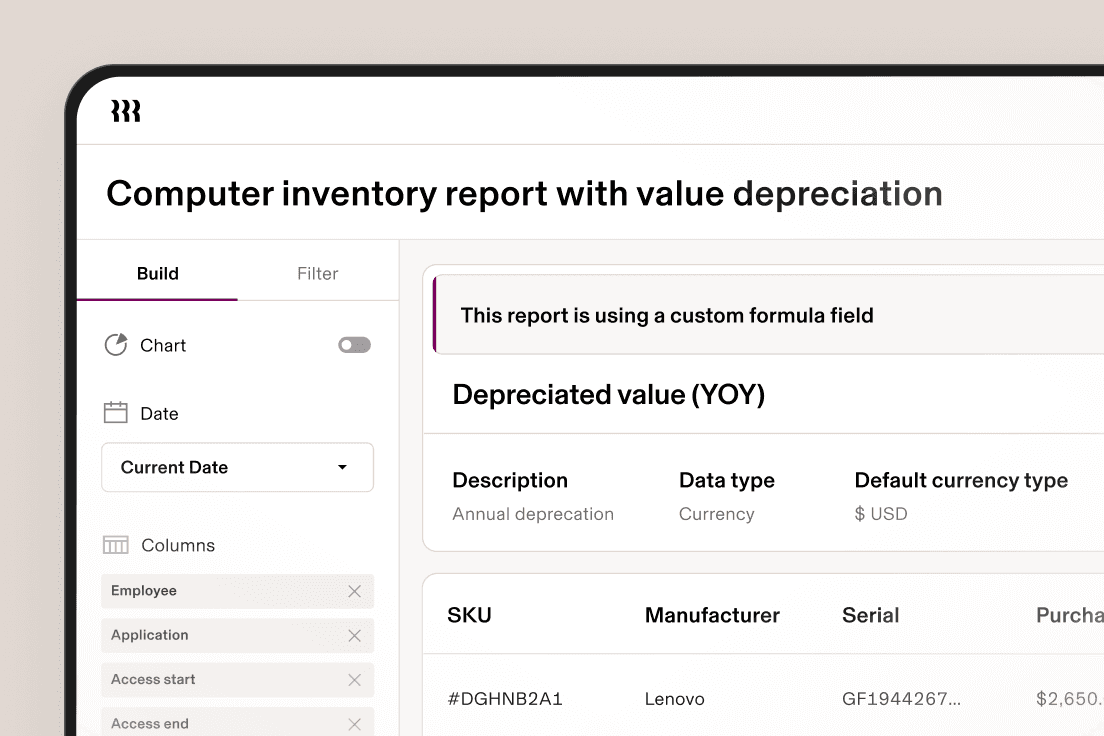
Easily prove SOC 2 compliance in seconds. Take advantage of Rippling templates, or build your own custom reports combining any device or user attribute you want.
Rippling’s data architecture seamlessly connects any data across HR and IT without manual exports, messy spreadsheet joins or custom integrations.
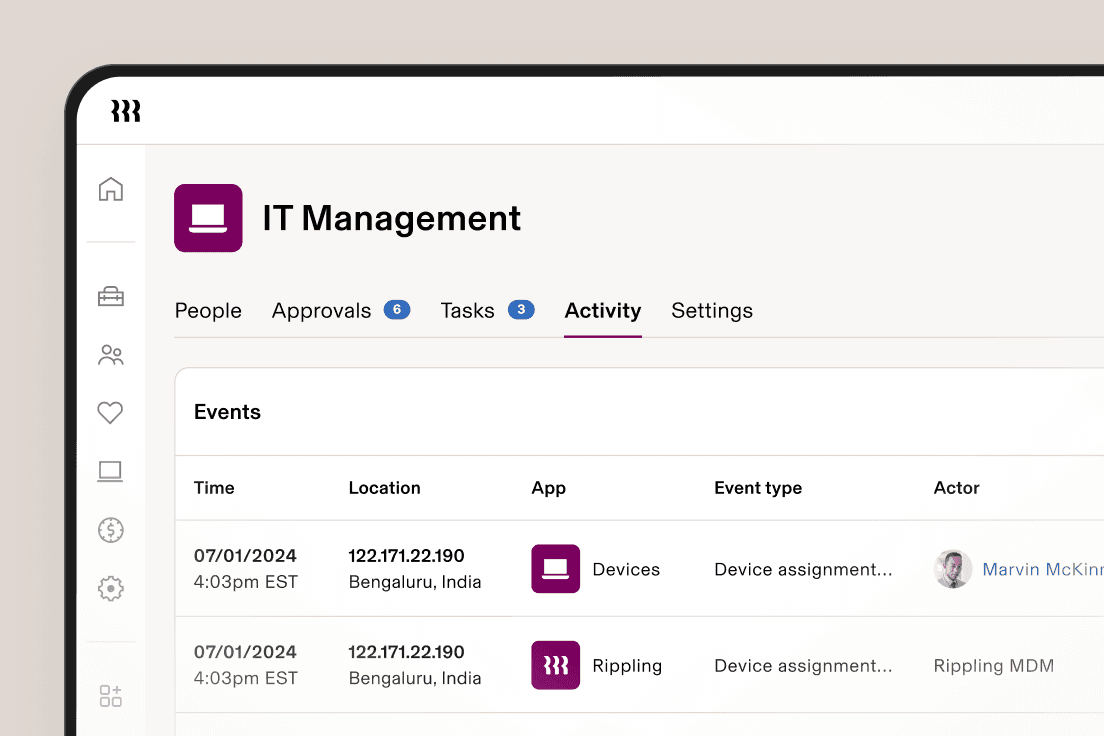
Rippling ensures you always have real-time access to the data you need. Drill deeper as needed with rich user and device attributes or complex calculations.
Automatically assign the appropriate level of access with role-based permissions.
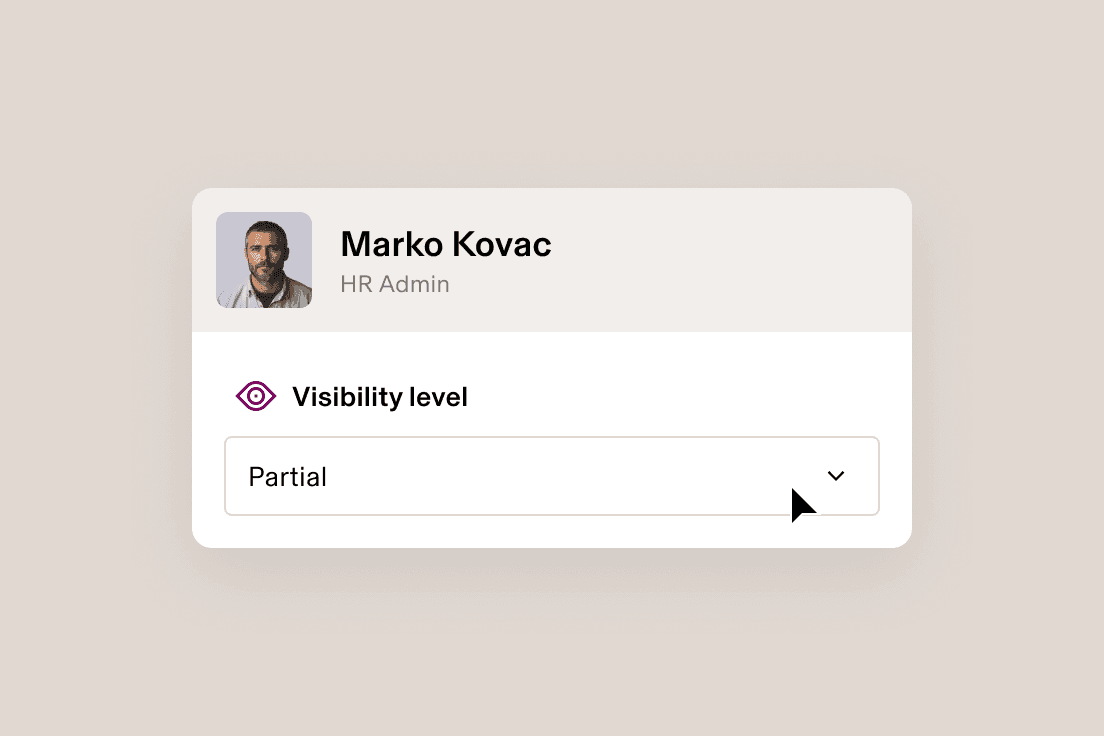
If a user’s role changes, so too does their access. This ensures they have what they need while keeping data secure.
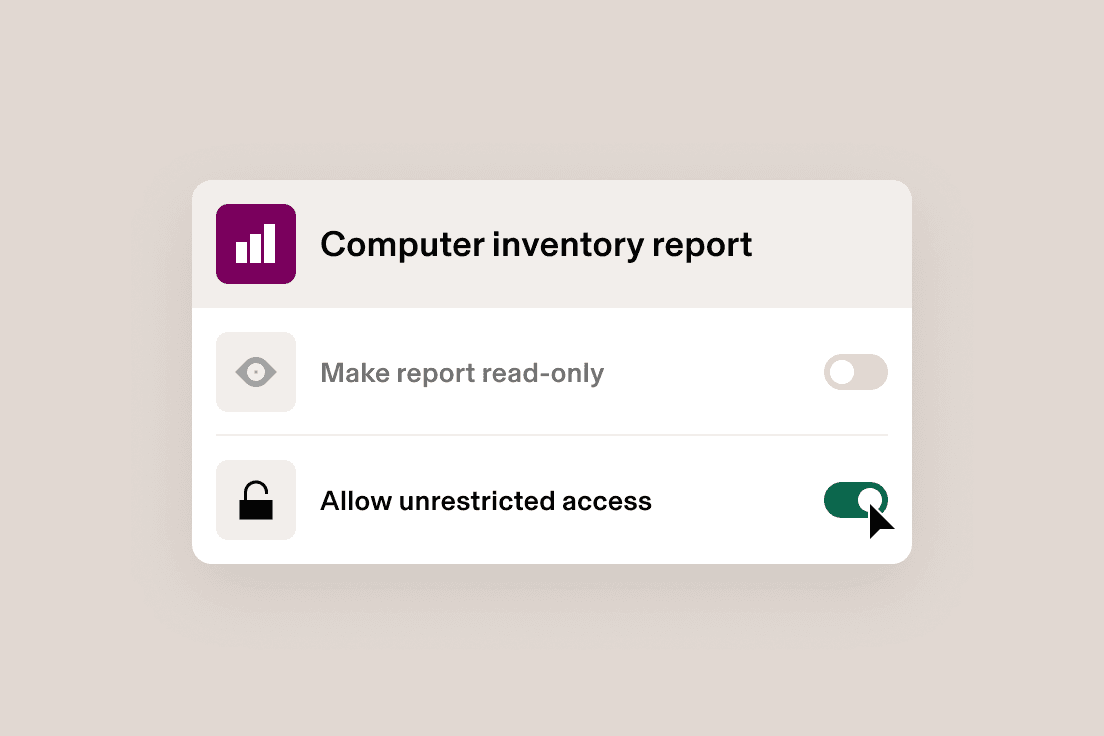
Rippling allows for flexible access so users can share reports based on role or choose to give viewers unrestricted access.
Rippling's point-and-click interface empowers you to create insightful reports from data across your entire organisation.
Choose from an array of visual display options like bubble charts, line graphs, scatter plots and more.
Summarise and analyse large amounts of data into an interactive table to better conduct analysis.
Automatically calculate a value based on other fields, records or formulas to get more out of your data.
Take the effort out of IT with custom workflows, dynamic permissions and policies, and rich reports for users and devices.


Rippling offers several types of reports out of the box, including “joined reports” that allow users to create reports leveraging any field across any app, “custom reports” with flexibility to analyse almost any data tracked within Rippling and “advanced reports” that consist of multiple data modules or report formulas.
Data in Rippling is shared securely using access-controlled methods such as creating time-limited and access-controlled URL links and using secure platforms like Jira, Salesforce or Google Drive for sharing customer data. Additionally, Rippling emphasises the importance of marking documents as “CONFIDENTIAL” and implementing access controls to ensure only those with a need-to-know can access sensitive information. Furthermore, Rippling has established a Data Perimeter project to secure data movement across all touchpoints, ensuring that only trusted identities access secure resources from specified networks.
In Rippling, the ability to run reports is generally available to employees who have been granted access through configurable field-level permissions. This allows a greater number of employees to “create workflows, run reports, etc.” by increasing the proportion of employees with access to other people’s data in Rippling.
See how Rippling IT can help you manage your identity, devices and inventory in one platform.