
























Tool
Why running IT in‑house is easier than you think
Discover how companies are cutting costs, improving security, and streamlining IT by bringing it in-house.
You’re juggling devices across Mac, Windows, and mobile while trying to scale, secure, and support a growing team. Switching MDMs might sound risky, but it doesn’t have to be.
Tools like Jamf, Kandji, and others weren’t built to manage the full device lifecycle across Mac and Windows. They require workarounds, manual scripts, and too much of your time. The longer you wait, the more fragmented (and expensive) your IT stack becomes.
This guide gives you a step-by-step migration path to Rippling MDM with zero device wipes, minimal user disruption, and full Apple Business Manager support. No fluff. No downtime. Just a cleaner, faster way to manage every device from one unified system.
More IT resources
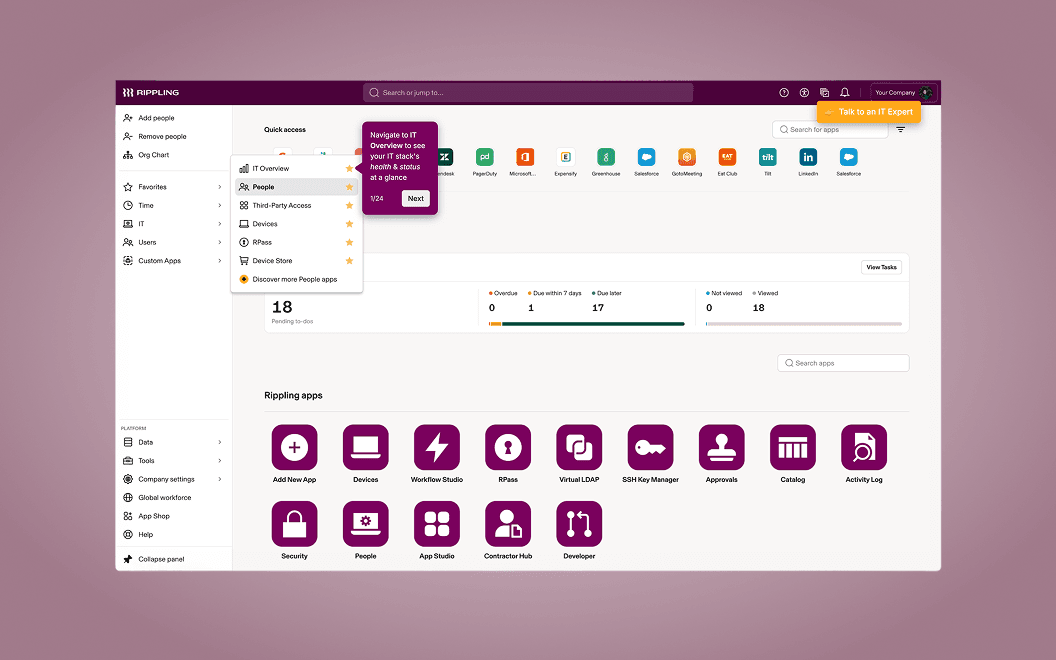
Explore Rippling IT with an Interactive Demo
Identity, devices, and security in one platform. Take a tour at your own pace below.
Guide
The 2025 IT Ops Report: Quantifying the impact of software proliferation
Reclaim your IT team’s time and reduce the "execution tax" by identifying the hidden costs of software sprawl and benchmarking your operational maturity.

Guide
The SaaS company security toolkit
Protect your growth and customer trust by implementing a prioritized security framework that automates access controls and turns compliance into a competitive advantage.
Guide
8-week SOC 2 compliance toolkit
Accelerate deal cycles and remove revenue blockers by following a focused eight-week roadmap to achieve audit readiness without hiring expensive consultants.
See Rippling in action
See how Rippling can help you manage all your employee data and operations in one place, no matter your business’s size.