



















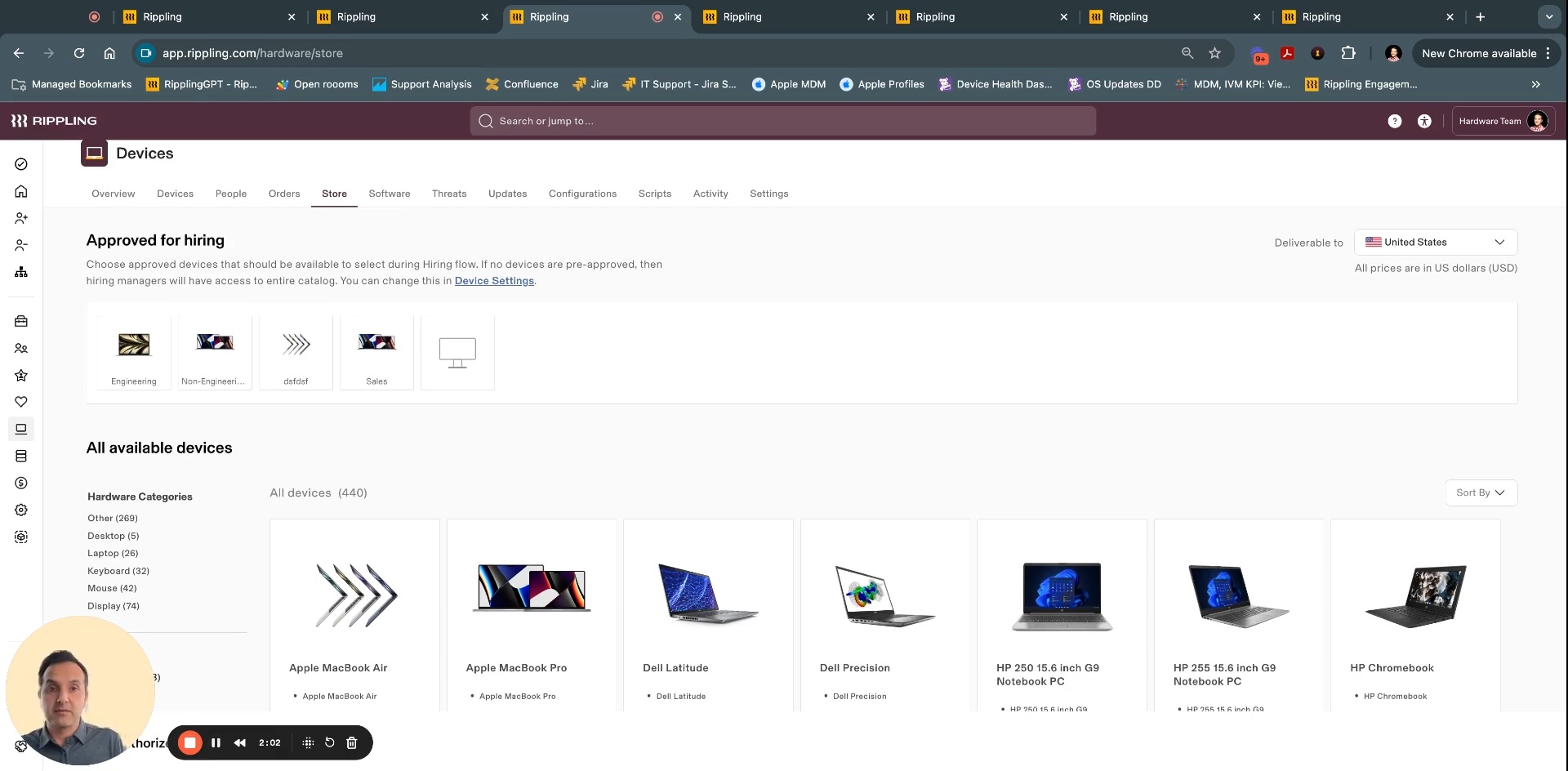
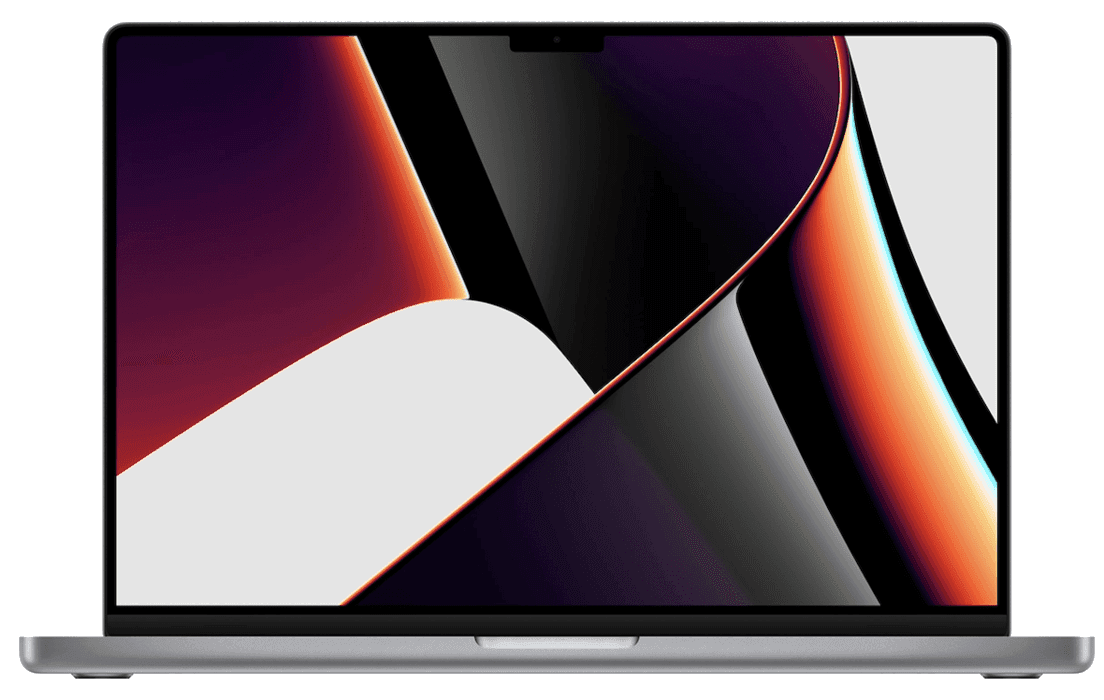
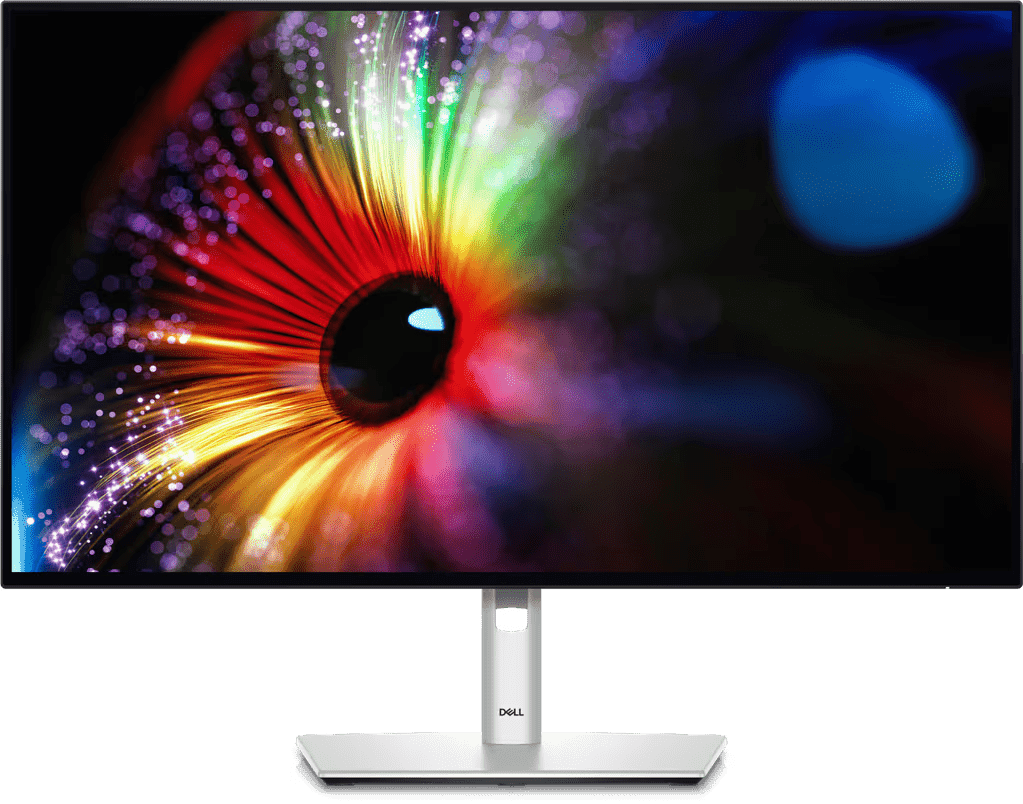
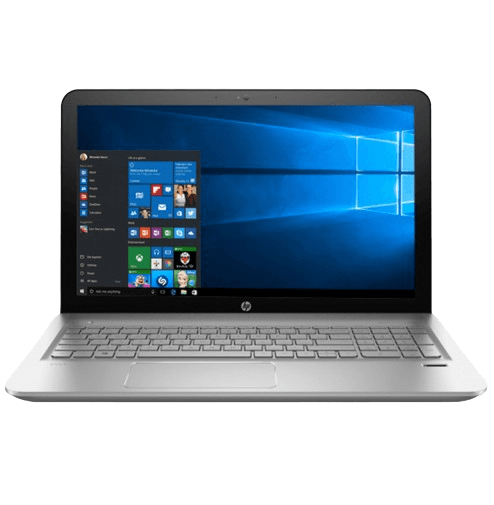
Whether it’s Lenovos for finance teams, Macbook Pros for engineers, or iPads for warehouse workers—you can manage them all in Rippling.
- Products
- Platform
Rippling AI
Unlock business-critical insights and delegate tedious tasks to AI built for HR, Payroll, IT, and Finance.
Learn more
Rippling Solutions
Get engineer-built custom apps in Rippling to automate any business process you have.
Learn more
- Solutions
- Global

Employer of record
Hire globally without entities

Global payroll
Pay employees anywhere

Global Contractors
Pay contractors anywhere

Contractor of record
Mitigate contractor risk

Global HRIS
Run global HR in one place

Global HR Advisor
Get localised HR expertise

Global benefits
Manage benefits anywhere

Global spend
Save everywhere you operate
- Resources
Resources

Blog
Customer stories
Customer stories


Barry's empowers their workforce with a scalable HR solution

Forterra automates low impact tasks to drive impact

Chess.com creates a frictionless people process

Clay grew five times by automating 80% of its on boarding tasks

Blank Street Coffee saves 40 hours by automating open enrolment

Rippling gave Andros automation superpowers
Webinars
Glossary

Events

Rippling U

Help centre

Compare


EN
Select language
Ireland (EN)


Australia (EN)

Canada (EN)
Canada (FR)

France (FR)

Germany (DE)

United Kingdom (EN)

United States (EN)
EN
Ireland (EN)
Australia (EN)
Canada (EN)
Canada (FR)
France (FR)
Germany (DE)
United Kingdom (EN)
United States (EN)
EN
Ireland (EN)
Australia (EN)
Canada (EN)
Canada (FR)
France (FR)
Germany (DE)
United Kingdom (EN)
United States (EN)
Cross-OS device management
Manage all endpoints from a single MDM
Secure Windows, Macs and mobile devices from a single pane of glass.
Trusted by 6,000+ customers

Cross-OS Device Management features
One solution to secure your entire fleet
Instead of managing separate MDMs for each operating system, Rippling lets you configure, manage and secure all endpoints from a single platform.
Centralised device management
User-driven security policies
Customise, deploy and enforce any security policy and configuration you’d like based on hundreds of user and device attributes.
Lifecycle management
Order and configure devices for new hires. Wipe, retrieve and store devices for offboarded employees. And do it all from inside Rippling.
Bring-your-own device (BYOD)
Effortlessly secure and manage employees’ personal devices while protecting employee's personal data and privacy.


See Rippling IT in action
See how Rippling IT can help you manage your identity, devices, and inventory in one platform.
IT overview
All the IT tools you need in one place
Control the entire user life cycle in one system with fully built identity, device and inventory management tools, and 600+ integrations – including custom SCIM and SAML.
Identity and access management
Device Management
Inventory Management
Manage identity, devices and inventory across the user lifecycle.







Built different
Learn more about the Rippling platformAnalyse, automate and orchestrate anything
Most all in one software consists of acquired systems. These modules are disconnected, so your business data is, too. Rippling takes a platform approach, building products on a single source of truth for all business data related to employees. This rich, flexible data source unlocks a powerful set of capabilities.


FAQs
What is Apple Device Management?
Apple Device Management refers to the administration and orchestration of Apple devices, such as iPhones, iPads, and Macs, using Mobile Device Management (MDM) solutions. This includes deploying profiles, managing settings, and ensuring security compliance across a fleet of devices.
What is iOS Mobile Device Management?
iOS Mobile Device Management (MDM) is a system used to manage and secure iOS devices, such as iPhones and iPads, within an enterprise by leveraging Apple's MDM protocol.
How much does iOS MDM cost?
The cost of iOS MDM at Rippling is roughly $150 per month for managing 30,000 devices, based on AWS SQS pricing.
Does Rippling Mobile Device Management support iPads?
Yes, Rippling Mobile Device Management (MDM) supports iPads though Apple's MDM protocol, allowing for the management and security of iOS and iPadOS devices.
What is the best Mobile Device Management for iOS?
The best Mobile Device Management (MDM) solution for iOS is Rippling, which supports Apple's best version of MDM, Declarative Management and offers comprehensive features such as manual, automated, account-driven and user enrolment flows.
How do I choose the right iOS MDM?
To choose the right iOS Mobile Device Management (MDM) solution, consider the following criteria:
- Enrollment Options: Ensure the MDM supports both Automated Device Enrollment and manual Device Enrollment. Verify if the MDM can handle personal and work device profiles separately.
- Security and Compliance: Check if the MDM can enforce security policies such as passcode requirements and OS updates. Confirm the ability to remotely lock or wipe devices, while respecting personal device restrictions.
- Device Management Features: Look for features like remote locking, unlocking, and wiping of devices. Ensure the MDM can manage software installations and updates accurately.
- Reporting and Monitoring: The MDM should provide detailed reports on device status, including battery health, free space, and software lists.
- User Experience: The MDM should offer a seamless enrollment process and clear communication about the rights and policies applied to the device.
- Support and Integration: Ensure the MDM integrates well with existing systems like Apple Business Manager (ABM). Check for support and documentation to assist with setup and troubleshooting.

SOC 2 Type II, ISO 27001, CSA STAR Level 2
Learn more about security