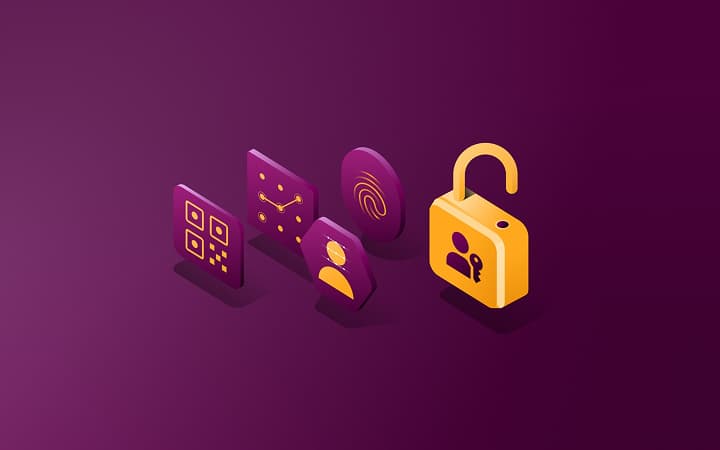
Define and enforce access across every app
When roles changes or someone leaves, Rippling automatically updates access, permissions and groups.

Unlock business-critical insights and delegate tedious tasks to AI built for HR, Payroll, IT, and Finance.
Learn more
Get engineer-built custom apps in Rippling to automate any business process you have.
Learn more

Employer of Record
Hire globally without entities

Global Payroll
Pay employees anywhere

Global Contractors
Pay contractors anywhere

Contractor of Record
Mitigate contractor risk

Global HRIS
Run global HR in one place

Global HR Advisor
Get localised HR expertise

Global Benefits
Manage benefits anywhere

Global Spend
Save everywhere you operate

Customer Stories


Barry’s empowers their workforce with a scalable HR solution

Forterra automates busywork to drive impact

Chess.com creates a frictionless people process

Clay grew 5x by automating 80% of its onboarding tasks

Blank Street Coffee saves 40 hours by automating open enrolment

Rippling gave Andros automation superpowers


EN
United Kingdom (EN)


Australia (EN)

Canada (EN)
Canada (FR)

France (FR)

Germany (DE)

Ireland (EN)

United States (EN)
EN
United Kingdom (EN)
Australia (EN)
Canada (EN)
Canada (FR)
France (FR)
Germany (DE)
Ireland (EN)
United States (EN)
EN
United Kingdom (EN)
Australia (EN)
Canada (EN)
Canada (FR)
France (FR)
Germany (DE)
Ireland (EN)
United States (EN)
Rippling IT unites identity, access and devices on one platform so teams can strengthen security and automate any task across the user and device lifecycle.
Rippling instantly provisions access, secures endpoints and automates compliance without you having to switch systems.
When roles changes or someone leaves, Rippling automatically updates access, permissions and groups.
Streamline setup, configuration and software installation across macOS, Windows, iOS and iPadOS devices, all in one place.
From procurement to retrieval and buyback, Rippling automates the device lifecycle worldwide.
Automate evidence collection, and remediate issues with the click of a button.
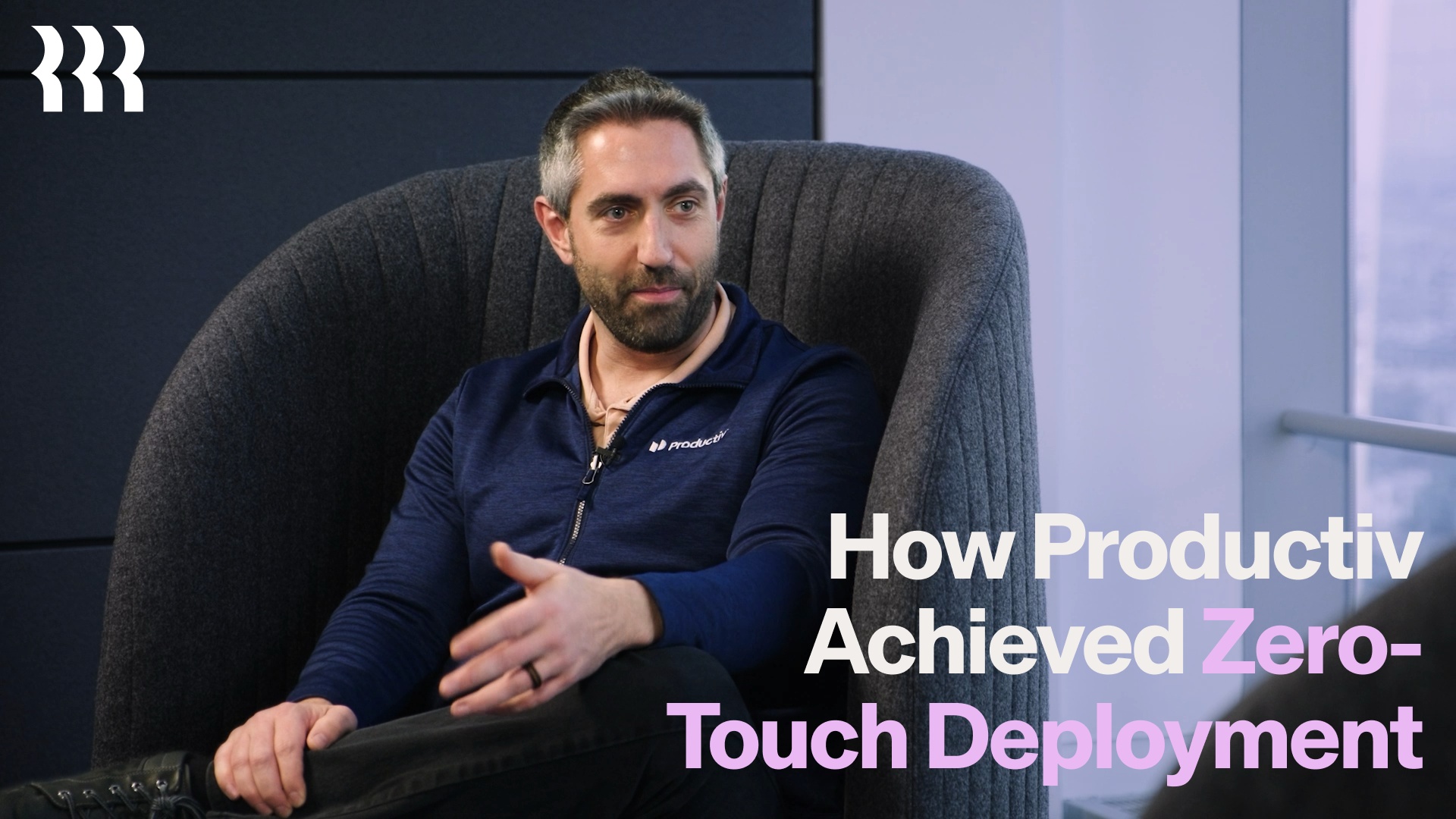
“Device shipped 14 days out, with access provisioned 7 days out. They just log in and everything’s set up. My IT team doesn’t have to lift a finger.”
Josh Mullis
VP of Information Security at Productiv
Rippling handles your most complex IT tasks autonomously.
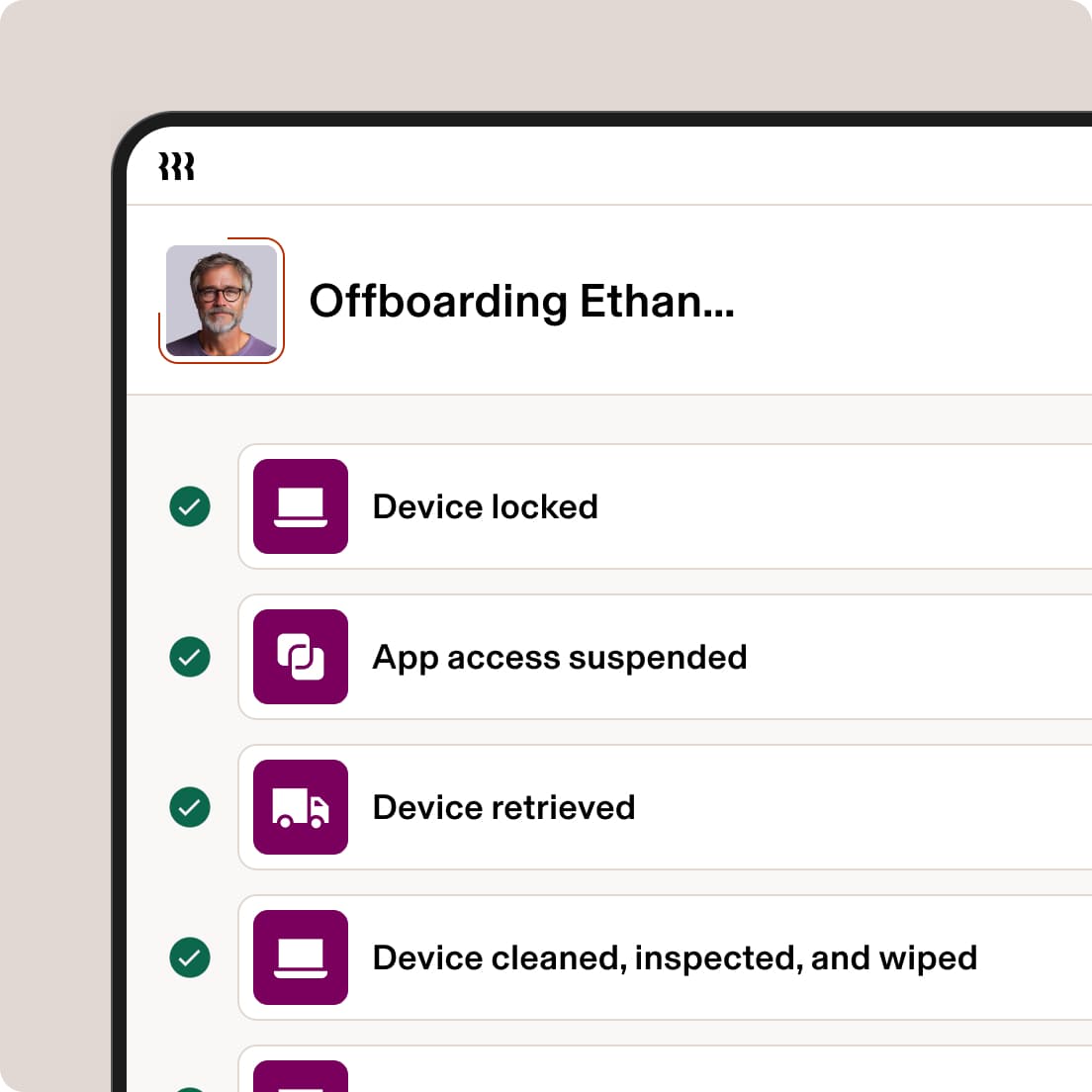
Updates in your HR system instantly trigger device and app provisioning for onboarding and offboarding, as well as when roles change.
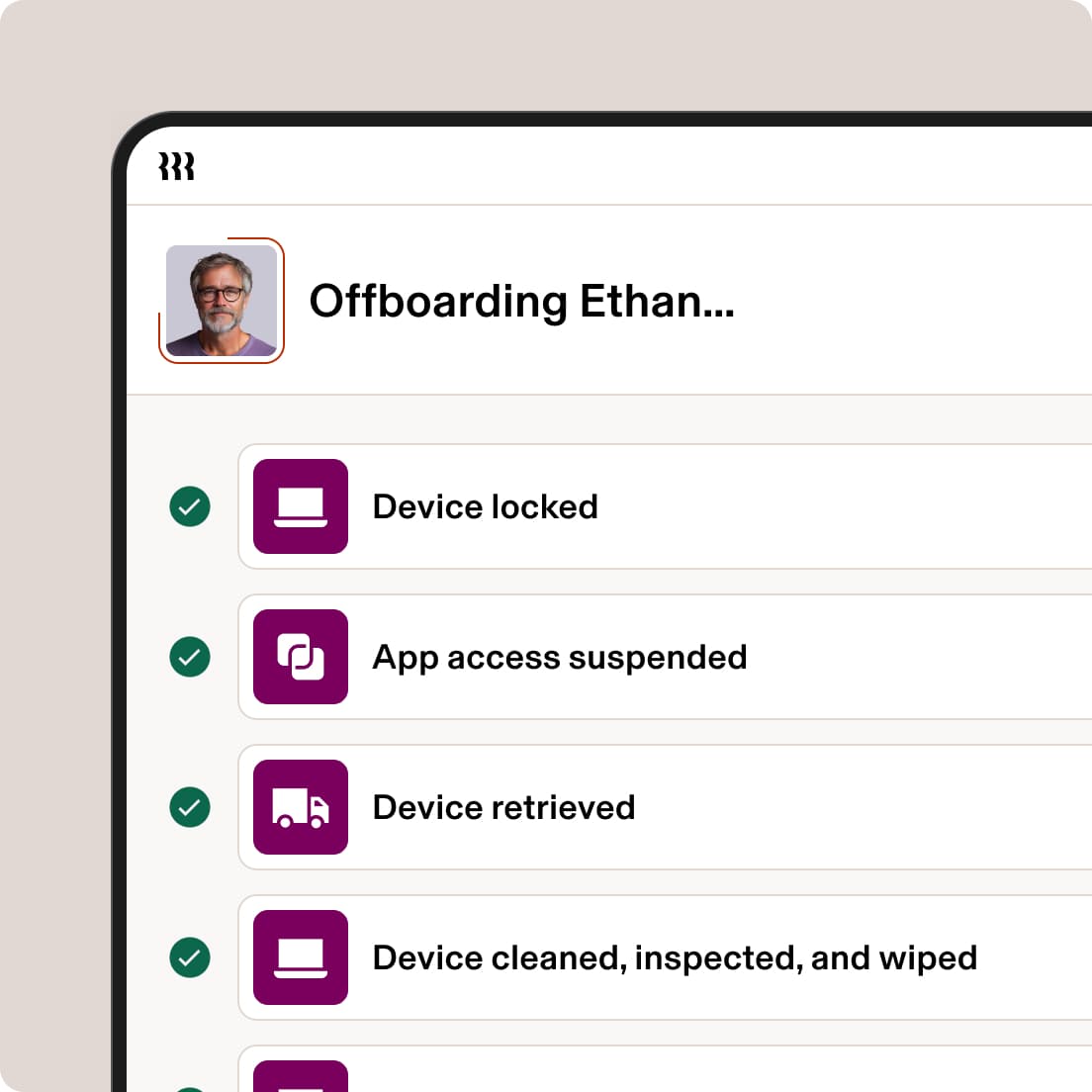
Automatically ship Windows, Apple and mobile devices directly to employees, configured with the right apps and permissions.

Rippling continuously enforces access controls, MFA, patching and device trust across every user and device – evolving with risk signals to keep your data secure.

Rippling collects evidence in the background and remediates controls for your next audit – while you work.

Because all your data is connected in Rippling, the correct permissions and policies get applied to every employee, app and device automatically.


Get answers fast and execute tasks instantly. Built-in intelligence constantly monitors your environment – surfacing shadow IT, cutting extra spend and keeping you safe from risks.


Sync data from your existing HRIS or identity provider to automatically trigger workflows and strengthen security as your workforce changes.
Everything you need to automate operations and strengthen security.
Book a demo and meet our sales team to qualify.
See how Rippling IT can help you manage your identity, devices and inventory on one platform.
Rippling IT is a unified platform that combines identity and access management (IAM), device management (MDM), inventory and compliance into one system. So you can control your entire IT environment from a single place.
Most tools solve one layer of IT (identity or devices or compliance), but Rippling unifies all three into a single system with a shared data model – eliminating the need for brittle integrations and manual coordination.
You define rules once – like role-based access or department-based permissions – and Rippling automatically provisions and deprovisions access across all apps using SSO, SCIM and lifecycle management.
Yes, Rippling provides end-to-end global logistics for purchasing, shipping, storing and retrieving devices in over 130 countries. Every laptop arrives with “Zero-Touch” configuration, meaning your security policies and software are pre-installed before the employee even opens the box.
Rippling AI surfaces insights, mitigates risk and executes your policies. It automatically resolves requests, provisions access and devices, and identifies security risks like “Shadow AI”. AI in Rippling moves IT from reactive firefighting to proactive management by enforcing compliance and remediating gaps without manual intervention.
The platform continuously monitors your environment against frameworks like SOC 2 or NIST, automatically gathering evidence and flagging gaps in real time. If a device or user falls out of compliance, Rippling provides one-click remediation to fix the issue instantly and maintain a hardened security posture.