



















- Products
- Platform
Rippling AI
Unlock business-critical insights and delegate tedious tasks to AI built for HR, Payroll, IT, and Finance.
Learn more
Rippling Solutions
Get engineer-built custom apps in Rippling to automate any business process you have.
Learn more
- Solutions
- Global

Employer of Record
Hire globally without entities

Global Payroll
Pay employees anywhere

Global Contractors
Pay contractors anywhere

Contractor of Record
Mitigate contractor risk

Global HRIS
Run global HR in one place

Global HR Advisor
Get localised HR expertise

Global Benefits
Manage benefits anywhere

Global Spend
Save everywhere you operate
- Resources
Resources

Blog
Customer Stories
Customer Stories


Barry’s empowers their workforce with a scalable HR solution

Forterra automates busywork to drive impact

Chess.com creates a frictionless people process

Clay grew 5x by automating 80% of its onboarding tasks

Blank Street Coffee saves 40 hours by automating open enrolment

Rippling gave Andros automation superpowers
Webinars
Glossary

Events

Rippling University

Help Centre

Compare


EN
Select language
United Kingdom (EN)


Australia (EN)

Canada (EN)
Canada (FR)

France (FR)

Germany (DE)

Ireland (EN)

United States (EN)
EN
United Kingdom (EN)
Australia (EN)
Canada (EN)
Canada (FR)
France (FR)
Germany (DE)
Ireland (EN)
United States (EN)
EN
United Kingdom (EN)
Australia (EN)
Canada (EN)
Canada (FR)
France (FR)
Germany (DE)
Ireland (EN)
United States (EN)
Policies
Enforce and automate security policies across your org
Easily create, deploy and enforce custom policies across apps and devices.
Trusted by 6,000+ customers

Supergroups
Apply policies to the right users automatically
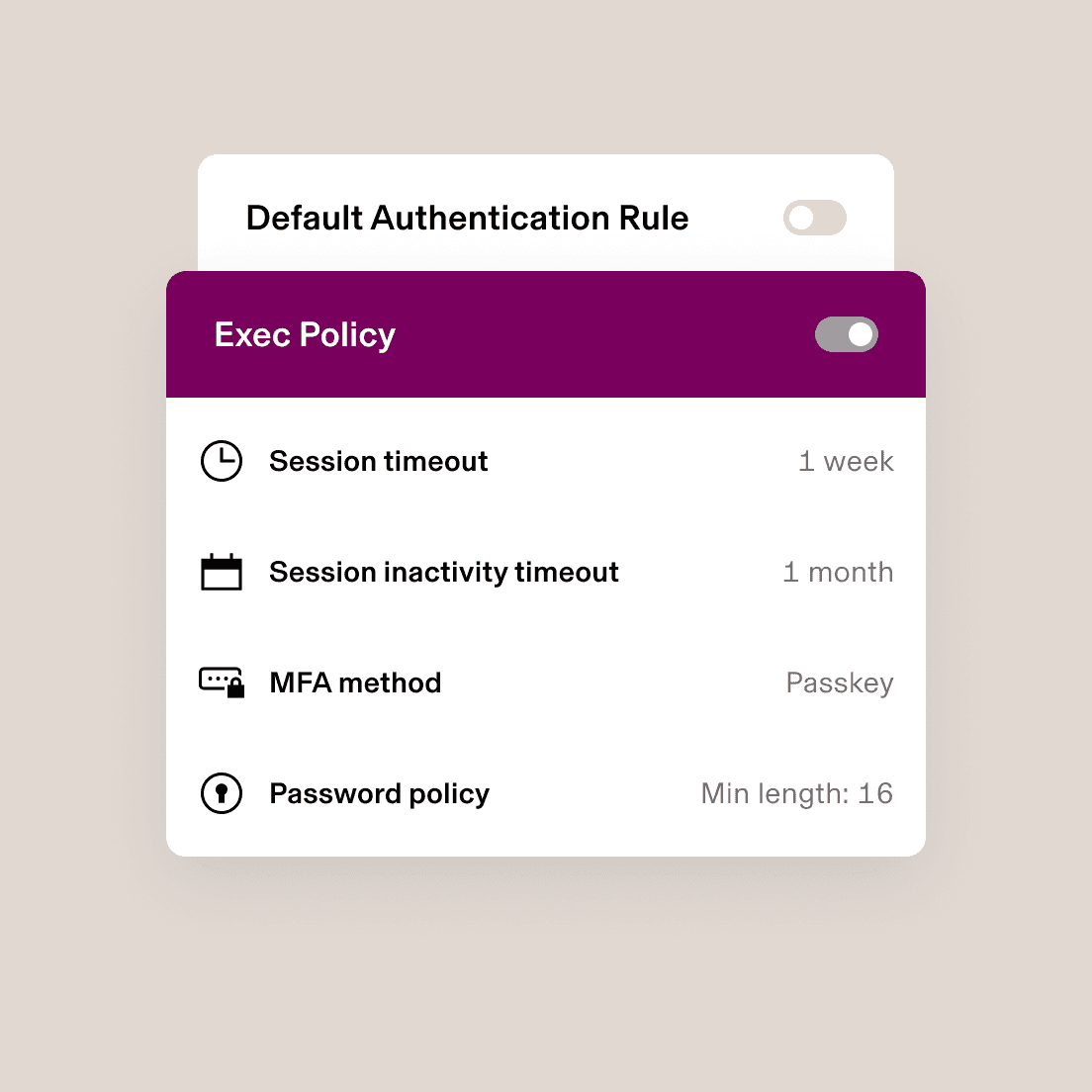
Apply policies to users using Supergroups: dynamic membership lists that you can customise using attributes such as department, start date or security status. If an employee moves or changes roles, their policies are updated automatically.
Policy creation
Customise policies to meet compliance needs
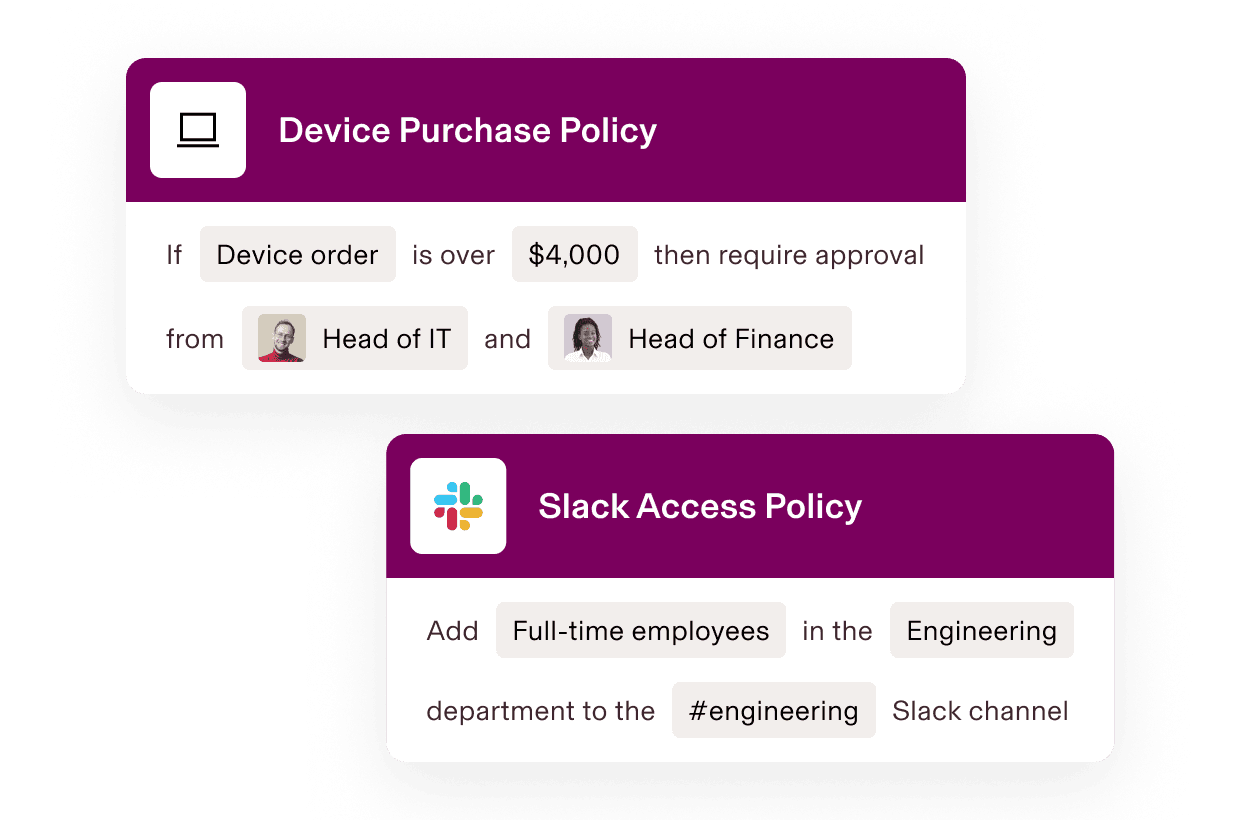
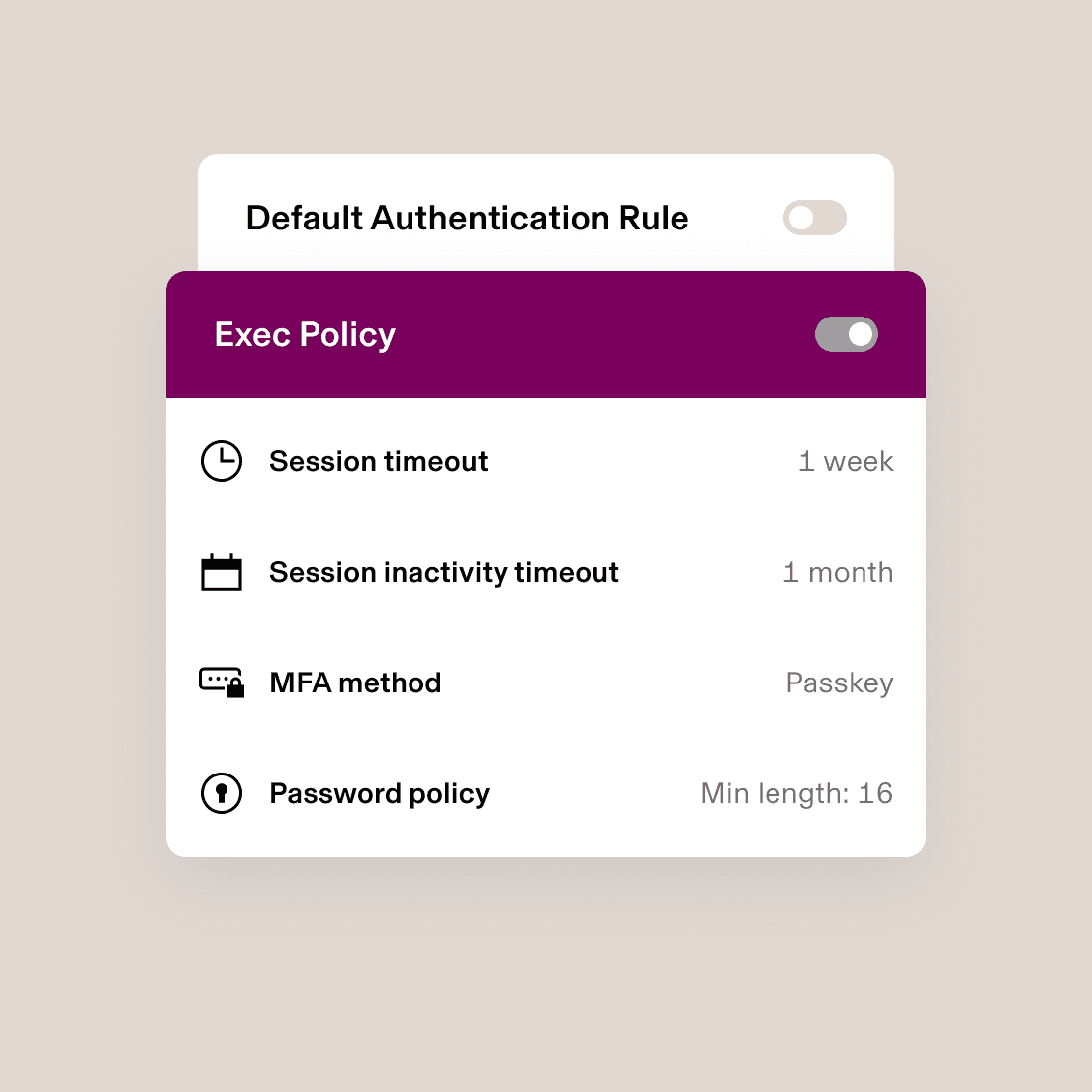
Rippling makes it easy to meet compliance and security requirements – applying your policies dynamically, so you never have to manually maintain who’s attached to each policy.
Access Policies
Device Policies
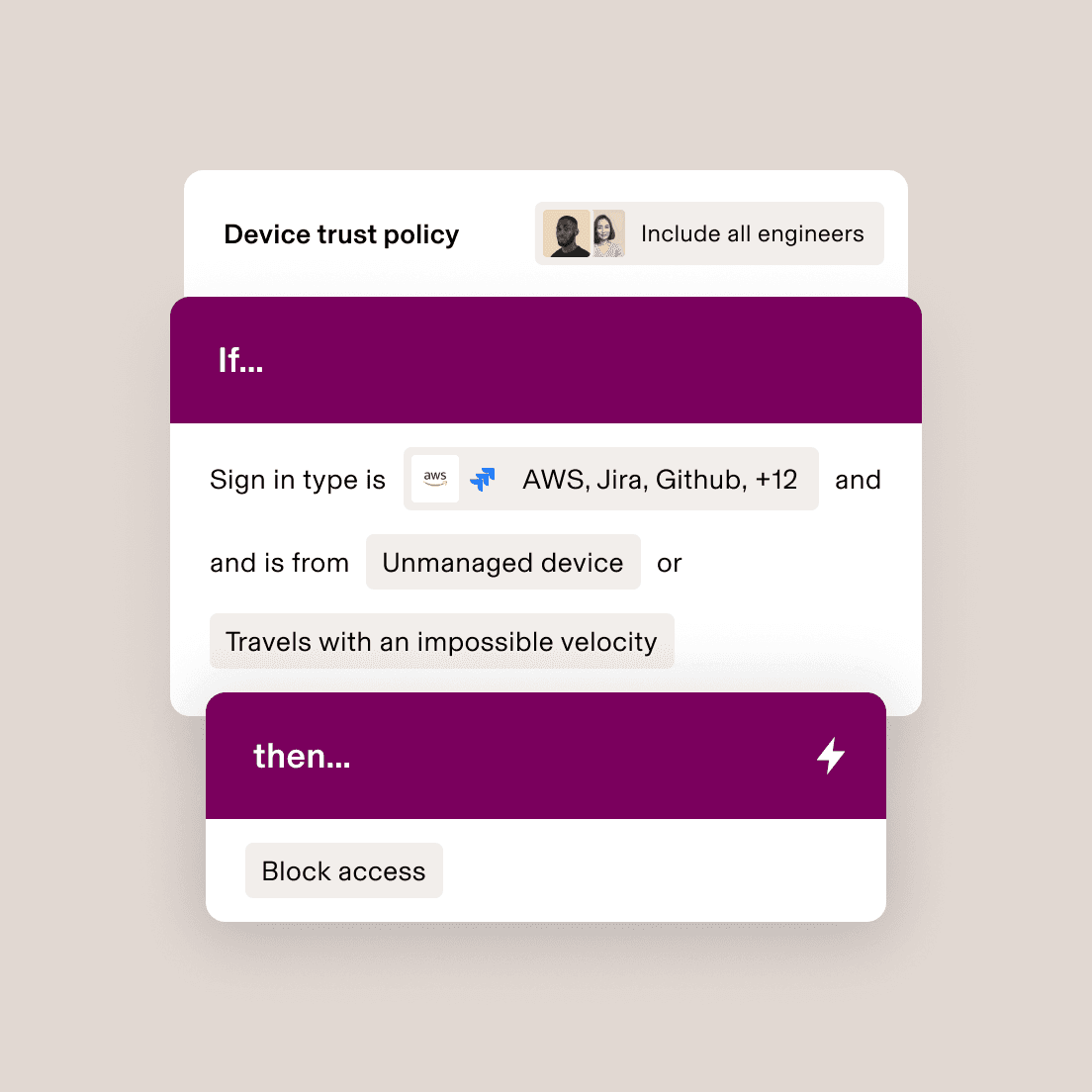
Zero-Trust Policies
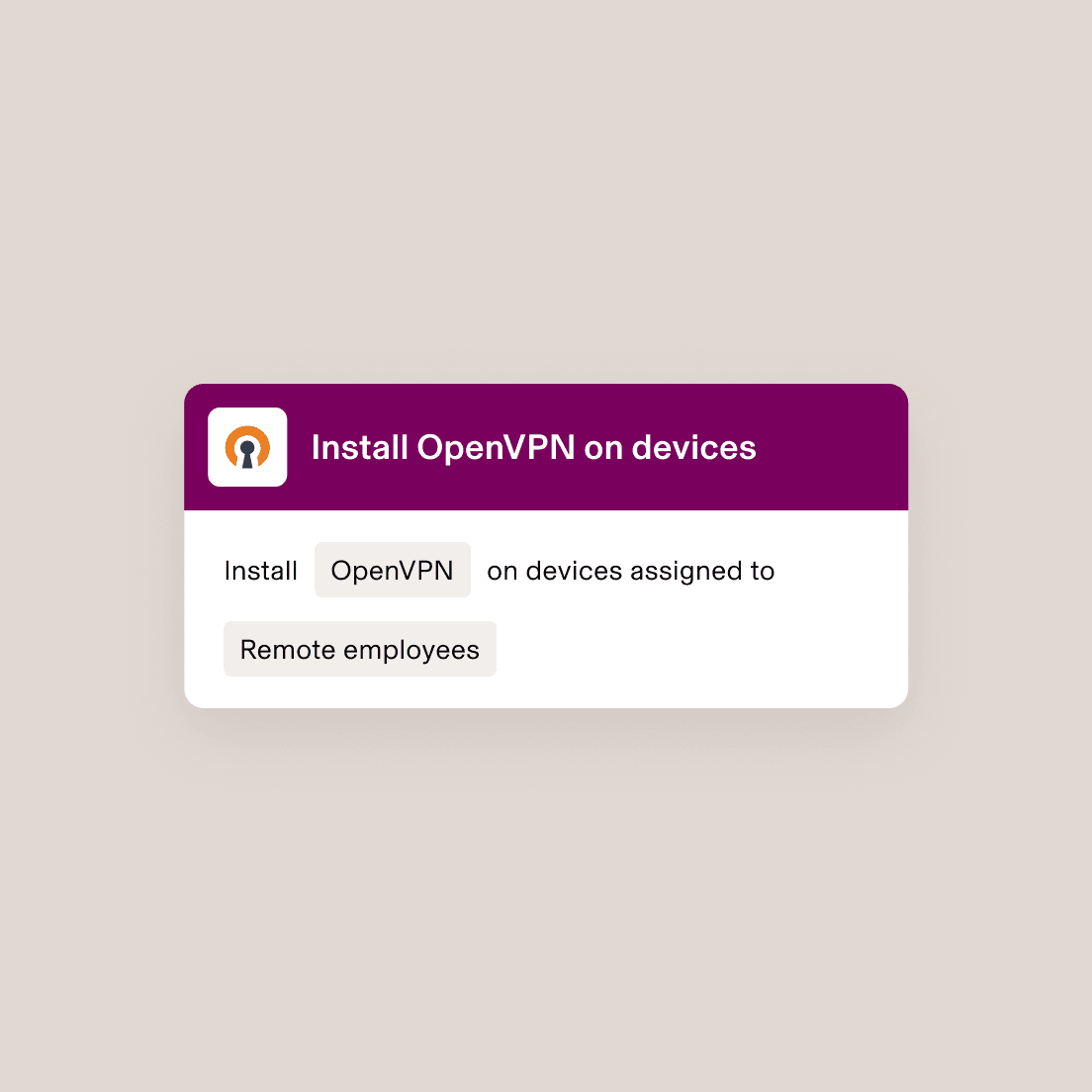
Policy enforcement
Customise policies based on any attribute
Ensure that nothing slips through the cracks with automated policy enforcement based on any possible attribute, such as device operating system, user role, location and more.
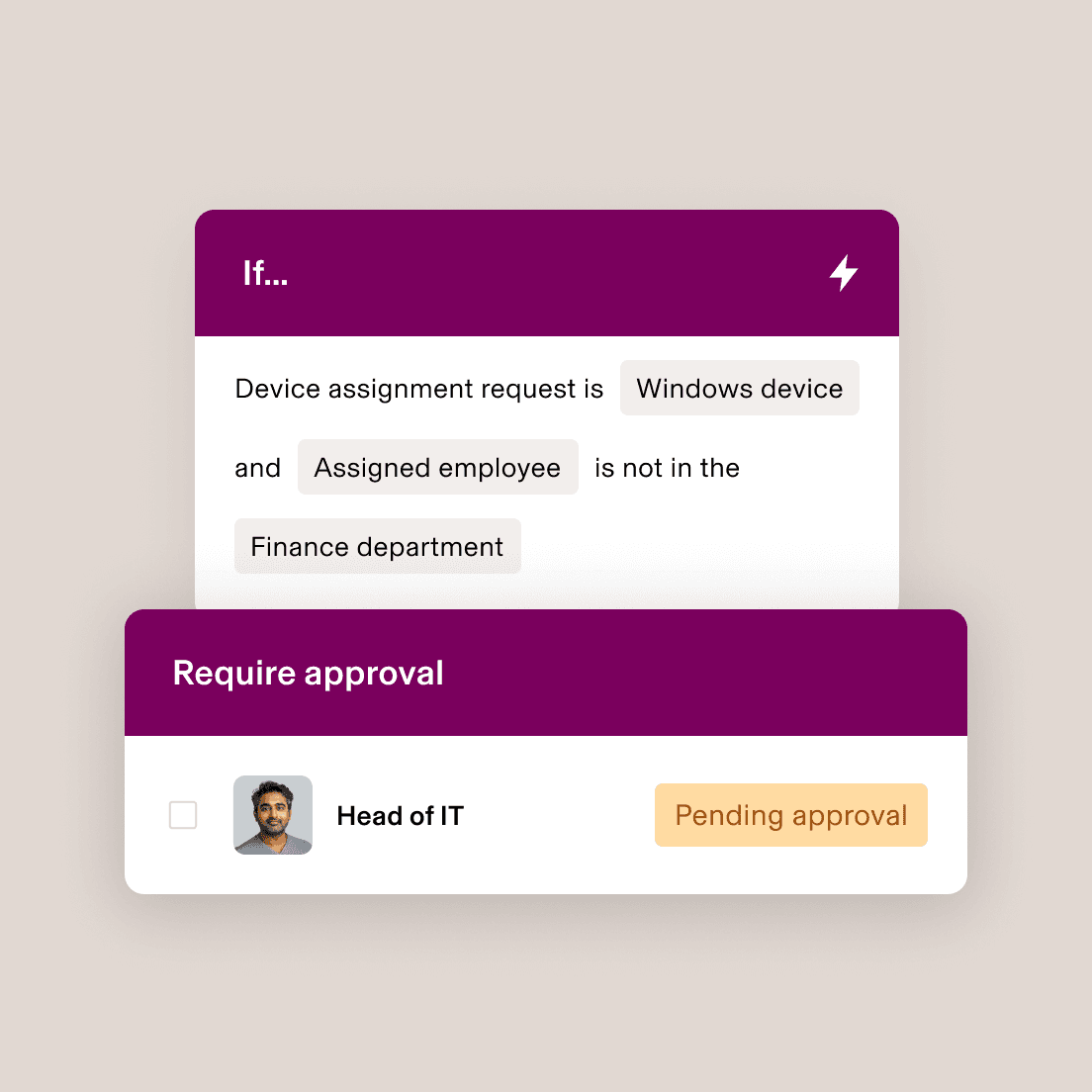
Role-based policy automation
Update access when roles change – automatically
With Rippling, the correct policies are automatically applied when a user moves into a new role or Supergroup – no action needed from you.
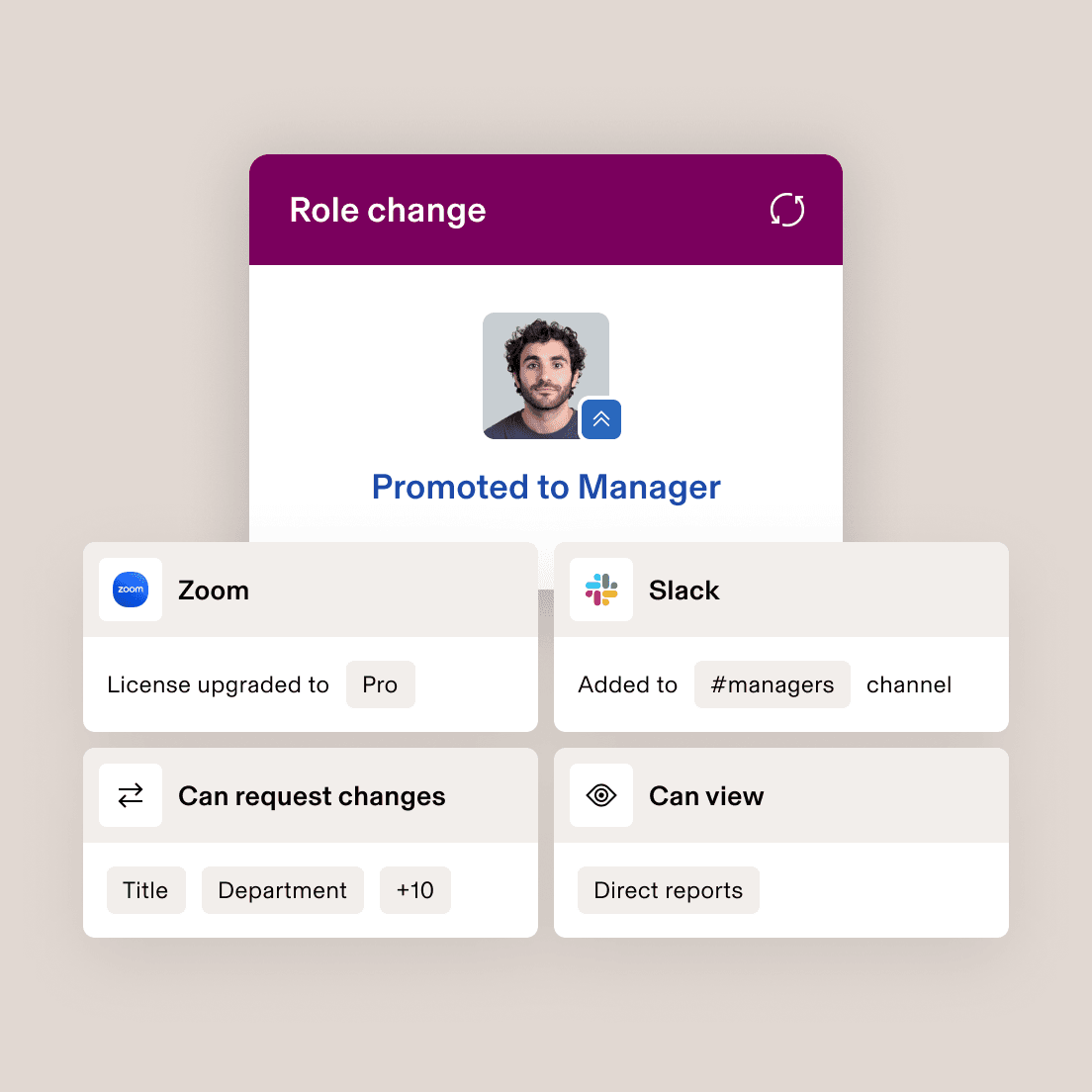
Cross-app policies
Create policies that span your tech stack
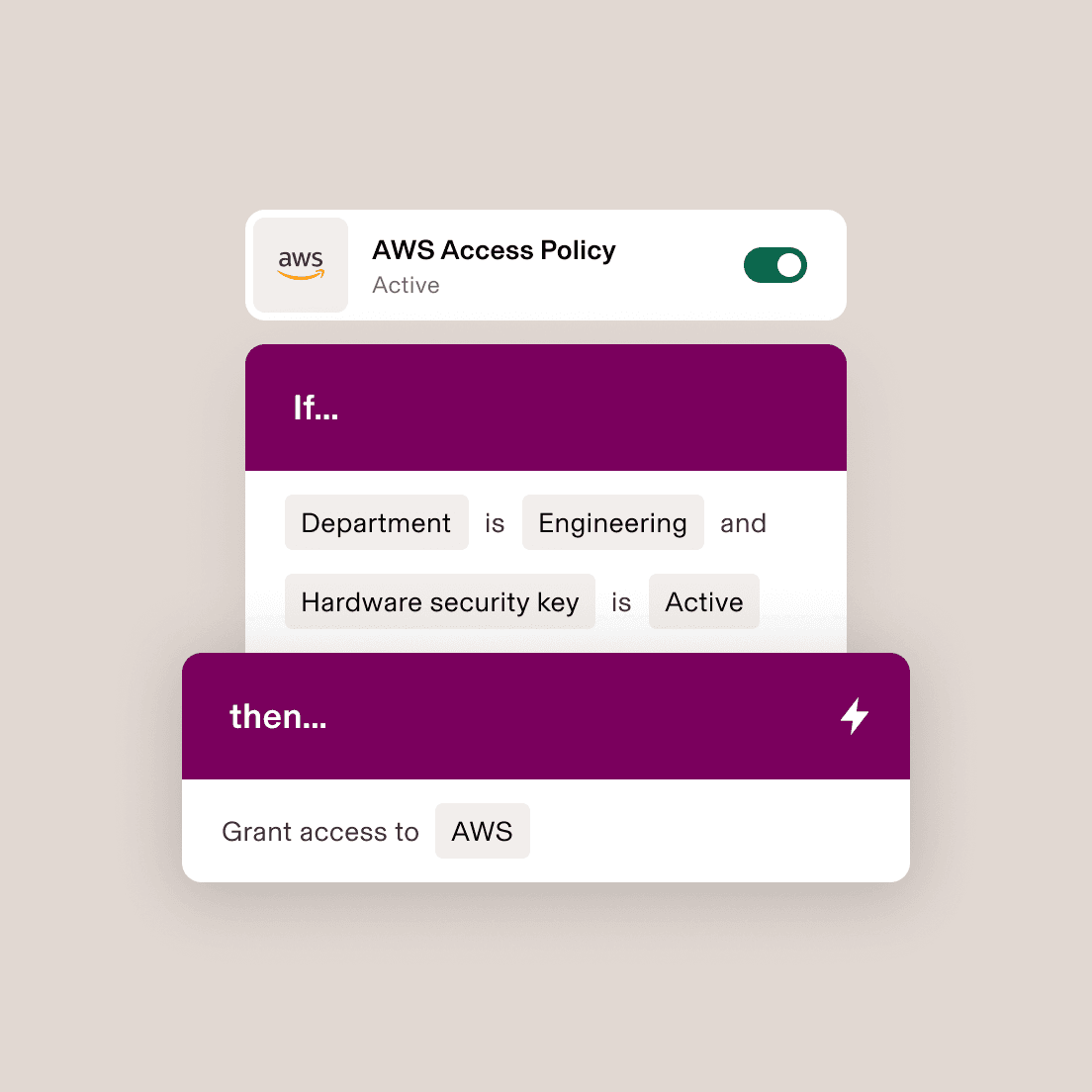
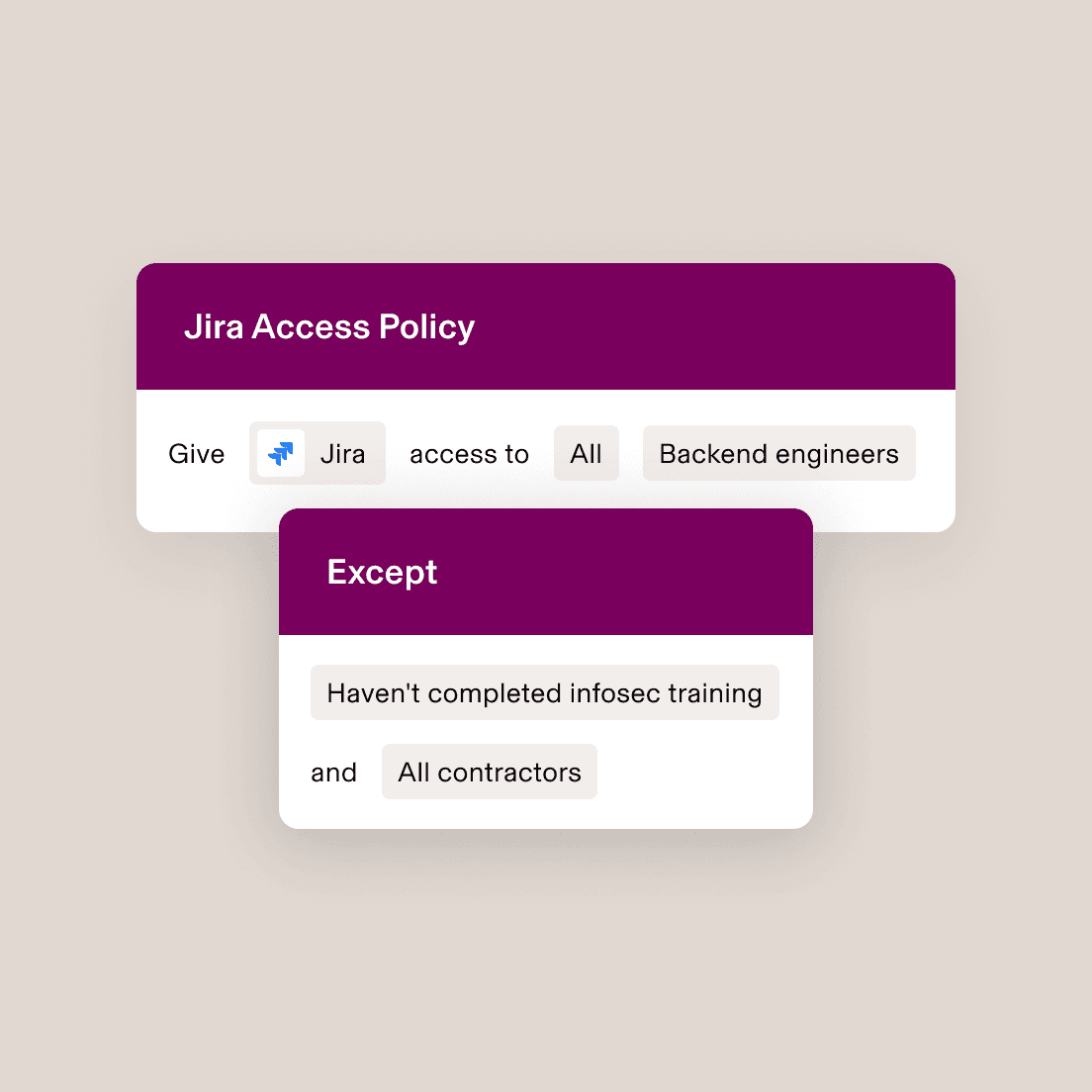
A policy triggered in one part of Rippling can enforce actions in another. For example, you can build a role-based access control that prevents engineers from getting Jira access if they haven’t completed their infosec training.










Built different
Learn more about the Rippling platformAnalyse, automate and orchestrate anything
Most “all-in-one” software consists of acquired systems. These modules are disconnected, so your business data is too. Rippling takes a platform approach, building products on a single source of truth for all business data related to employees. This rich, flexible data source unlocks a powerful set of capabilities.


“When our customers ask me about Appcues’ security and our onboarding and offboarding process, I can feel really good about the answers that I’m giving them. It’s just automatic.”
Sean Edwards
Head of Security at Appcues

“Rippling made it incredibly easy for us to get our SOC 2 report for the first time. We were quickly able to set up and enforce all the security measures required for SOC 2, and our auditor had one consolidated place to review instead of six separate systems.”
Nick Stanish
Founding Engineer at Reserv
“We used to have a list we would spin up for every new employee with 30 things we’d have to get done. With Rippling, that list is now gone. Employee downtime is lower because my technician is spending more time on tech support and less time on manual onboarding steps.”
Brian Cahill
Head of IT at Frogslayer
FAQs
What is a policy?
A policy is a set of principles or rules that guide decisions and achieve rational outcomes. It is often documented and communicated to ensure compliance and understanding within an organisation. Policies can cover various areas such as information security, employee conduct and company procedures.
What is company policy enforcement?
Company policy enforcement refers to the implementation and regulation of specific rules or guidelines within an organisation to ensure compliance and maintain security. This can include enforcing authentication policies, such as Multi-Factor Authentication (MFA), especially for high-risk companies, to enhance security measures. It also involves managing and modifying authentication settings to align with company security policies.
Why are company policies important?
Company policies are important because they establish clear guidelines and standards for various processes, such as recruitment, ensuring fairness, transparency and efficiency. They also help in maintaining consistency and equity in practices, which is crucial for promoting a culture of excellence and career development. Additionally, policies serve as constraints or validations essential for determining eligibility for specific exemptions, streamlining processes and minimising efforts.
What are examples of a company policy?
Examples of company security policies include policies on the use of company devices, user registration and deregistration, access rights, external access, access reviews, password policy and user responsibilities. Other examples include policies on firewalls, anti-virus technology, spam filtering, software installation and scanning, vulnerability management, user awareness training and malware incident management. Additionally, there are policies for mobile device management, which involve implementing policies on device configuration, permitted software installation and remote actions such as device wiping.
See Rippling IT in action
See how Rippling IT can help you manage your identity, devices and inventory on one platform.