














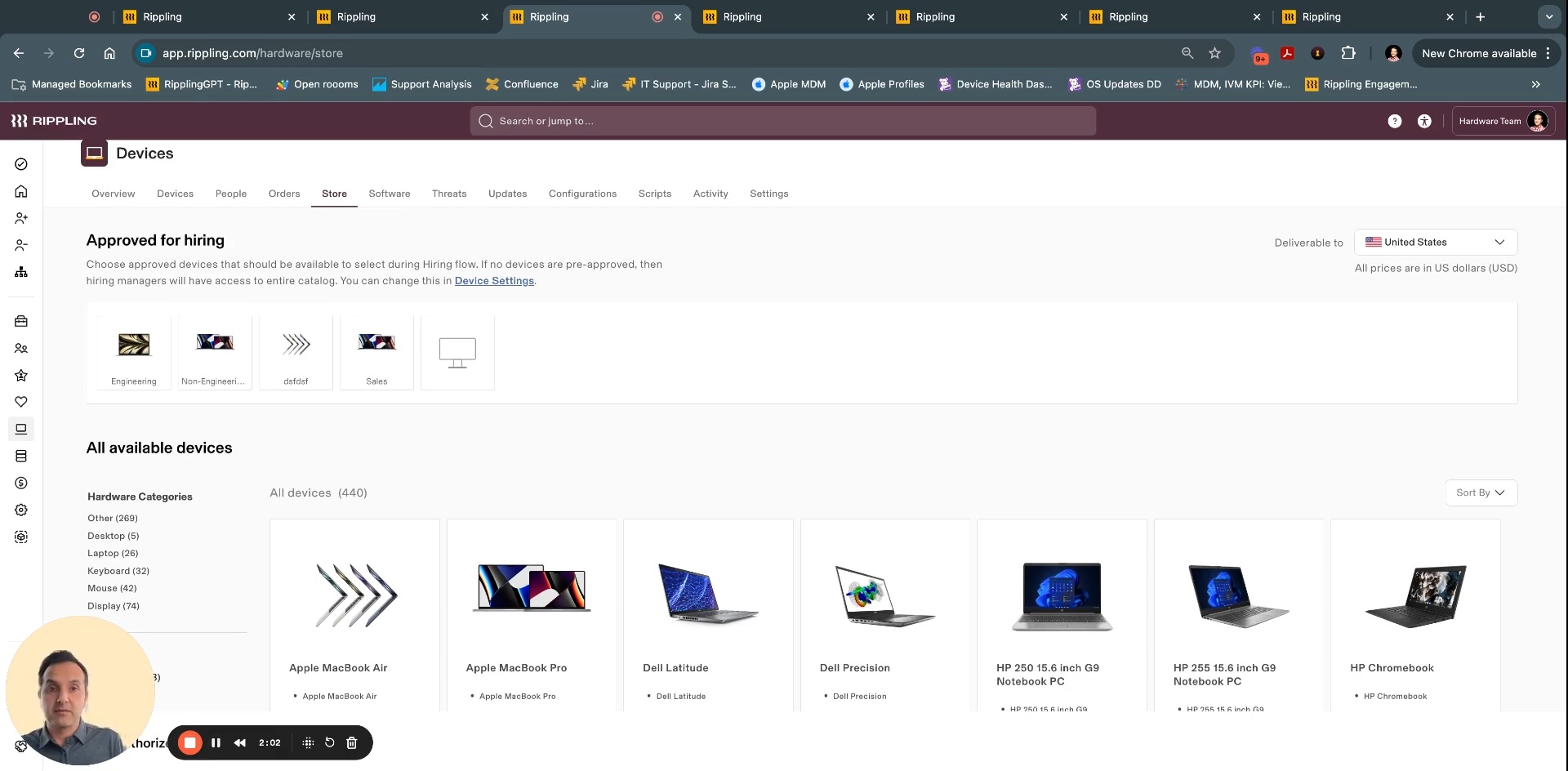
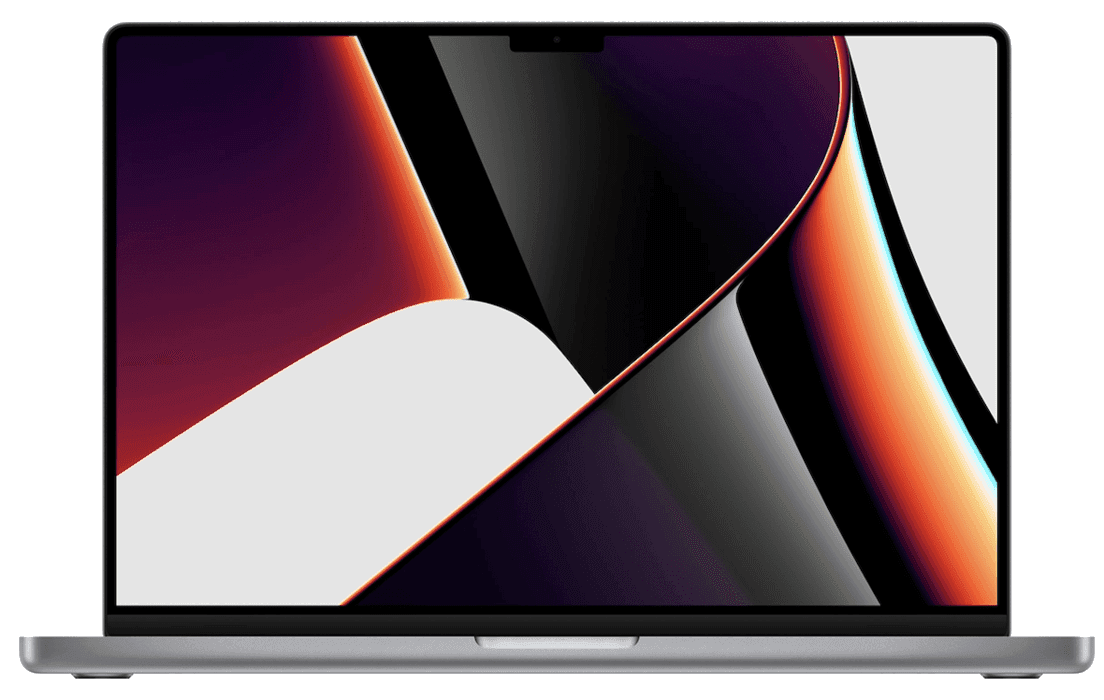
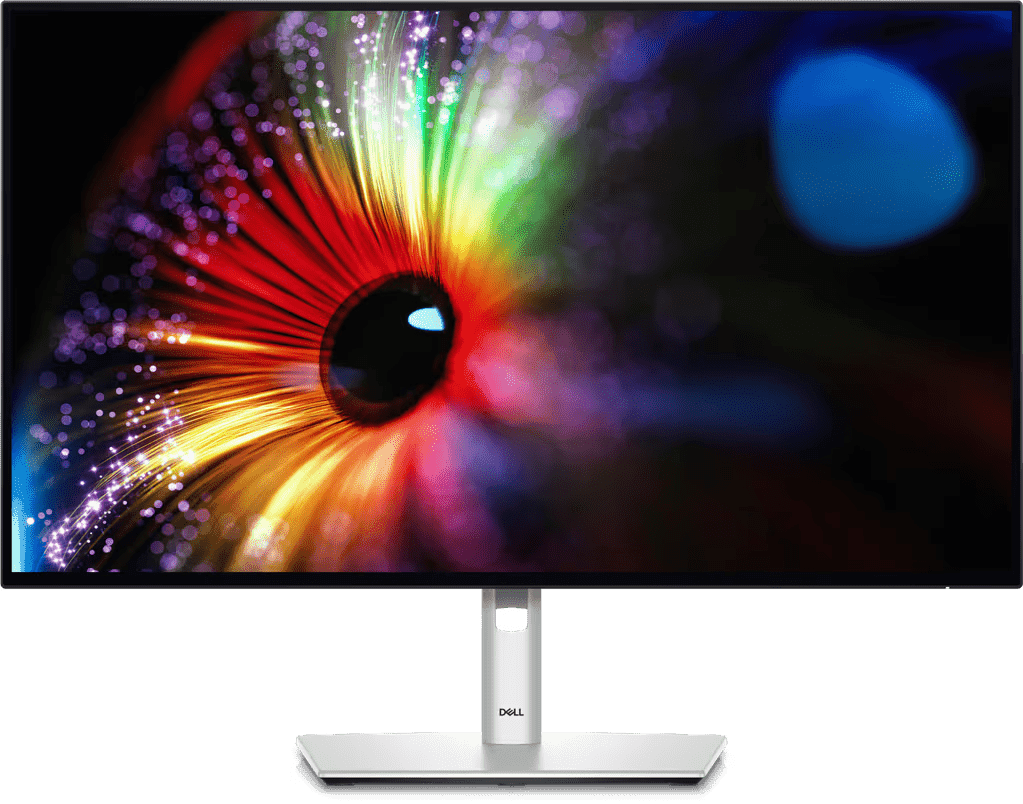
Whether it’s Lenovos for finance teams, Macbook Pros for engineers or iPads for warehouse workers – you can manage them all in Rippling.
Questo contenuto non è ancora disponibile in Italia.Torna alla home di IT
- Prodotti
- Piattaforma
Capacità core

Workflow Studio
Attiva workflow avanzati con qualsiasi tipo di dati

Analytics
Genera report su qualsiasi cosa attraverso tutte le tue app

Policy
Applica le regole aziendali automaticamente

Autorizzazioni
Concedi a ognuno l'accesso più adatto

Integrazioni
Inserisci app di terze parti per migliorare le prestazioni

App Studio
Crea app personalizzate senza scrivere codice
Rippling AI
Ottieni informazioni fondamentali per il business e delega le attività più noiose a un'IA progettata per HR, payroll, IT e finance.
Scopri di più
Rippling Solutions
Ottieni app personalizzate sviluppate da ingegneri in Rippling per automatizzare qualsiasi processo aziendale.
Scopri di più
- Soluzioni
- Global

Employer of Record
Assumi a livello globale senza entità

Gestione paghe globale
Paga i dipendenti ovunque

Collaboratori esterni globali
Paga i collaboratori esterni ovunque

Contractor of Record
Attenua i rischi per i collaboratori esterni

HRIS globale
Gestisci le risorse umane in modo centralizzato

Global Benefits
Gestisci i benefit ovunque ti trovi

Global Spend
Risparmia ovunque si svolgono le tue attività
assumi a livello globale
- Risorse
Blog

Risorse

Storie dei clienti

Storie dei clienti


Barry's dà più potere alla forza lavoro con una soluzione HR scalabile

Forterra automatizza le attività ripetitive di scarso valore per un maggiore impatto

Chess.com crea un processo fluido per la gestione delle persone

Clay cresce di 5 volte automatizzando l'80% delle attività di onboarding

Blank Street Coffee risparmia 40 ore con l'automazione dell'apertura dell'iscrizione

Andros acquista superpoteri grazie a Rippling
Webinar

Glossario

Eventi

Rippling U

Centro assistenza

Confronta


IT
Select language

Australia (Inglese)

Canada (Inglese)
Canada (Francese)

Francia (Francese)

Germania (Tedesco)

Irlanda (Inglese)

Regno Unito (Inglese)

Stati Uniti (Inglese)
IT
Australia (Inglese)
Canada (Inglese)
Canada (Francese)
Francia (Francese)
Germania (Tedesco)
Irlanda (Inglese)
Regno Unito (Inglese)
Stati Uniti (Inglese)
IT
Australia (Inglese)
Canada (Inglese)
Canada (Francese)
Francia (Francese)
Germania (Tedesco)
Irlanda (Inglese)
Regno Unito (Inglese)
Stati Uniti (Inglese)
Cross-OS Device Management
Manage all endpoints from a single MDM
Secure Windows, Macs and mobile devices from a single pane of glass.
Trusted by 6,000+ customers
Cross-OS Device Management features
One solution to secure your entire fleet
Instead of managing separate MDMs for each operating system, Rippling lets you configure, manage and secure all endpoints from a single platform.
Centralised device management
User-driven security policies
Customise, deploy and enforce any security policy and configuration that you’d like, based on hundreds of user and device attributes.
Lifecycle management
Order and configure devices for new recruits. Wipe, retrieve and store devices for offboarded employees. And do it all from inside Rippling.
Bring your own device (BYOD)
Effortlessly secure and manage employees’ personal devices while protecting their personal data and privacy.


See Rippling IT in action
See how Rippling IT can help you manage your identity, devices and inventory on one platform.
IT Overview
All the IT tools you need in one place
Control the entire user lifecycle in one system with fully built identity, device and inventory management tools, and 600+ integrations – including custom SCIM and SAML.
Identity & Access Management
Device Management
Inventory Management
Manage identity, devices and inventory across the user lifecycle.







Diverso dalle fondamenta
Scopri di più su Rippling PlatformAnalizza, automatizza e orchestra tutto quello che vuoi
La maggior parte del software "all-in-one" è costituito da sistemi acquisiti. Questi moduli sono scollegati tra loro, quindi lo sono anche i tuoi dati. Rippling applica il concetto di piattaforma, creando prodotti basati su un'unica fonte di informazioni per tutti i dati aziendali correlati ai dipendenti, una fonte di dati ricca e flessibile che rende disponibile una serie di funzionalità avanzate.


FAQs
What is Apple Device Management?
Apple Device Management refers to the administration and orchestration of Apple devices, such as iPhones, iPads and Macs, using Mobile Device Management (MDM) solutions. This includes deploying profiles, managing settings and ensuring security compliance across a fleet of devices.
What is iOS Mobile Device Management?
iOS Mobile Device Management (MDM) is a system used to manage and secure iOS devices, such as iPhones and iPads, within an enterprise by leveraging Apple’s MDM protocol.
How much does iOS MDM cost?
The cost of iOS MDM at Rippling is roughly $150 per month for managing 30,000 devices, based on AWS SQS pricing.
Does Rippling Mobile Device Management support iPads?
Yes, Rippling Mobile Device Management (MDM) supports iPads via Apple’s MDM protocol, allowing for the management and security of iOS and iPadOS devices.
What is the best Mobile Device Management for iOS?
The best Mobile Device Management (MDM) solution for iOS is Rippling, which supports Apple’s best version of MDM, Declarative Management, and offers comprehensive features such as manual, automated, account-driven and user enrolment flows.
How do I choose the right iOS MDM?
To choose the right iOS Mobile Device Management (MDM) solution, consider the following criteria:
- Enrolment Options: Ensure that the MDM supports both Automated Device Enrolment and manual Device Enrolment. Verify if the MDM can handle personal and work device profiles separately.
- Security and Compliance: Check if the MDM can enforce security policies such as passcode requirements and OS updates. Confirm the ability to remotely lock or wipe devices, while respecting personal device restrictions.
- Device Management Features: Look for features like remote locking, unlocking and wiping of devices. Ensure that the MDM can manage software installations and updates accurately.
- Reporting and Monitoring: The MDM should provide detailed reports on device status, including battery health, free space and software lists.
- User Experience: The MDM should offer a seamless enrolment process and clear communication about the rights and policies applied to the device.
- Support and Integration: Ensure that the MDM integrates well with existing systems like Apple Business Manager (ABM). Check for support and documentation to assist with setup and troubleshooting.

SOC 2 Tipo II, ISO 27001, CSA STAR Livello 2
Scopri di più sulla sicurezza