Key Takeaways
Rippling ranks first among the 12 best US workforce management platforms because it unifies scheduling, time tracking, payroll, HR, benefits, and IT in a single connected system, earning a 4.9-star rating from over 4,000 verified reviews.
Modern WFM software is no longer just about filling shifts: it now serves as a core risk-management tool that directly impacts compliance outcomes, payroll accuracy, and employee confidence across multi-state operations.
Dayforce, UKG, and Infor lead in specialized use cases, with Dayforce excelling at real-time pay calculations for regulated workforces, UKG offering demand-based forecasting for shift-heavy industries, and Infor handling complex, asset-heavy scheduling environments.
When evaluating WFM platforms, US employers should prioritize multi-state compliance automation, payroll and HR integration, mobile usability for frontline teams, and labor cost forecasting to reduce audit exposure and overtime overruns.
Most enterprise WFM platforms use quote-based pricing tied to headcount and modules, so total cost of ownership should factor in implementation complexity, ongoing support, and the cost of fixing errors from disconnected systems.
Managing workforce schedules, tracking hours, approving time off, and controlling payroll costs have become increasingly complex for US-based businesses.
Historically, HR has been largely viewed as an administrative responsibility; however, it has now evolved into a core operational function that directly impacts compliance risk, employee confidence, workforce engagement, and financial performance.
This complexity means workforce management (WFM) software can no longer simply focus on filling shifts or tracking time. It plays a wider role now and has become a core risk-management tool, giving organizations a systematic way to manage their people.
To help you identify the best workforce management software in the US, we reviewed and scored the top 12 leading platforms. Each platform was assessed for its ability to support:
Timekeeping
Scheduling
Forecasting
Day-to-day operations
Reporting
A note on transparency: Our product, Rippling, is included in this list. The same scoring criteria were applied across all platforms using publicly available information. The full research methodology and scores are available to view inthe supporting spreadsheet.
The top 12 workforce management software (WFM) options in the US
|
1. Rippling | Growing US businesses | You want HR, payroll, IT, and scheduling in one system | Quote-based |
2. Dayforce | Enterprise compliance | You manage complex, multi-state labor rules | Quote-based |
3. UKG | Large, shift-based teams | You need deep scheduling and forecasting | Quote-based |
4. Infor | Enterprise operations | You run complex or global workforces | Quote-based |
5. ADP | Stability and scale | You want trusted payroll and WFM tools | Quote-based |
6. Paylocity | Mid-market HR and payroll | You want a strong payroll system connected to WFM tools | Quote-based |
7. Paycom | Payroll-led WFM | You want tightly coupled payroll and time management | Quote-based |
8. Workday | Workforce analytics | You need advanced reporting and planning | Quote-based |
9. Deputy | Fast-growing shift teams | You need quick scheduling and shift swaps | Subscription |
10. SAP SuccessFactors | Global enterprises | You rely on SAP for HR and finance | Quote-based |
11. Connecteam | Deskless teams | You want mobile-first scheduling | Subscription |
12. BambooHR | HR-first teams | You want simple HR with light WFM | Quote-based |
A closer look at the top WFM software options
Now that we’ve given you a snapshot of the top 12 options, let’s take a deeper look at each platform. Based on our research and public reviews, we’ll share where each platform shines and what kinds of issues users have flagged.
Rippling
Dayforce
UKG
Infor
ADP
Paylocity
Paycom
Workday
Deputy
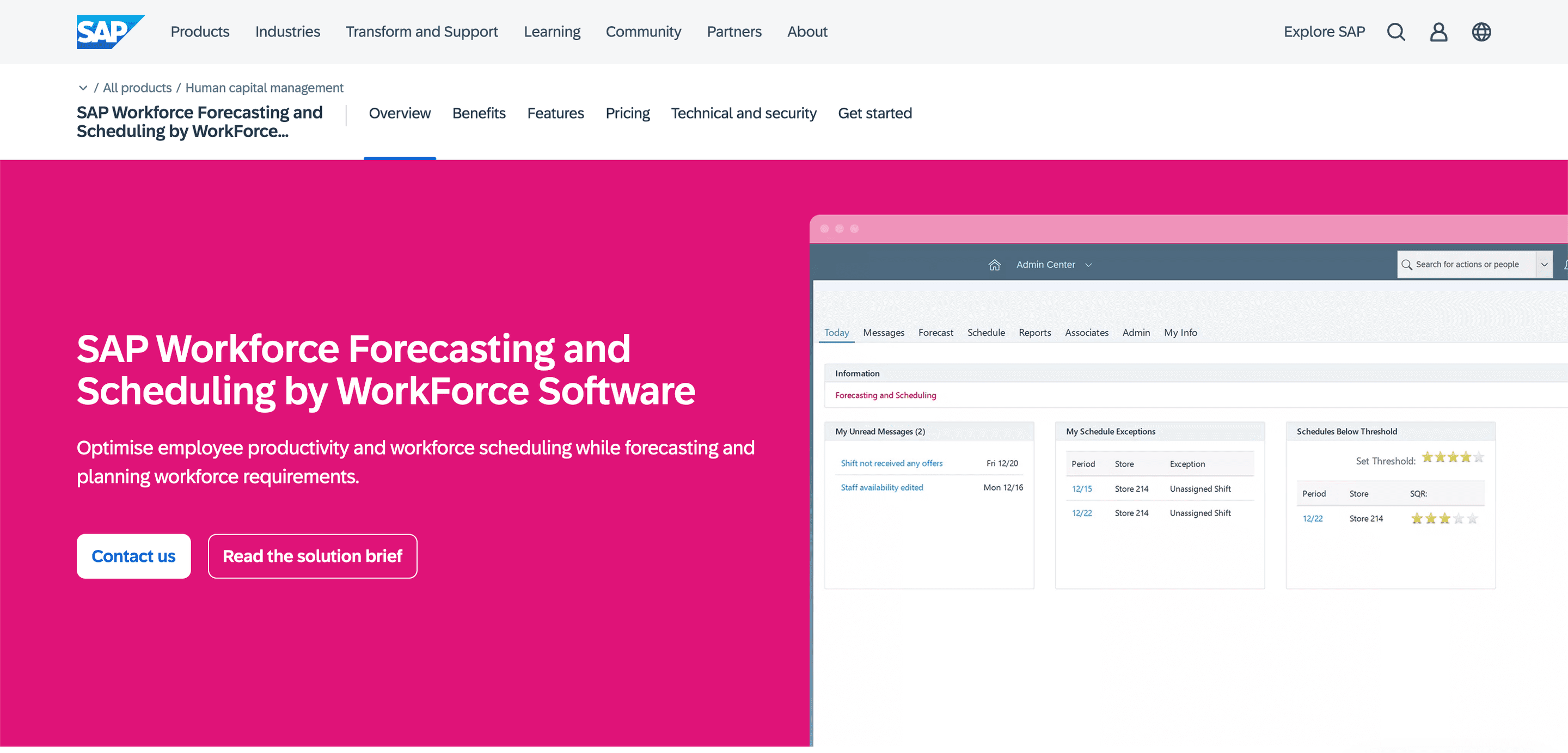
SAP SuccessFactors
Connecteam
BambooHR
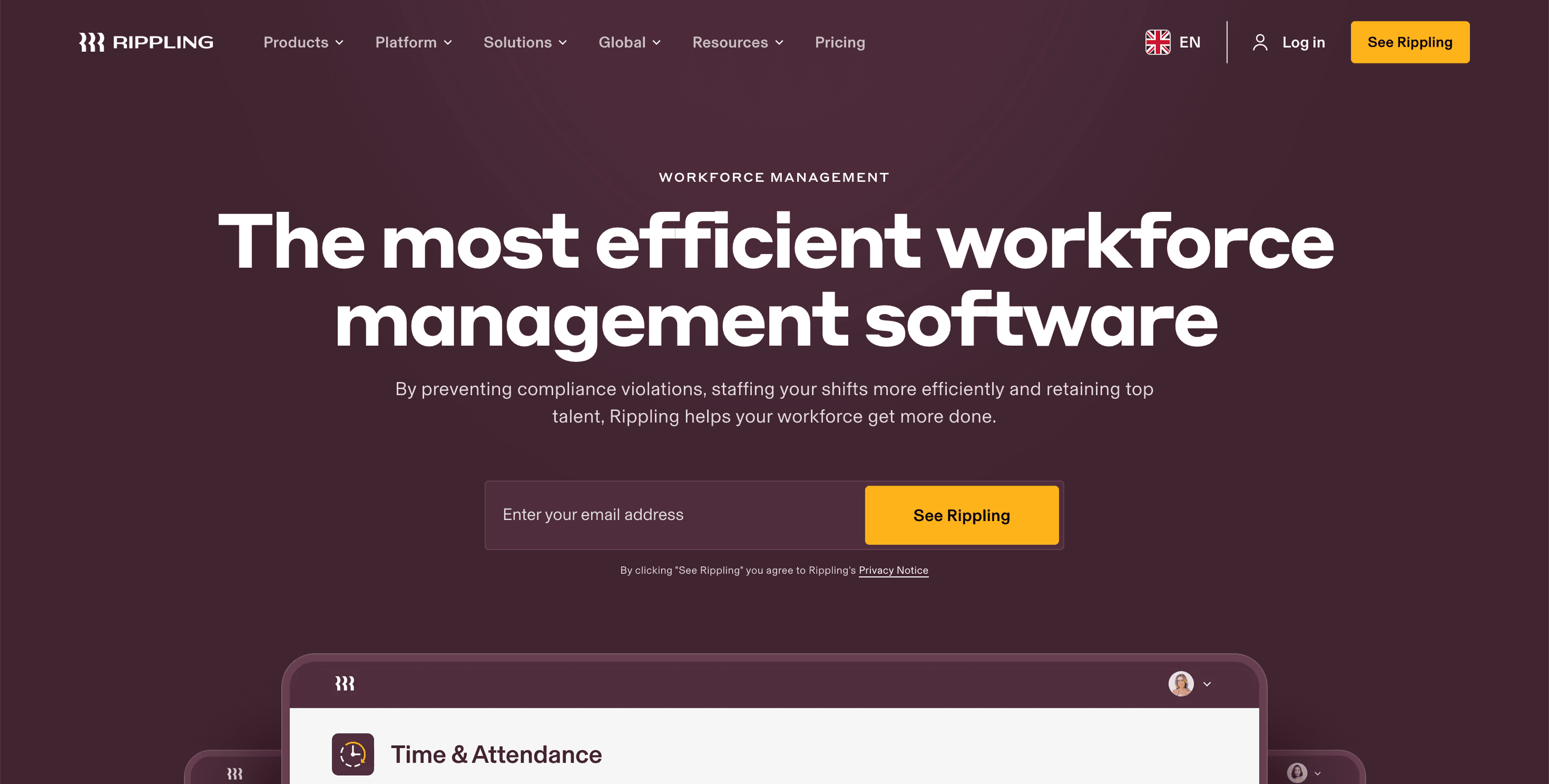
1. Rippling
Rippling is best suited for mid-market to enterprise teams that want to integrate workforce management directly with HR, payroll, and IT.
It ranks first in the US WFM category because it treats workforce management as part of a broader operating system, not a standalone tool. Instead, it connects scheduling, time and attendance, payroll, HR records, benefits, and IT access all within a single system, with everything built around a shared employee data model.
Rippling also offers visibility into real-time labor costs and trends. Since scheduling and time data flow directly into payroll and reporting, managers get a real-time view of overtime patterns or any potential compliance risks.
Source: Rippling
Why do companies choose Rippling?
Scheduling, HR, payroll, benefits, and IT all operate from one connected system.
Changes update automatically, so there’s less manual cross-checking.
It provides clear reporting across labor costs and payroll.
It’s highly rated, with a 4.9-star rating from more than 4,000 verified reviews.
“Flexibility in team management, overview of reporting is terrific. The flexibility in being able to categorize our employees in the various business departments we operate in is a game changer.” —Rippling Capterra review
User-flagged challenges
Some advanced modules are priced separately, which may increase total costs.
Support is ticket-based, which may feel slower for urgent scheduling issues.
Is Rippling right for you?
Rippling is well-suited for US businesses looking to reduce administrative work, improve data management, and manage workforce operations from a single system as they scale across states, departments, or employee types.
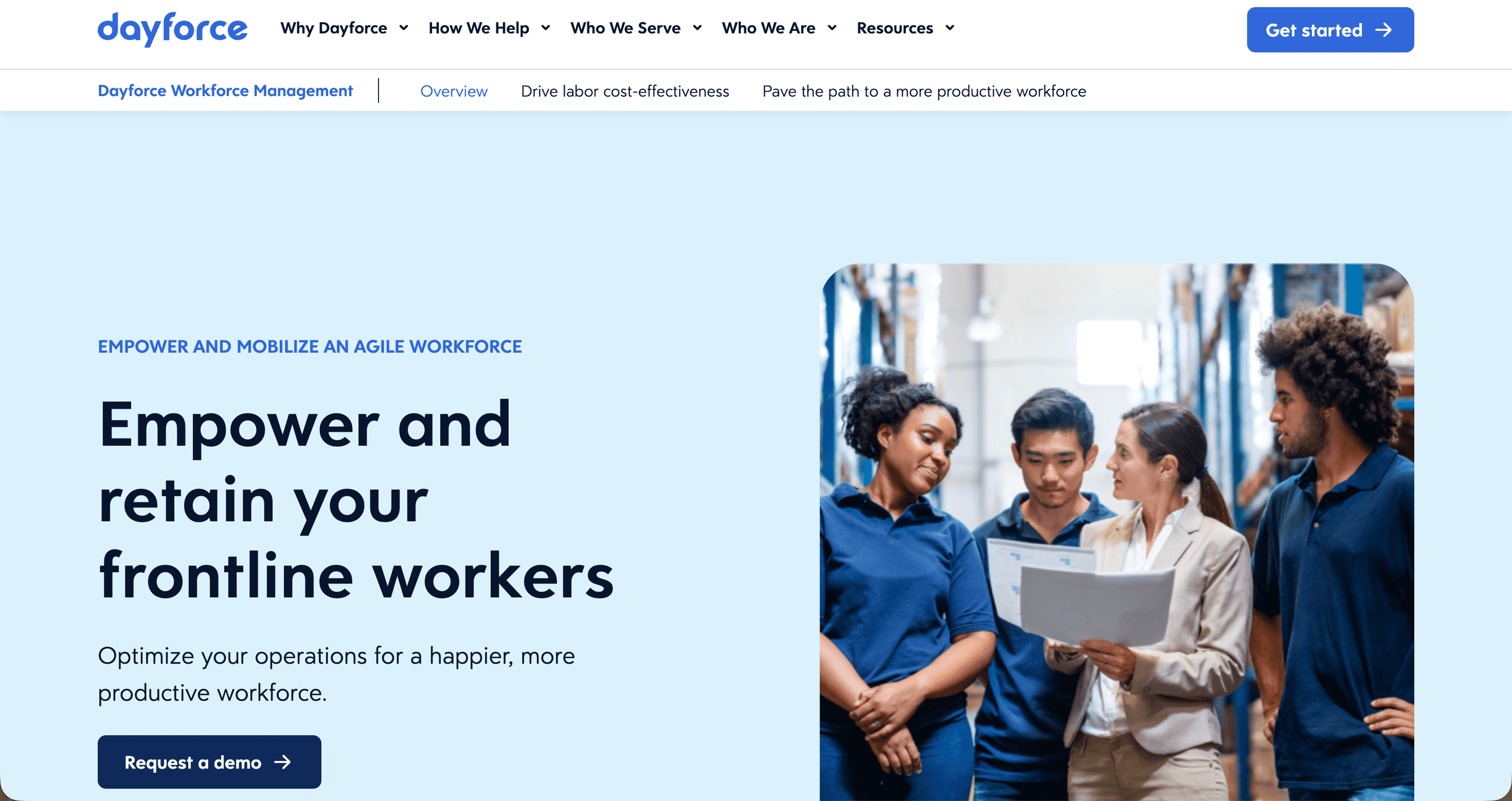
2. Dayforce
Dayforce is ideal for larger organizations administering complex wage-and-hour rules. It excels in conditions where compliance is a core requirement. Its most distinctive feature is real-time pay calculation, which updates labor costs as schedules change, rather than waiting until timesheets are processed.
For US employers operating under union agreements, premium pay rules, or strict overtime controls, this visibility helps prevent unwanted surprises. Managers see the cost implications immediately, which can be critical in regulated environments where mistakes can be costly.
There is a trade-off, though. The implementation can be complex. While large organizations are typically well-equipped to absorb this, smaller teams may lack the necessary resources or may be unwilling to incur the additional costs.
Source: Dayforce
Why do companies choose Dayforce?
Real-time labor and pay costing
Strong support for regulated and unionized workforces
Deep analytics for compliance and planning
“I have been using Dayforce for almost 10 years. We still don't use all the modules (even though I would like to) but I hope we get there in the next few years. The features we currently use have positively impacted our efficiency and accountability.” —Dayforce Capterra review
User-flagged challenges
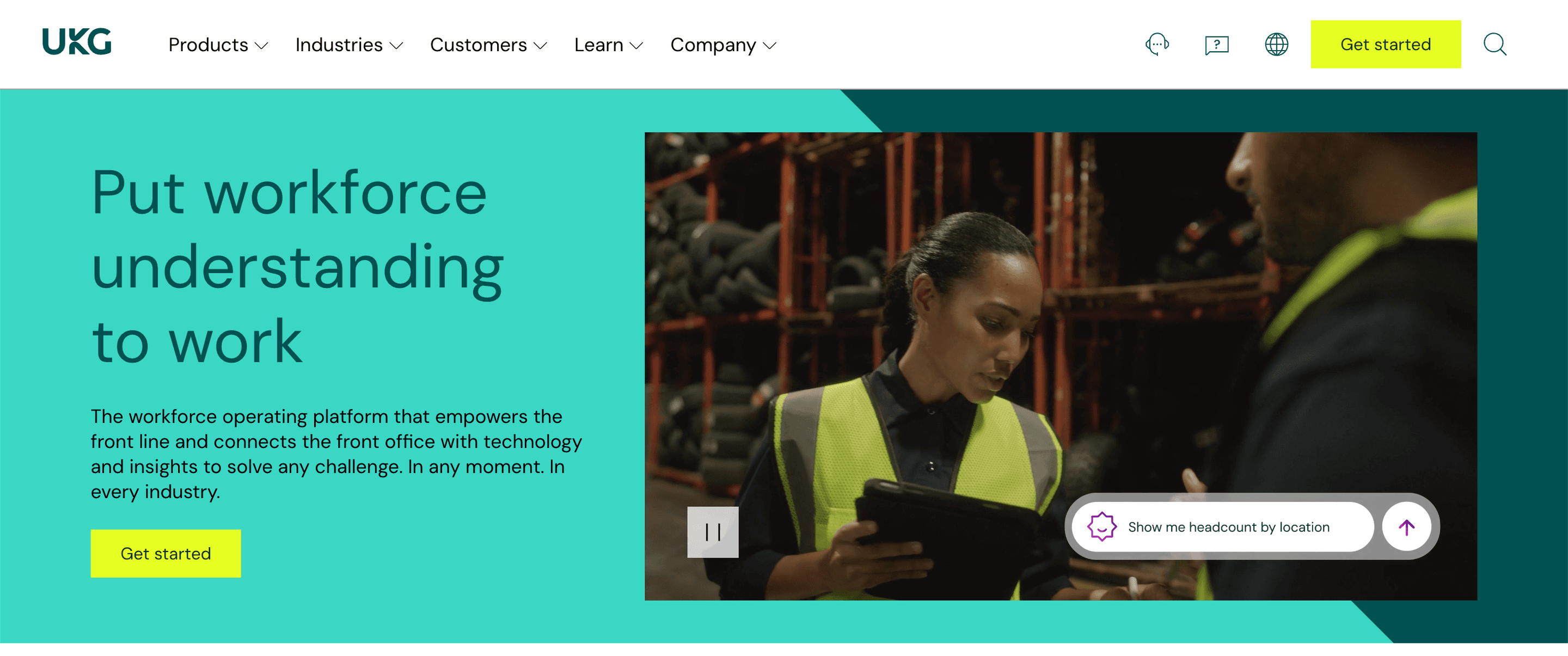
3. UKG
UKG is well-suited to shift-based teams in retail, healthcare, hospitality, and logistics. It’s a long-established US WFM platform with a strong focus on scheduling, time and attendance, and labor analytics for multi-location hourly workforces.
One of UKG’s unique features is its demand-based forecasting, which helps teams match staffing levels to actual operational needs, reducing understaffing and overtime. It also supports US labor rules around breaks, overtime, and multi-location scheduling.
Employee self-service is also one of UKG’s practical strengths. Staff can view schedules, clock in and out, manage availability, request leave, and swap shifts through both mobile and web-based interfaces.
Source: UKG
Why do companies choose UKG?
“We have been a UKG client for 6 years and overall very satisfied with the product. The system has really helped us scale as an organization and provides us a one stop shop and single source of truth for all our employee information.” —UKG Capterra review
User-flagged challenges
4. Infor
Infor is ideally suited for enterprise and asset-heavy organizations with complex scheduling environments. The platform is used in operations where scheduling is linked closely to demand, constraints, and labor rules.
It is ideal for sectors such as manufacturing, distribution, and healthcare, where staffing needs shift by the hour, location, and job type.
Infor is best for organizations with multiple locations and different types of workers who don’t all follow the same schedule. It’s designed to handle last-minute changes, coverage gaps, and overtime.
Source: Infor
Why do companies choose Infor?
Deep scheduling for complex, high-constraint environments
Strong time and attendance capabilities
Designed for large, distributed operations
“Hands down the most configurable solution out there out of the box. They can handle just about every labor rule imaginable.” —Infor Capterra review
User-flagged challenges
Implementation can be complex, especially across multiple sites.
The interface experience may feel overly complicated compared to newer tools.
5. ADP
ADP combines workforce management with one of the most widely used payroll platforms in the US. It appeals to organizations that value stability, coverage, and established payroll expertise. Plus, scheduling and time tracking integrate directly with payroll, cutting discrepancies.
ADP’s approach is more standardized than modern, modular platforms, which appeals to businesses that value proven processes. However, it might not be suitable for businesses looking for a modern, user-friendly-first platform.
Source: ADP
Why do companies choose ADP?
Proven payroll and workforce management built for US compliance
Broad support coverage across different industries and business sizes
Reporting that can grow with your business across payroll and labor data
“ADP Workforce Now delivers on all fronts that are promised. For the 4 years I used it, I never once need to call for support.” —ADP Capterra review
User-flagged challenges
Compared to newer SaaS products, the interface can feel dated.
Add-on modules can increase the total cost.
6. Paylocity
Paylocity is a payroll-led platform with a broad HR suite, where its time-and-labor tools are designed to reduce the gap between time capture and pay outcomes.
It’s ideal for mid-sized organizations that want time and labor tightly connected to payroll. For most mid-market employers, this means fewer corrections, fewer disputes, and less manual clean-up after hours are approved.
One of Paylocity’s core strengths is its usability. Managers can seamlessly run scheduling and time approval workflows without feeling they need specialist admin skills.
Source: Paylocity
Why do companies choose Paylocity?
Time and labor data flow cleanly into payroll.
It offers modern employee self-service options.
It’s a good match for mid-market teams that want a single main HR and payroll system.
“Paylocity is straight forward and easy to use and implement. It provides a secure way to track time worked, tasks due and onboarding needs.” —Paylocity Capterra review
User-flagged challenges
7. Paycom
Paycom is an ideal option for payroll-led workforce management. It approaches workforce management as an extension of the payroll functions.
Its time and labor management tools are designed to keep hours, approvals, and pay calculations consistent, particularly in environments where small mistakes can create friction with teams.
Paycom performs best when your priority is controlling the inputs necessary to drive your payroll, such as check-ins, time edits, approvals, and rule application. In practice, this reduces recurring challenges that arise when time tracking and payroll live in separate tools.
Source: Paycom
Why do companies choose Paycom?
Tight link between time and payroll outcomes
Strong controls around time capture and approvals
Single-vendor approach for HR and payroll functions
“What I like is the efficiency that it provides for my daily HR tasks. Having automation allows for additional time to focus on other department goals. I also like the iWant feature.” —Paycom Capterra review
User-flagged challenges
Complex, multi-site scheduling may require deeper WFM functionality.
Organizations with specialized forecasting needs may prefer purpose-built scheduling tools.
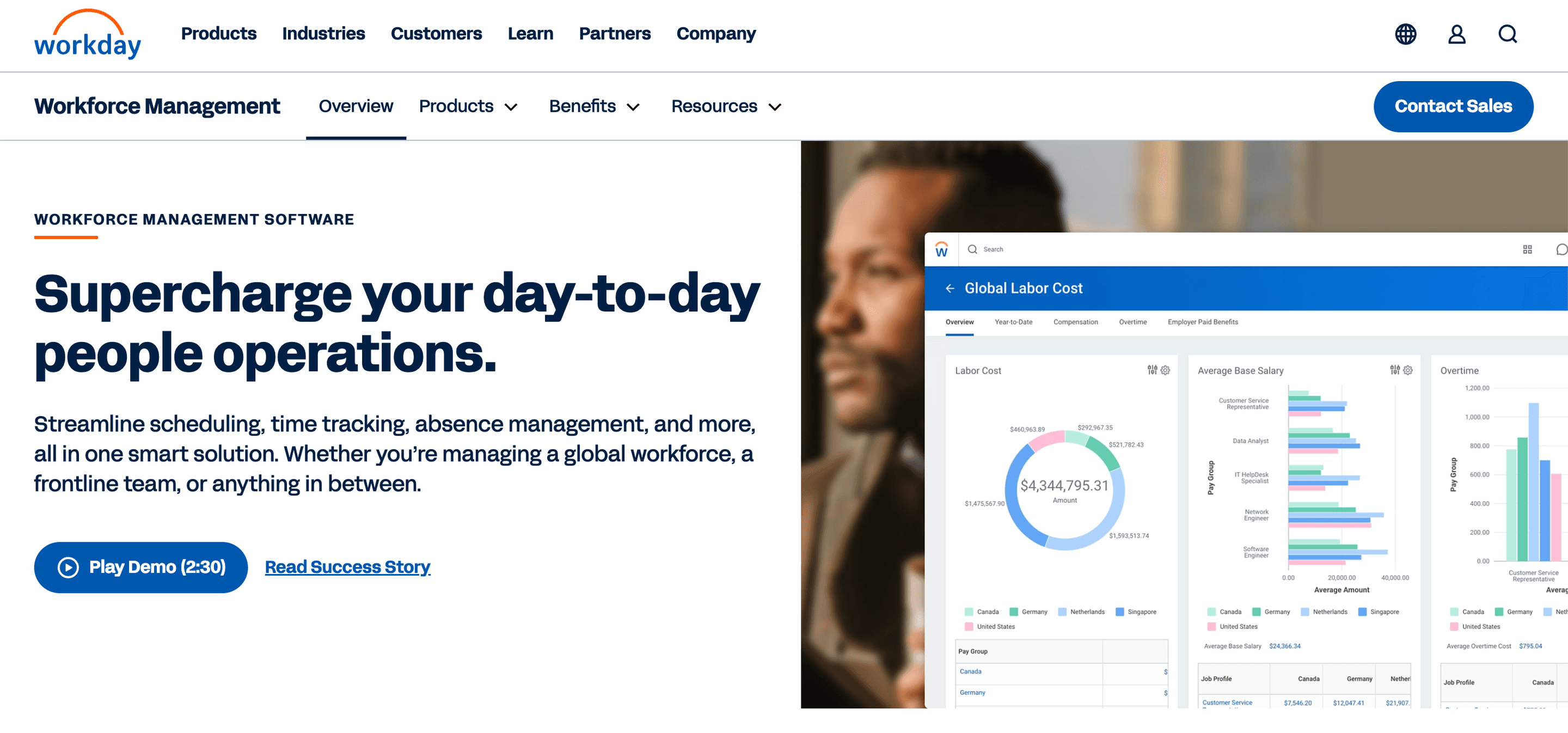
8. Workday
Workday is built for teams that require deep analytics and reporting and is best suited to data-driven enterprises. Its workforce management tools integrate closely with HR, finance, and planning data, letting leaders analyze labor trends alongside the wider performance of the organization.
Workday’s value scenario modeling, absenteeism tracking, and workforce planning are all tied to budgeting, giving a suite of sophisticated management tools.
Source: Workday
Why do companies choose Workday?
Advanced workforce analytics and reporting
Deep integration across HR, finance, and planning
Built for large and data-driven organizations
“Workday HCM is a powerful HR platform used at scale. It’s reliable and clearly built for large organizations with complex HR needs.” —Workday Capterra review
User-flagged challenges
9. Deputy
Deputy helps fast-growing teams manage schedules, time tracking, and shift swaps with minimal friction. It’s ideally suited for scaling retail and hospitality teams. Mobile tools are comprehensive and flexible, supporting growing teams.
Source: Deputy
Why do companies choose Deputy?
Quick scheduling for shift-based teams
Strong mobile tools for time tracking and shift swaps
Broad integrations with payroll and HR systems
“Definitely would recommend this for companies that have shift work. The fee is not that expensive especially if it replaces an admin or HR person toiling over complicated rosters for days on end.” —Deputy Capterra review
User-flagged challenges
10. SAP SuccessFactors
SAP SuccessFactors integrates workforce management into SAP’s existing suite, which is especially useful for HR and finance. This makes it ideal for SAP-based enterprises. It also supports scheduling, time tracking, and absence management while feeding data directly into SAP analytics and reporting.
Source: SAP
Why do companies choose SAP SuccessFactors?
Strong goal-setting and performance management workflows
Deep configuration and integration options for enterprise businesses
Great for large teams using multiple HR features in one
“SuccessFactors is extremely customizable, and it also has a ton of features (LMS, Employee management, Performance Reviews, Reporting/Analytics, etc.” —SAP Capterra review
User-flagged challenges
Performance is slow and inconsistent, with lagging and freezing reported.
The interface can feel dated and harder to navigate compared to newer options.
11. Connecteam
Connecteam is ideal for employees who do not work at desks. With its mobile-first approach, Connecteam makes scheduling and time tracking accessible for distributed teams.
This works well unless reporting and analytics are a priority for your business.
Source: Connecteam
Why do companies choose Connecteam?
Automated workflow eliminates the need for manual entry
AI-powered rostering predicts staffing needs and controls labor costs
Built-in compliance checks at the roster and payroll stage
“Overall, the experience with Connecteam has been positive. It’s easy to use, keeps everyone organised, and improves communication.” —Connecteam Capterra review
User-flagged challenges
12. BambooHR
BambooHR focuses on core HR with lighter workforce management features. It’s ideally suited for small to mid-sized HR teams. It works well for teams that need basic scheduling and time tracking, rather than complex shift optimization.
This becomes less suitable when multi-state compliance is a key concern.
Source: BambooHR
Why do companies choose BambooHR?
Clean, easy-to-use interface for HR teams
Strong core HR features, including onboarding and employee records
Quick adoption for small to mid-sized organizations
“I love this tool and it makes my little operation function like a big company, I can manage all my financial needs without worry.” —BambooHR Capterra review
User-flagged challenges
How to choose workforce management software in the US
Choosing workforce management software in the US requires striking a fine balance between operational efficiency and regulatory risk. Scheduling and time tracking are core requirements, but they aren’t sufficient on their own.
Here are a few things to consider during your search and why they matter.
What to consider | Why it matters |
Scheduling depth and flexibility | Templates, open shifts, shift swaps, and multi-location planning help reduce burnout and improve ongoing fairness. This is especially important when teams are stretched. |
Accurate time and attendance tracking | Clean time capture supports payroll accuracy and employee confidence. Major employee friction usually starts here, as disputes often build quietly in the background. |
Multi-state compliance support | Automatically applying the correct rules helps reduce audit exposure and manual review. |
Integration with payroll and HR | Disconnected systems create excessive additional reconciliation work. This is rarely where teams want to spend their time. |
Labor forecasting and cost visibility | Forecasting helps align staffing with demand and control overtime. |
Mobile usability for frontline teams | Employees should be able to manage their schedules and time from their phones without any friction. |
Ease of adoption | Great usability is nonnegotiable. Even very powerful tools can fail if teams avoid using them. |
Choosing the right WFM software in the US
WFM software now helps shape how real work gets done. It influences and balances compliance outcomes, payroll accuracy, and employee confidence.
The right platform should help reduce friction by keeping all your data up to date and in one place. This will also give you a solid platform to grow from, avoiding any points of failure.
While many platforms can manage schedules and track time and attendance, Rippling shines by connecting workforce management to payroll, HR, benefits, and systems in one place. This is especially important for ambitious organizations that want to scale across states, roles, and employee types.
If you want to see why more than 4,000 businesses have given Rippling a 4.9-star rating, you can explore the platform with a free demo.
FAQs
What is workforce management software used for?
Workforce management software helps organizations plan, track, and coordinate how work gets done. On a basic level, it supports employee scheduling, time tracking, and attendance.
With more complicated packages, it also enables the application of wage and hour rules, manages overtime, tracks leave balances, and monitors compliance risks.
What is the best workforce management software in the US?
In this analysis, Rippling ranked highest overall because it connects workforce management directly to payroll, HR, and employee records, reducing friction as organizations continue to grow.
However, the answer for your business depends on your organizational complexity and overall needs. Large or multi-state employers usually value depth and integration in compliance, while smaller teams may value simplicity.
How much does workforce management software cost?
Pricing varies. Enterprise platforms usually use quote-based pricing that is tied to headcount, modules, and implementation scope. Mid-market tools often use per-user subscriptions.
Remember that the upfront cost is only part of the picture. It’s important to factor the costs of implementation, ongoing support, and fixing errors into your purchasing decision.
How does workforce management software support US labor compliance?
Workforce management software applies wage and hour rules consistently across scheduling, time tracking, and payroll together. This includes overtime calculations, break rules, and record keeping.
As policies change, systems that offer transparency and configurability tend to adapt more easily.
What features should US employers prioritize?
Accurate time tracking, payroll integration, multi-state rule handling, and clear reporting matter most. For frontline teams, mobile usability and employee self-service are equally important.
e
Overall, the right system should reduce administrative work and make payroll less reactive.
Choosing workforce management software isn’t simply a technology decision. It’s an operational one. For US organizations that want to manage people, pay, and systems together, Rippling is a strong choice.
Disclaimer
Rippling en zijn gelieerde ondernemingen bieden geen belasting-, boekhoudkundig of juridisch advies. Dit materiaal is uitsluitend voor informatieve doeleinden samengesteld en is niet bedoeld om belasting-, boekhoudkundig of juridisch advies te verstrekken en dient niet als zodanig te worden gebruikt. U dient uw eigen belasting-, boekhoudkundige en juridische adviseurs te raadplegen voordat u zich bezighoudt met gerelateerde activiteiten of transacties.




















![[Blog - Hero Image] Automation Laptop](/_next/image?url=https%3A%2F%2Fimages.ctfassets.net%2Fk0itp0ir7ty4%2F4IFuamJNogIac56PkCYV3R%2F1c357e1b0408b19716487c21152decbd%2Fautomation_laptop_-_Spot.jpg&w=2880&q=75)