




















Guide
Step-by-step migration guide to Rippling MDM
Consolidate your device management and eliminate manual workarounds with a zero-downtime migration path that secures every Mac and Windows device in one system.
You’re juggling devices across Mac, Windows, and mobile while trying to scale, secure, and support a growing team. Switching MDMs might sound risky, but it doesn’t have to be.
Tools like Jamf, Kandji, and others weren’t built to manage the full device lifecycle across Mac and Windows. They require workarounds, manual scripts, and too much of your time. The longer you wait, the more fragmented (and expensive) your IT stack becomes.
This guide gives you a step-by-step migration path to Rippling MDM with zero device wipes, minimal user disruption, and full Apple Business Manager support. No fluff. No downtime. Just a cleaner, faster way to manage every device from one unified system.
Weitere IT-Ressourcen
The IT leader’s playbook for turning compliance into a competitive advantage
Audit fire drills are an infrastructure problem, not a compliance one. Get the playbook IT leaders use to automate evidence collection and pass audits faster.
Tool
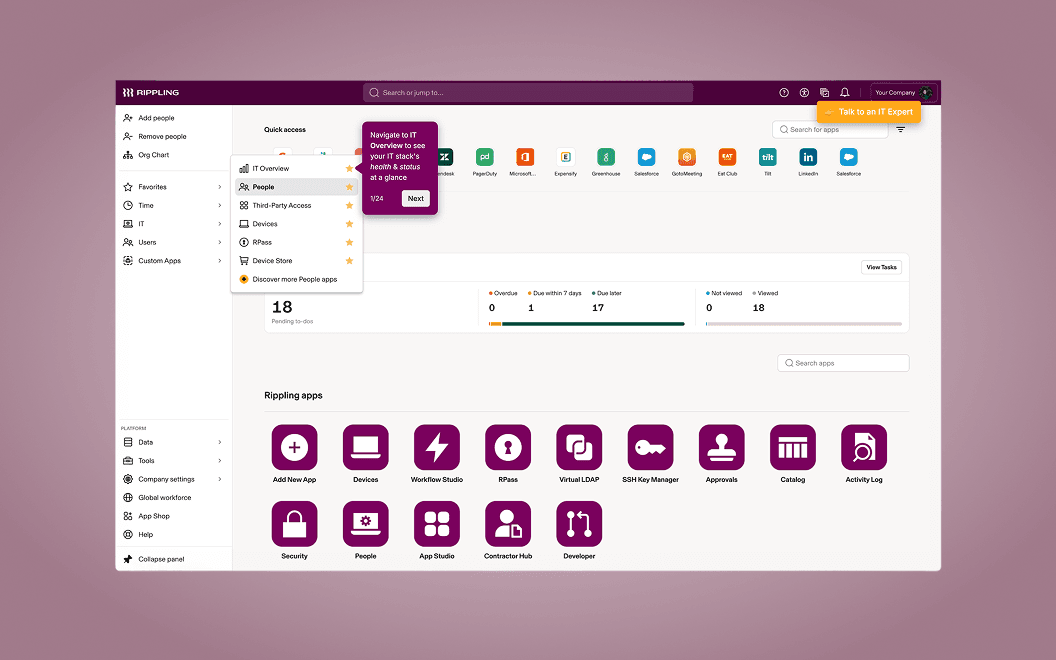
Explore Rippling IT with an Interactive Demo
Identity, devices, and security in one platform. Take a tour at your own pace below.
Tool
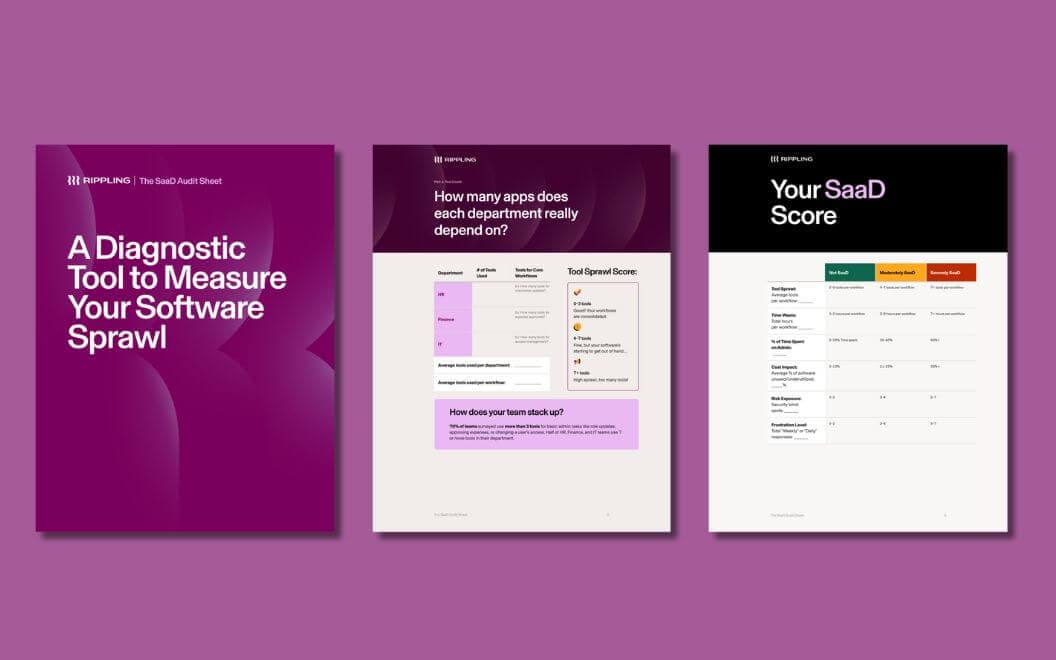
The SaaD Audit Sheet
Your teams didn't sign up to be software wranglers—they want to do strategic work. That's why we created the SaaD Audit Sheet, a diagnostic tool that shows you exactly where software sprawl is stealing your team's time, so you can start reclaiming it.
Guide
The 2025 IT Ops Report: Quantifying the impact of software proliferation
Reclaim your IT team’s time and reduce the "execution tax" by identifying the hidden costs of software sprawl and benchmarking your operational maturity.
Erleben Sie Rippling IT in Aktion
Erfahren Sie, wie Rippling IT Ihnen dabei helfen kann, Ihre Identitäten, Geräte und Ihr Inventar auf einer einzigen Plattform zu verwalten.