



















HR software helps manage employee records, payroll, onboarding, benefits, performance management, and compliance – all within a single system.
The 11 Best HR Software Platforms in Canada (2026)

Dans cet article
Managing HR in Canada can be complex.
Even small teams often have to manage federal labour standards, provincial employment laws, payroll deductions, benefits, and employee records across multiple systems.
As Canadian companies continue to expand, they will start hiring in more provinces, managing remote staff, or growing their teams. This can complicate things quickly.
Many Canadian organizations still rely on spreadsheets or loosely connected tools to manage their HR function. It works – until it doesn’t. At first, these can feel workable. Over time, however, the cracks begin to appear. Payroll errors increase, employee records drift, and compliance updates get missed. Onboarding can slow down as HR teams chew up precious hours responding to team member issues rather than supporting ongoing growth. This is often the point where businesses begin evaluating HR management software features as a more sustainable foundation.
Modern HR software addresses these challenges by consolidating employee data, payroll, compliance, and reporting into a single, user-friendly system. It reduces manual work, improves accuracy, and provides management with clear visibility into the workforce. It also enables organizations to respond quickly to regulatory changes as employee experience expectations increase.
To assist Canadian businesses in evaluating their options, I reviewed and graded the leading HR software platforms available in Canada for 2026. The list includes both global and Canadian-focused providers, with each assessed on a five-point scale across five different categories.
Below is a summary comparison of the 11 leading HR software platforms in Canada, followed by a detailed review of each, including their key benefits and shortcomings, to help you consider the best fit for your organization.
Transparency note: Our product appears in this list. To keep the assessment fair, we applied the same scoring framework across all platforms, using publicly available information and hands-on testing. The full results are available here.
Platform | Best for | Choose this if | Starting price |
|---|---|---|---|
| Rippling | Growing and mid-enterprise Canadian businesses | You want HR, payroll, IT, and compliance in one connected platform | From approx. $12 CAD per employee/month |
| Dayforce HCM (Ceridian) | Large, complex workforces | You need enterprise payroll, scheduling, and compliance | Not public |
| Workday HCM | Global enterprises | You want deep analytics and workforce planning | Not public |
| ADP Workforce Now / ADP Canada | Mid-to-large organizations | You want established payroll and compliance support | Not public |
| Employment Hero | Small to mid-sized teams | You want local HR, payroll, and employee self-service | From approx. $8 CAD per employee/month |
| Collage HR | Canadian SMBs | You want simple HR with a Canada-first focus | Not public |
| BambooHR | Small teams | You want clean onboarding and core HR tools | Not public |
| Folks HR | Mid-sized Canadian organizations | You need flexible HR with local support | Not public |
| HiBob | Modern HR teams | You want engagement and culture tools | Not public |
| Sage HR | Growing businesses | You want modular HR with payroll integrations | Not public |
| PurelyHR | Very small teams | You want affordable time-off and HR tracking | From approx. $5 CAD per employee/month |
Please note that the pricing reflects publicly available information from early 2026. Please check current pricing directly with each provider.
Methodology: how I graded these platforms
HR software is rarely one-size-fits-all. A solution suitable for a 10-person team in one province may not suit a growing organization that needs to include multiple locations or faces increased compliance requirements.
To embrace multiple needs, I have included both international and Canada-first platforms, applying a consistent evaluation framework to each.
The evaluation is not designed to find a single “perfect” system, but to highlight where each platform performs best and where it has potential weaknesses.
Core HR features
This category examines the fundamental features Canadian businesses expect from HR software. These include payroll support, onboarding, time tracking, leave management, benefits administration, performance management, and reporting.
Platforms that deliver these functions natively, without heavy reliance on third-party integrations, scored highly. Those requiring multiple add-ons or external tools to deal with basic HR functionality scored lower.
Canadian payroll and compliance
Canadian employment compliance can be much more nuanced than many businesses expect. In addition to federal labour standards, employers must also consider provincial employment laws, Canadian Revenue Agency (CRA) payroll reporting requirements, statutory deductions, and benefits requirements. Understanding how to pay employees in Canada can therefore be a critical evaluation factor.
Platforms were evaluated on their ability to support Canada’s specific HR requirements, including payroll, tax calculations, records of employment, and multi-province compliance. While Québec-specific support was noted and viewed very positively, it was not heavily weighted, as most English-speaking Canadian organizations require broad, multi-province compliance rather than deep localization focused on a single jurisdiction.
Usability and integrations
Usability is critical for any HR software to be successful. Feature-rich systems provide little value if HR teams and employees fail to use them.
I assessed each platform’s overall usability, onboarding experience, mobile accessibility, and integration with the most commonly used accounting, payroll, and productivity tools in Canadian businesses. Those platforms with clean interfaces and well-documented integrations scored highly.
Pricing and support
This category looks at the balance between long-term value and headline cost. Transparent pricing, predictable fee structures, and responsive support were prioritized over the lowest monthly headline rate.
Platforms with Canadian-based support teams or demonstrated local expertise were rated more favourably than those relying solely on global support structures.
User reviews
Finally, I reviewed customer feedback from platforms such as G2 and Capterra. Both review scores and volumes were taken into consideration to avoid overemphasizing tools with small user bases.
1. Rippling
Source: Rippling
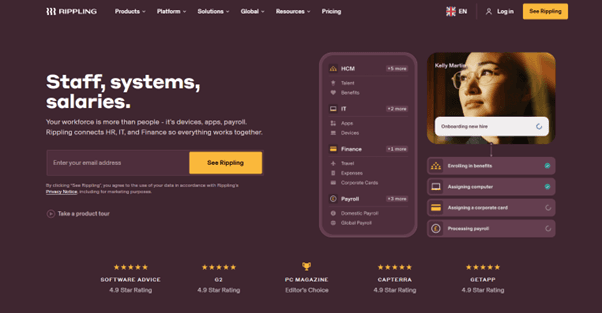
Rippling ranks first for a simple reason: It connects areas of the business that are often managed in isolation. Instead of treating HR, payroll, and IT as separate systems, Rippling brings them together within a single platform.
For Canadian organizations, this helps to reduce any friction. When an employee is hired, promoted, or leaves, Rippling can automatically update payroll details, benefits enrollment, system access, and reporting. This helps remove many manual steps and reduces the risk of errors. This is especially important for teams managing growth or operating across multiple provinces.
Rippling also supports Canadian payroll and compliance requirements while offering deep integrations across finance, IT, and productivity tools. This makes it well-suited to those who want fewer systems, cleaner data, and better visibility as their organizations scale.
Why teams choose Rippling
HR, payroll, and IT are all managed in a single system
There is an emphasis on automation to help reduce manual admin during onboarding and role changes
Strong integrations with accounting, finance, and productivity tools
User-flagged challenges
Some advanced HR features require additional add-ons
Initial setup requires planning to fully configure workflows
Rippling tends to suit Canadian businesses that want a connected platform and don’t want to rebuild their systems every few years.
“Overall, my experience with Rippling has been excellent. It’s a powerful all-in-one platform that has simplified how we handle onboarding, offboarding, payroll, and device management. The automation and integration between modules save a lot of time and reduce human error, making day-to-day operations much smoother.” – Rippling Capterra Review
2. Dayforce HCM
Source: Dayforce HCM
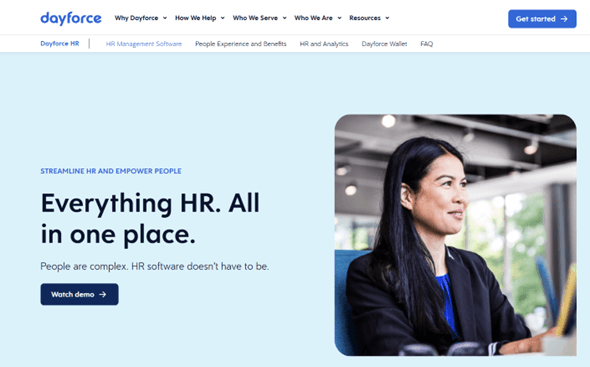
Dayforce HCM is designed for organizations with demanding payroll and workforce management needs. It is widely used in industries where scheduling, time tracking, and compliance are tightly regulated - e.g. retail, manufacturing, healthcare, and the public sector.
The platform combines payroll, HR, and workforce management, giving management teams a strong, strategic grasp of their labour costs and staffing. For complex organizations operating across multiple provinces or managing large hourly workforces, this feature set helps manage complexity effectively.
Dayforce’s core strength lies in its ability to accurately handle time capture. Complex pay rules, overtime calculations, and compliance requirements are all handled with ease within the same system.
Why do companies choose Dayforce?
Robust payroll and workforce management tools
Strong support for complex scheduling and pay rules
Reliable compliance coverage for large organizations
User-flagged challenges
Implementation timelines can be long
The system can start to feel a little heavy for smaller teams
“My overall experience the past few years using Dayforce has been steady. I have had issues uploading my Schedules into my Phone Calendar in the past, but Dayforce makes this really easy.” – Dayforce Capterra Review
3. Workday HCM
Source: Workday HCM
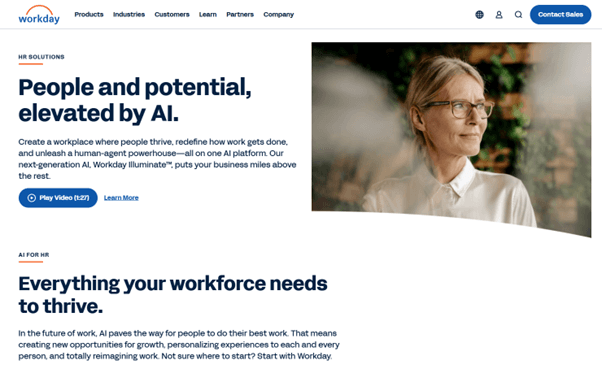
Workday HCM is built for scale and ideal for large organizations with its ability to provide near real-time visibility into workforce data, performance, and long-term planning.
Workday’s core strength is in the quality of its analytics and reporting. HR leaders can easily track trends across headcount, turnover, compensation, and performance. For Canadian enterprises with dedicated HR and IT resources, this helps provide broader, strategic workforce decisions.
This power does come with some trade-offs, however. Implementation can typically be longer, and ongoing administration requires some internal expertise.
Why do companies choose Wokday?
Advanced analytics and workforce planning
Strong scalability for large organizations
Integrated ecosystem across HR and finance
User-flagged challenges
High cost relative to SMB-focused platforms
Longer setup and training requirements
“It helps me manage day-to-day tasks and my documentation, and to help make informed decisions when speaking at strategic HR management meetings.” – Workday HCM Capterra Review
4. ADP Workforce Now
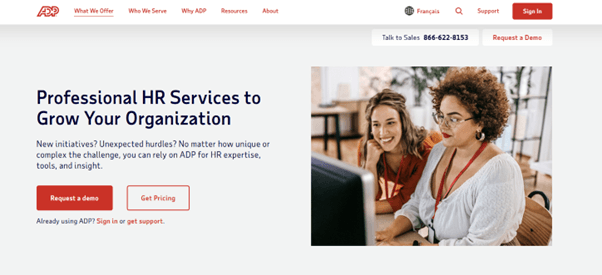
Source: ADP Workforce Now
ADP Workforce Now is one of the most established names in HR and payroll platforms globally. In Canada, it has earned a trusted reputation for its payroll accuracy and compliance.
The platform works well for organizations that prioritize stability and reliability, particularly those with established payroll processes and larger headcounts. ADP’s long track record is particularly evident in its compliance handling and the depth of its reporting.
That said, the overall experience can feel less flexible than newer, cloud-native platforms.
Why do companies choose ADP Workforce?
Proven payroll accuracy
Strong compliance and reporting tools
Scales well for mid-to-large organizations
User-flagged challenges
Interface feels a little dated
Customization options are limited
“I've used ADP at a few different jobs now, and each of them has had its own way of using ADP. I love how it centralizes everything "HR" related in one place.” – ADP Workforce Capterra Review
5. Employment Hero
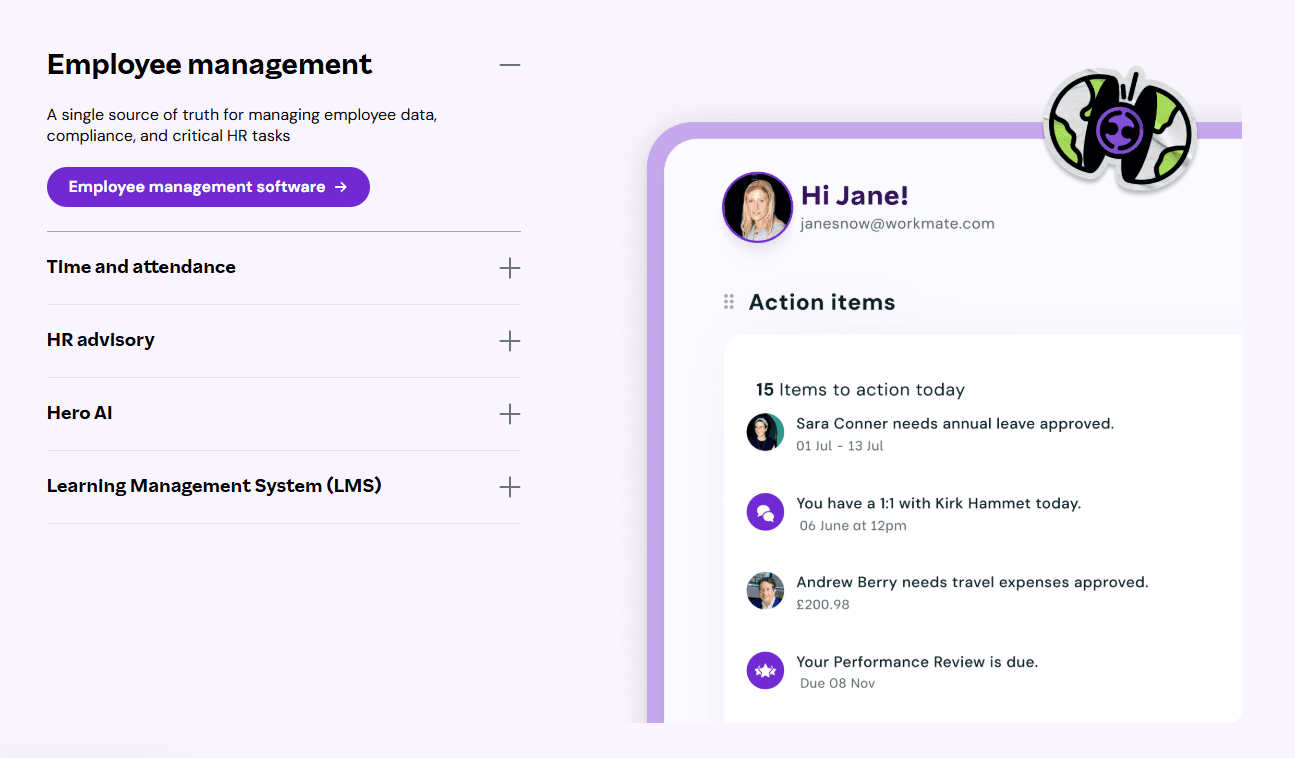
Source: Employment Hero
Employment Hero aims to simplify HR for Canadian small and mid-sized businesses. It combines HR, payroll, and employee self-service, all focused on local requirements.
The platform especially appeals to teams that need a straightforward system without the bells and whistles of enterprise-level complexity. Employees also have easy access to pay information, leave balances, and documents through a self-service portal, while HR teams benefit from local templates and automation.
Why do companies choose Employment Hero?
Strong focus on Canadian SMB needs
Employee-friendly self-service tools
Competitive pricing for smaller teams
User-flagged challenges
Reporting flexibility is limited
Scaling for larger organizations can create some challenges
“My overall experience with Employment Hero has been very positive. The platform is user-friendly and makes managing HR tasks much more efficient, from payroll to employee management.” – Employment Hero Capterra Review
6. Collage HR

Source: Collage HR
Collage HR is specifically designed for Canadian businesses and delivers core HR functionality without any burdensome complexity. Rather than trying to satisfy all market needs, the platform focuses on onboarding, document management, employee records, and compliance tracking.
For small- and mid-sized organizations that operate primarily in Canada, this offers significant value. Collage HR embeds Canadian employment practices directly into its workflows and documentation, giving HR teams the consistency to stay organized.
Collage HR does not include a payroll component; teams may need to pair it with an external Canadian payroll provider. For organizations comfortable with that split, the platform provides a clean and practical HR foundation.
Why do companies choose Collage HR?
Designed specifically for Canadian businesses
Clean interface and straightforward setup
Strong document and policy management
User-flagged challenges
No native payroll functionality
Limited analytics for growing teams
“Overall, it's been a great time saver and wonderful to have everything in one place.” – Collage HR Capterra Review
7. BambooHR
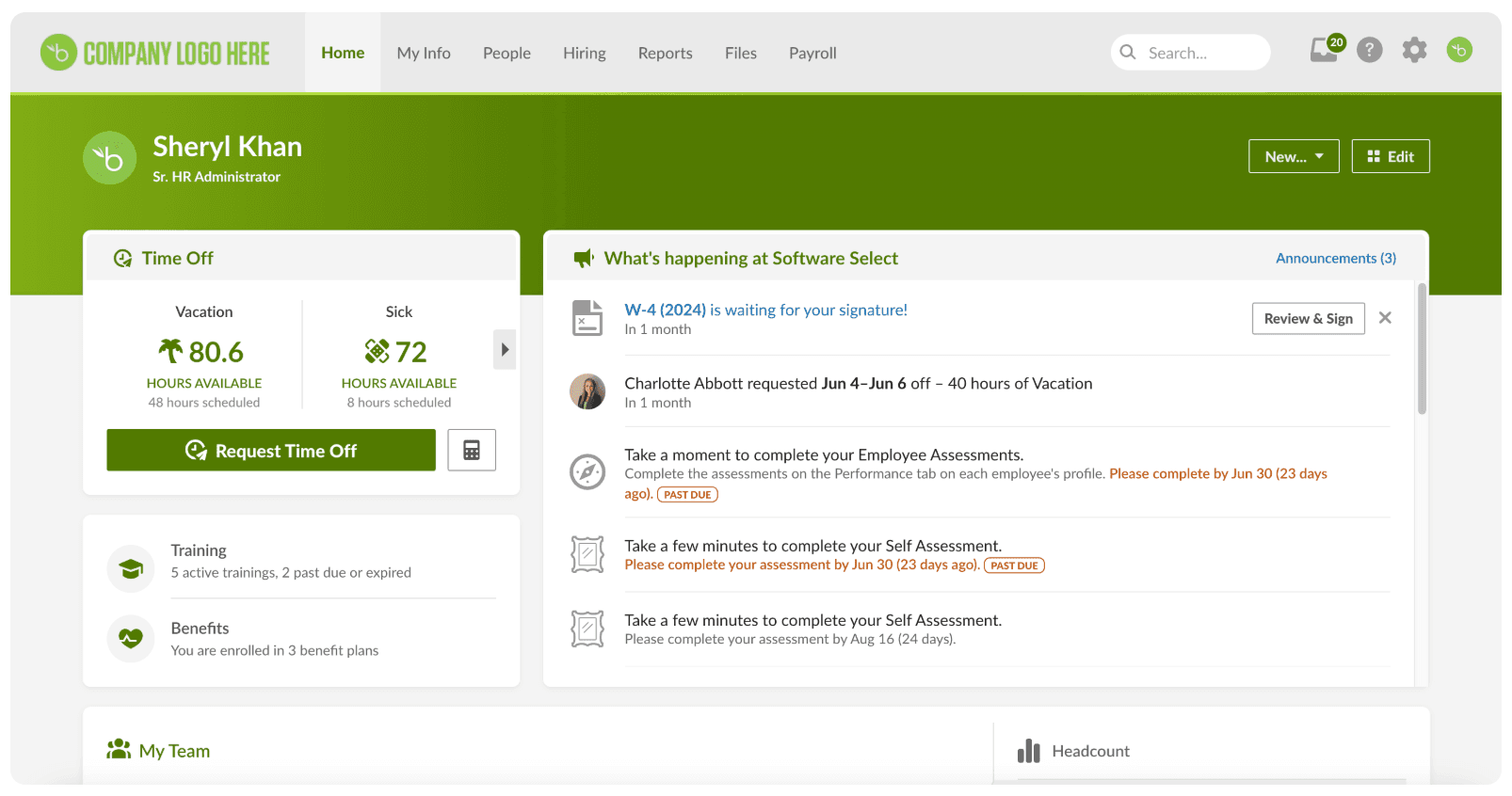
BambooHR is widely recognized for its ease of use. It is often chosen by smaller teams that want to replace spreadsheets with a clean system for employee records, onboarding, and basic reporting.
The platform performs well with core HR tasks and employee self-service. New hires can onboard quickly, and management teams can access employee information without navigating complex menus.
In Canada, BambooHR is typically used alongside a separate payroll system. While this adds an extra integration step (and, of course, extra costs), many small teams accept the trade-off for its usability.
Why do companies choose BambooHR?
Intuitive user experience
Strong onboarding workflows
Clear employee self-service
User-flagged challenges
Payroll handled through integrations
Limited depth for Canadian compliance
“Overall, Bamboo HR is an excellent HRIS platform. All the basics are covered, including: Time & Attendance, Employee Documents, Employee Profile, Attendance Management just to name a few.” – BambooHR Capterra Review
8. Folks HR
Folks HR offers a modular approach that enables organizations to adapt workflows to their internal processes. It is commonly used by mid-sized organizations that want more flexibility than entry-level tools offer, without needing to commit to the more complex enterprise-based platforms.
The platform includes tools for employee records, performance management, and reporting. Its Canadian support presence appeals to teams that value local understanding.
Why do companies choose Folks HR?
Flexible and configurable workflows
Canadian support presence
Solid core HR capabilities
User-flagged challenges
Interface feels a little dated
Limited integration ecosystem
“From initial contact to building our platform, training and launch process have been seamless. The professionalism of the team has been great along with the personalized training and coaching support have been top-notch.” – Folks HR Capterra Review
9. Hibob
Source: HiBob
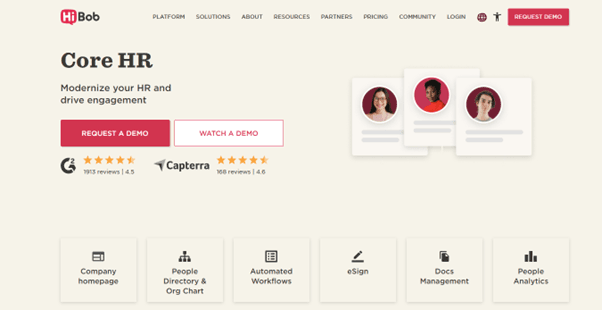
HiBob is designed for organizations prioritizing employee engagement and communication. Its suite of built-in tools supports modern HR practices, including surveys, analytics, and automation tools.
The platform is particularly popular with technology and professional services teams that prioritize culture and clear feedback loops. Payroll and compliance are typically handled through integrations with other providers.
Why do companies choose Hibob?
Strong engagement and survey tools
Modern, employee-friendly interface
Flexible reporting
User-flagged challenges
No native Canadian payroll
Compliance depends on the integrations undertaken
“Bob is a user-friendly People tool that has been a great resource for our business. It has helped us automate tasks and focus on people initiatives that make a difference in employees' lives.” – Hibob Capterra Review
10. Sage HR
Source: Sage HR
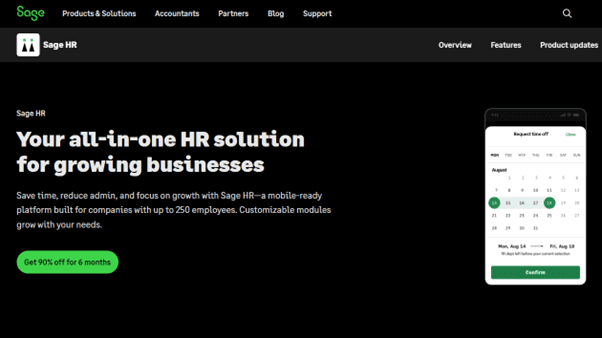
Sage HR provides a suite of modular HR tools that integrate with payroll systems and is often used by organizations already operating within the Sage ecosystem.
The platform allows teams to add functionality gradually, which can suit businesses that are experiencing steady growth.
Why do companies choose Sage HR?
Modular setup
Payroll integrations available
Gradual scalability
User-flagged challenges
Limited native compliance features
Interface lacks polish compared to newer tools
“Have really loved using this across a distributed team while still giving us the feeling of being connected, cohesive, and consistent across the board.” – Sage HR Capterra Review
11. PurelyHR
Source: PurelyHR
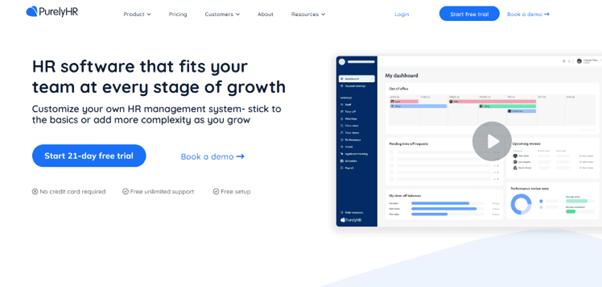
PurelyHR focuses on essentials such as time-off tracking and basic HR records. It is best suited to small teams with simple needs that want to move away from spreadsheets without investing in a full HR suite.
Why do companies choose PurelyHR?
Affordable pricing
Simple setup
Covers basic HR requirements
User-flagged challenges
Limited feature depth
Not suitable for complex compliance requirements
“We've been using Purely HR for over 8 years now and have never needed support nor have we ever considered moving off of it.” – PurelyHR Capterra Review
How to find the best HR software for your business
No single HR platform can work for every organization. The right choice can depend on multiple factors such as your company's size, growth plans, and operational complexity.
The best place to start is by refining your core requirements. Your organization might need full payroll and benefits administration, while other organizations may prefer a system that prioritizes onboarding, reporting, and employee engagement.
Next, consider your organization’s size, scalability, and growth plans. A platform that works for a 10-person team may struggle if your teams reach fifty or a hundred employees.
Given the complexity of the Canadian employment environment, compliance should be treated as a priority. Confirm that payroll, CRA reporting, and provincial employment standards are supported. If you employ staff in Québec, ensure the platform can accommodate the language and regulatory requirements without complications.
Usability matters. A system that employees and managers avoid will not deliver value, regardless of its feature list.
Finally, assess pricing and support over the longer term. Make sure to include costs beyond the headline rates, such as implementation costs, contract terms, and access to responsive support, which will all affect your total costs. You can also estimate the costs of employing in different countries by checking out this employee cost calculator.
Why Rippling ranked number one
Rippling performed consistently across each evaluation category.
Its ability to integrate HR, payroll, and IT into a single system reduces administrative burden and improves data accuracy. For Canadian businesses planning for expansion, this connected approach provides the valuable combination of longer-term flexibility and control.
2025/2026 Canadian HR compliance changes to be aware of
HR compliance in Canada shifted in 2025 through a steady accumulation of smaller federal and provincial changes. For growing businesses, the challenge is less about reacting to a single new law and more about ensuring your HR platform enables you to remain compliant efficiently as the legislation across the nation quietly tightens.
There were six compliance changes that had the most practical impact on Canadian employers in 2025 and are likely to shape compliance priorities throughout 2026.
Expanded sick leave entitlements and medical note restrictions
Several provinces expanded their protected sick leave entitlements in 2025. In addition, there were changes that limit when employers can request medical notes. British Columbia and Saskatchewan followed Ontario and Québec’s lead by reducing the documentation requirements for short-term absences.
For employers, this places greater emphasis on having an HR system that accurately tracks leave and is up to date with provincial policies.
Pay transparency and hiring disclosure requirements
Pay transparency became a major compliance theme in 2025, led by Ontario. New rules due to come into effect in very early 2026 will require certain employers to include compensation ranges in job postings, disclose the use of AI in hiring decisions, and clarify whether roles are permanent or temporary. Designed to improve fairness and clarity in the workplace, they also raise the bar for consistency in recruitment practices.
For growing teams, this makes structured hiring workflows and documented processes increasingly important within your HR system.
Stronger workplace harassment and violence prevention standards
Workplace harassment and violence prevention requirements were strengthened across several provinces in 2025. Nova Scotia introduced mandatory written policies and investigation procedures, while at the same time, Québec expanded its framework to include psychosocial risk prevention. The emphasis has shifted toward prevention, training, and clear documentation, rather than a reactive response alone.
Changes to termination and group layoff rules
Termination compliance also saw some meaningful updates. Ontario introduced unpaid job-seeking leave for employees affected by group terminations under the Working for Workers Seven Act. Saskatchewan also adjusted the thresholds that trigger group termination requirements. Employers operating across provinces should ensure termination workflows reflect regional rules rather than just relying on a single national process.
Québec health and safety alignment
In 2025, Québec updated its occupational health and safety framework. Under this new framework, it expanded its requirements for prevention programs, health and safety committees, and designated liaison roles. While Québec acted alone, these updates bring closer alignment with other provinces and reinforce the need for HR systems that can support regional variation without fragmenting operations.
Ongoing federal and provincial reporting obligations
Beyond legislative updates, core reporting obligations remain a constant and consistent focus. CRA remittances, T4 and T4A filings, employment standards reporting, and minimum wage updates continue to need accuracy and timeliness. Strong systems for maintaining payroll records help organizations manage compliance across provinces. As organizations expand across provinces, manual tracking can become increasingly challenging to sustain.
What this means for growing businesses
The common thread across these changes is that they are small, consistent ones. Compliance risk in Canada tends to be driven by small gaps across multiple areas rather than by a single missed obligation.
HR software that stays current with regulatory updates, applies rules consistently, and reduces manual tracking can support growth with confidence while lowering administrative risk in 2026. Want further guidance on your HR compliance? Check out our EOY compliance list.
HR software is more than admin
HR software is no longer just about record-keeping. It needs to support growth, improve employee experience, and reduce risk.
For Canadian organizations seeking a connected system to confidently manage HR, payroll, and workforce operations, Rippling stands out as the most comprehensive option for teams planning to scale in 2026. For many, it provides a layer of efficiency that helps support future decision-making.
FAQs
What is HR software, and what does it typically include?
Is HR software suitable for small businesses?
Yes. Many platforms are specifically designed for small and growing teams. Many can scale as the organization’s needs change.
Can HR software handle payroll and compliance in Canada?
Most modern platforms support Canadian payroll and compliance, though the depth of support varies by provider.
What training is required to use HR software?
Most platforms offer onboarding and training resources. Ease of use varies, so adoption will depend on the platform’s design success.
Are HR platforms accessible on mobile devices?
Most modern HR systems offer mobile access for employees and managers, although functionality can vary.
Clause de non-responsabilité
Rippling et ses sociétés affiliées ne fournissent pas de conseils fiscaux, comptables ou juridiques. Ce document a été préparé à titre informatif uniquement et n’est pas destiné à fournir des conseils fiscaux, juridiques ou comptables, et ne doit pas être utilisé à cette fin. Il est recommandé de consulter vos propres conseillers fiscaux, juridiques et comptables avant de vous engager dans toute activité ou transaction connexe.
Politique éditoriale de Rippling : Rippling accorde la priorité à ses clients (et à ses clients potentiels). L’équipe de Rippling s’engage à fournir des informations étayées par des données sur les produits, des avis d’experts et des rétroactions réelles de clients afin d’alimenter l’ensemble de notre contenu. L’exactitude et l’actualité de l’ensemble de notre contenu sont vérifiées par des experts en produits.

Author

Vanessa Kahkesh
Responsable du marketing de contenu, RH
Vanessa Kahkesh est spécialiste du marketing de contenu pour les RH, passionnée par la création de conversations à l’intersection des personnes, de la stratégie et de la culture d’entreprise. Chez Rippling, elle supervise la création de contenus axés sur les RH. Vanessa a perfectionné ses compétences en marketing, mise en récit et croissance grâce à des expériences en marketing produit, en création de communautés et dans des startups. Elle a travaillé au sein de l’équipe marketing produit de Replit et a fondé STUDENTpreneurs, une plateforme communautaire mondiale pour les étudiants entrepreneurs. Son expérience multidisciplinaire, alliant narration, gestion de la marque et opérations, lui offre une perspective unique sur le contenu RH : elle parvient à relier efficacement l’aspect technique des ressources humaines aux histoires humaines qui les sous-tendent.
Voir Rippling en action
Économisez davantage, automatisez les tâches fastidieuses et prenez de meilleures décisions en gérant les RH, les TI et les finances au même endroit.